
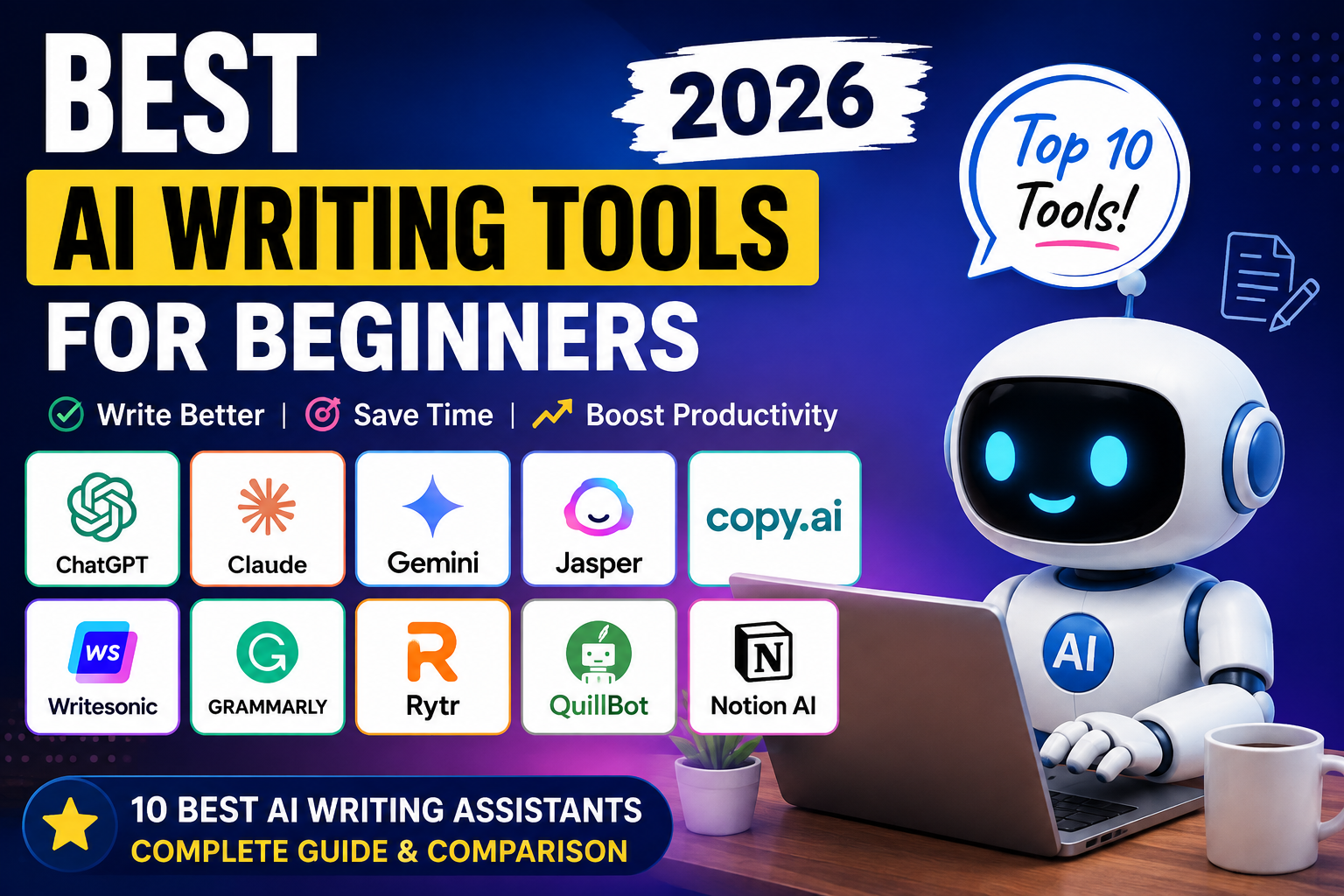
Artificial Intelligence has completely transformed the way people write. Whether you’re a blogger, student, freelancer, marketer, or business owner, AI writing tools can help you create high-quality content faster than ever before.
In 2026, AI writing assistants are more powerful than ever. They can generate blog posts, write emails, create social media captions, summarize documents, fix grammar, translate languages, and even help with SEO.
If you’re just getting started, choosing the right AI writing tool can feel overwhelming. There are dozens of options, each with different features, pricing, and strengths.
In this guide, we’ll compare the best AI writing tools for beginners to help you choose the one that matches your needs and budget.
Why Use an AI Writing Tool?
AI writing tools save time and improve productivity. Instead of spending hours writing from scratch, you can generate drafts within minutes.
Benefits include:
- Faster content creation
- Better grammar and spelling
- Improved readability
- SEO optimization
- Brainstorming ideas
- Content rewriting
- Email writing
- Social media captions
- Blog outlines
These tools don’t replace creativity—they help you work faster and more efficiently.
Top AI Writing Tools for Beginners
| Tool | Best for | Free plan | Starting price |
| ChatGpt | General writing | Yes | Paid plans available |
| Claude | Long-form writing | Yes | Paid plans available |
| Gemini | Google Ecosystem | Yes | Paid plans available |
| Jasper | Marketing content | No | Premium |
| Copy.ai | Sales & marketing | Yes | Paid plans available |
| Writesonic | SEO content | Yes | Paid plans available |
| Grammarly | Grammar correction | Yes | Premium available |
| Rytr | Bidget writers | Yes | A |
| QuillBot | Rewriting | Yes | Premium available |
1. ChatGPT
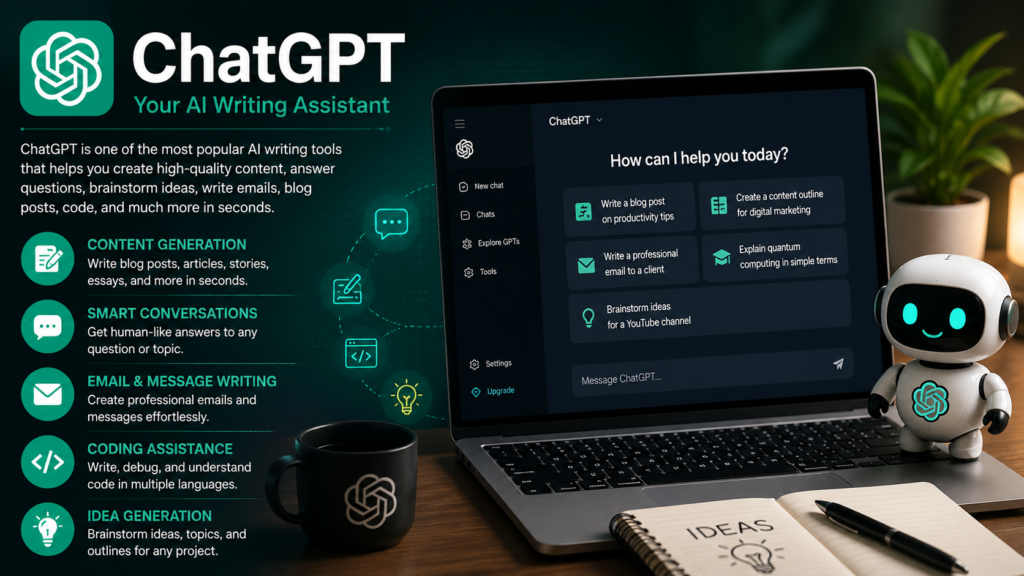
ChatGPT is one of the most popular AI assistants in the world. It can write blog posts, answer questions, generate code, create business plans, write emails, and much more.
Best Features
- Blog writing
- Article generation
- Content rewriting
- Coding assistance
- Brainstorming
- Summaries
Pros
- Beginner-friendly
- Excellent writing quality
- Supports many use cases
- Regular updates
Cons
- Some advanced features require a paid subscription.
- AI-generated content still benefits from human review.
2. Claude

Claude is known for producing natural, detailed, and well-structured long-form writing.
It performs especially well for research articles, reports, and long blog posts.
Pros
- Excellent long-form writing
- Natural tone
- Handles lengthy documents
Cons
- Smaller ecosystem compared to some competitors.
3. Gemini
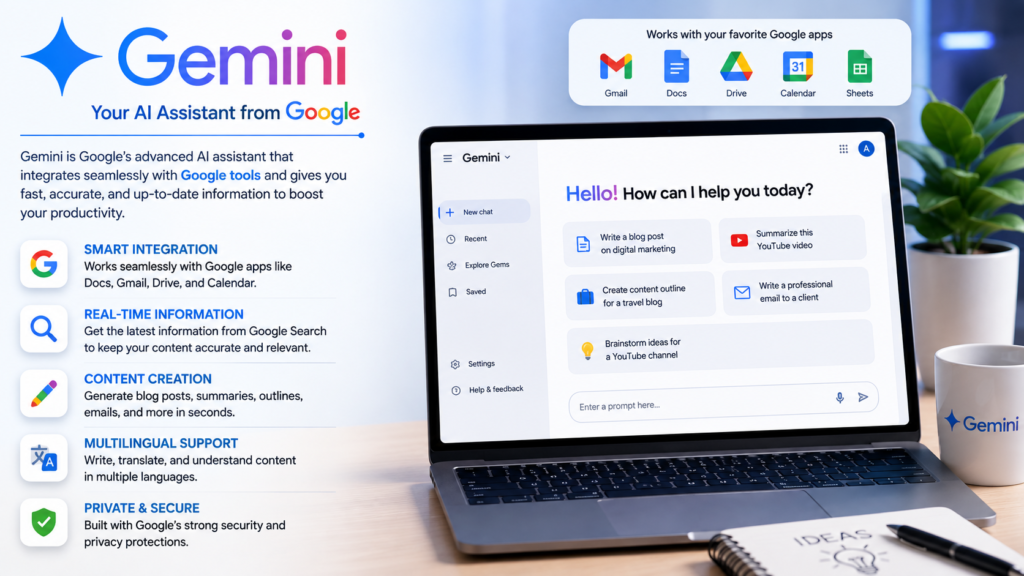
Gemini integrates well with Google services, making it useful if you already use Google Workspace.
Best Features
- Google Docs support
- Gmail assistance
- Search integration
- Productivity features
Pros
- Great for Google users
- Fast responses
- Useful integrations
Cons
Some advanced capabilities require paid plans.
4. Jasper

Jasper focuses on marketing teams and businesses.
It offers templates for advertisements, landing pages, emails, and social media.
Best For
- Digital marketers
- Agencies
- Businesses
5. Copy.ai
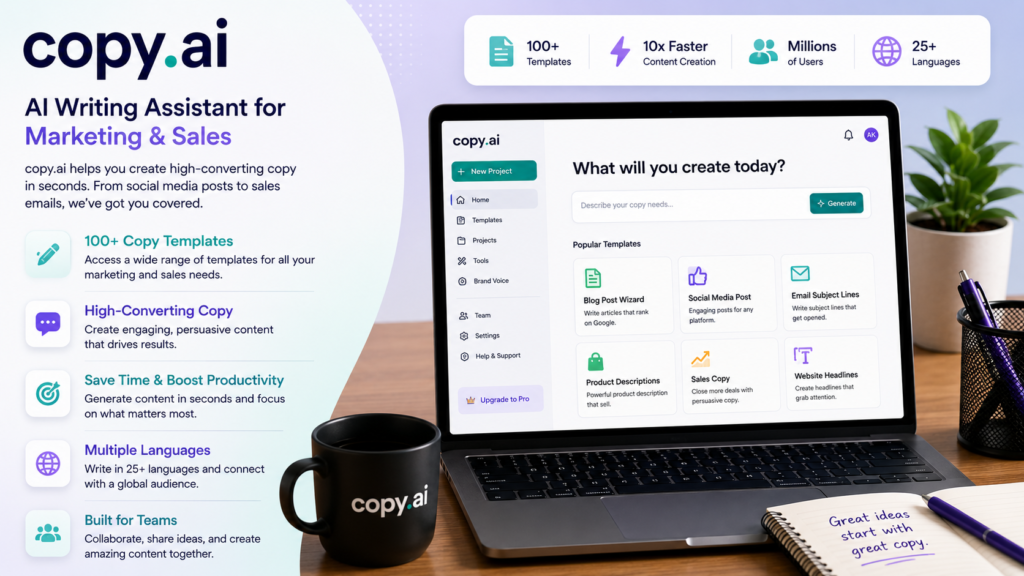
Copy.ai specializes in sales copy, email marketing, and social media content.
It includes many templates that help beginners create professional marketing content quickly.
6. Writesonic
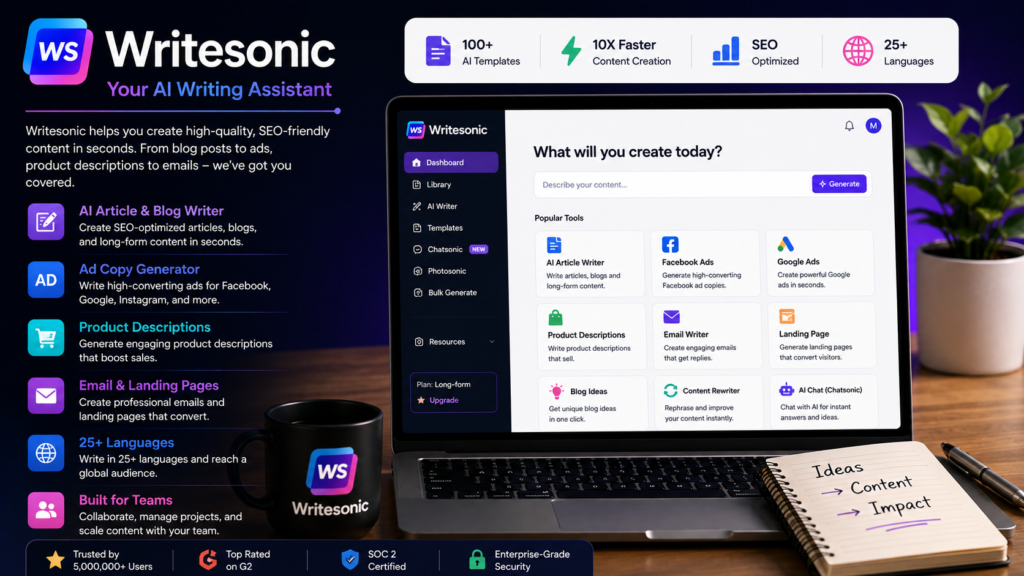
Writesonic combines AI writing with SEO-focused features.
Many bloggers use it for generating articles optimized around keywords.
7. Grammarly
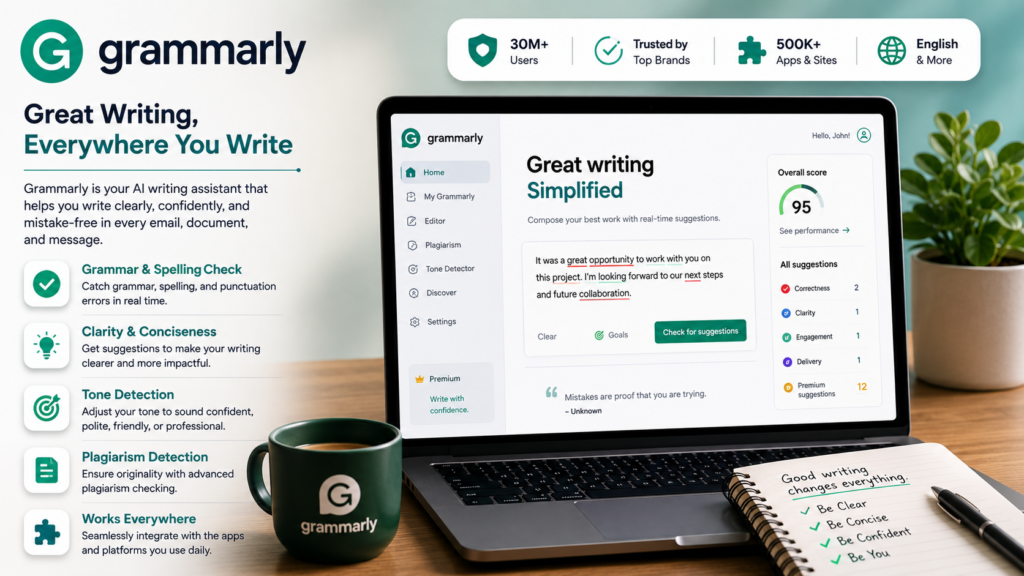
Grammarly isn’t a full writing generator, but it remains one of the best tools for correcting grammar, spelling, punctuation, and clarity.
8. Rytr
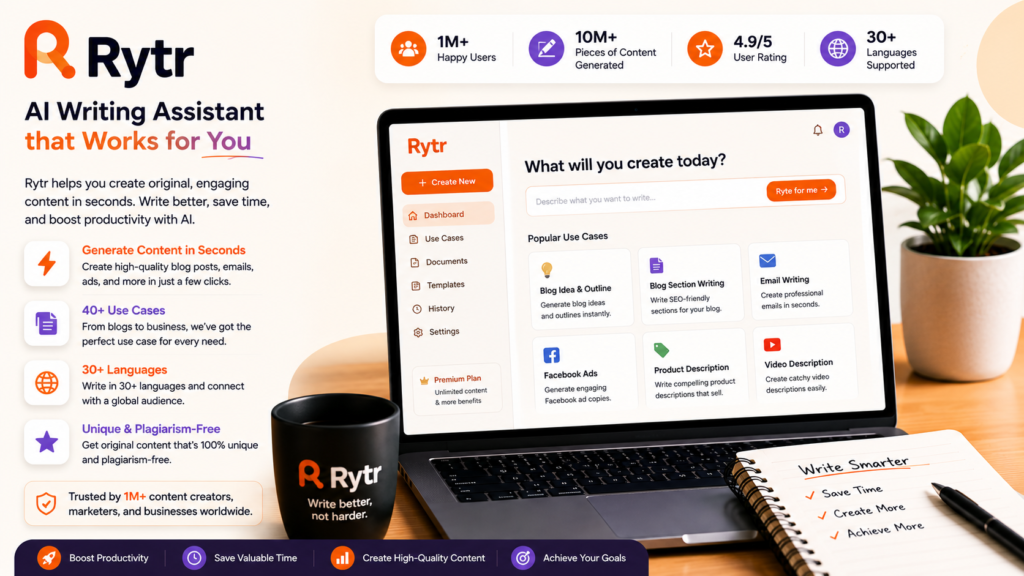
Rytr is an affordable AI writing assistant suitable for beginners who need simple content creation.
It supports multiple languages and includes templates for blogs, emails, and social media.
9. QuillBot
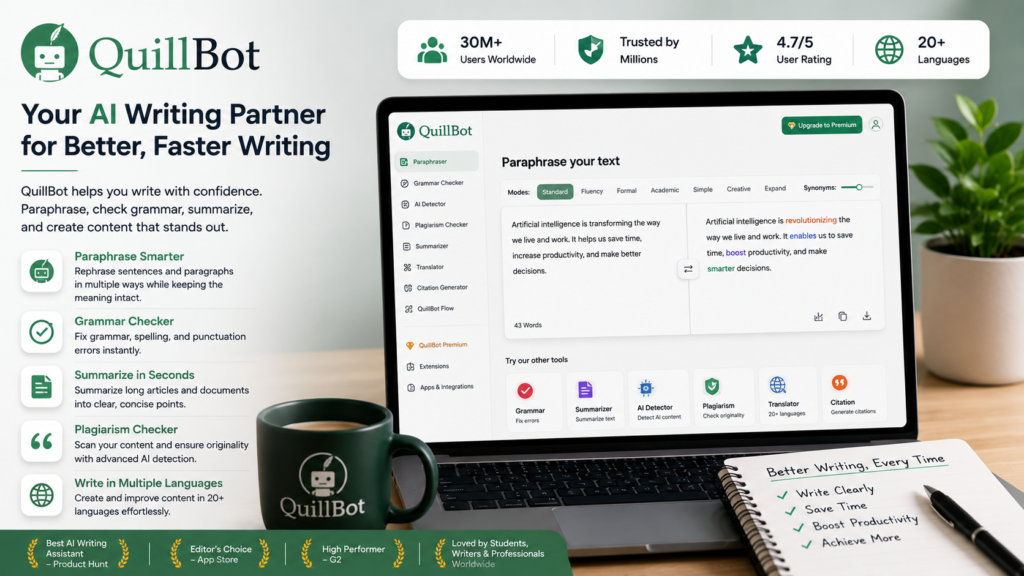
QuillBot is ideal for rewriting and paraphrasing existing content.
Students and writers frequently use it to improve readability and sentence structure.
How to Choose the Right AI Writing Tool
Before choosing an AI writing assistant, ask yourself:
- Do you mainly write blogs?
- Do you need SEO features?
- Do you create marketing content?
- Do you need grammar correction?
- What’s your budget?
Beginners often benefit from starting with a free plan before upgrading.
Tips for Getting Better Results
- Write clear prompts.
- Provide context.
- Edit AI-generated drafts before publishing.
- Verify factual information.
- Add your own examples and experience.
- Use headings and short paragraphs for readability.
Can AI Replace Human Writers?
AI is a powerful assistant, but it doesn’t replace human creativity, judgment, or expertise.
The best results usually come from combining AI-generated drafts with human editing. This helps ensure accuracy, originality, and a voice that matches your audience.
Frequently Asked Questions
Which AI writing tool is best for beginners?
ChatGPT is a strong starting point because it’s easy to use, versatile, and offers a free option.
Are AI writing tools free?
Many tools offer free plans with usage limits. Paid plans generally unlock more features and higher usage.
Can AI write SEO articles?
Yes. AI can help draft SEO-friendly content, but you’ll usually get better results by reviewing, editing, and adding unique insights.
Is AI-generated content allowed on Google?
Google focuses on content quality rather than whether AI assisted in creating it. Helpful, accurate, and original content is more important than the method used to produce it.
Which AI tool is best for students?
ChatGPT, Gemini, Claude, and QuillBot are popular choices for brainstorming, studying, writing, and editing.
Final Thoughts
AI writing tools have made content creation faster and more accessible than ever. Whether you’re starting a blog, writing emails, creating marketing copy, or studying, there’s likely a tool that fits your needs.
For most beginners, ChatGPT, Claude, and Gemini are excellent places to start because they offer a broad range of writing capabilities and are easy to learn. As your needs grow, you can explore specialized tools for SEO, marketing, grammar, or productivity.
The key is to use AI as a writing partner—let it help with drafting and brainstorming while you add your own expertise, personality, and fact-checking. That combination is far more valuable than relying on AI alone.
Very useful for beginners