
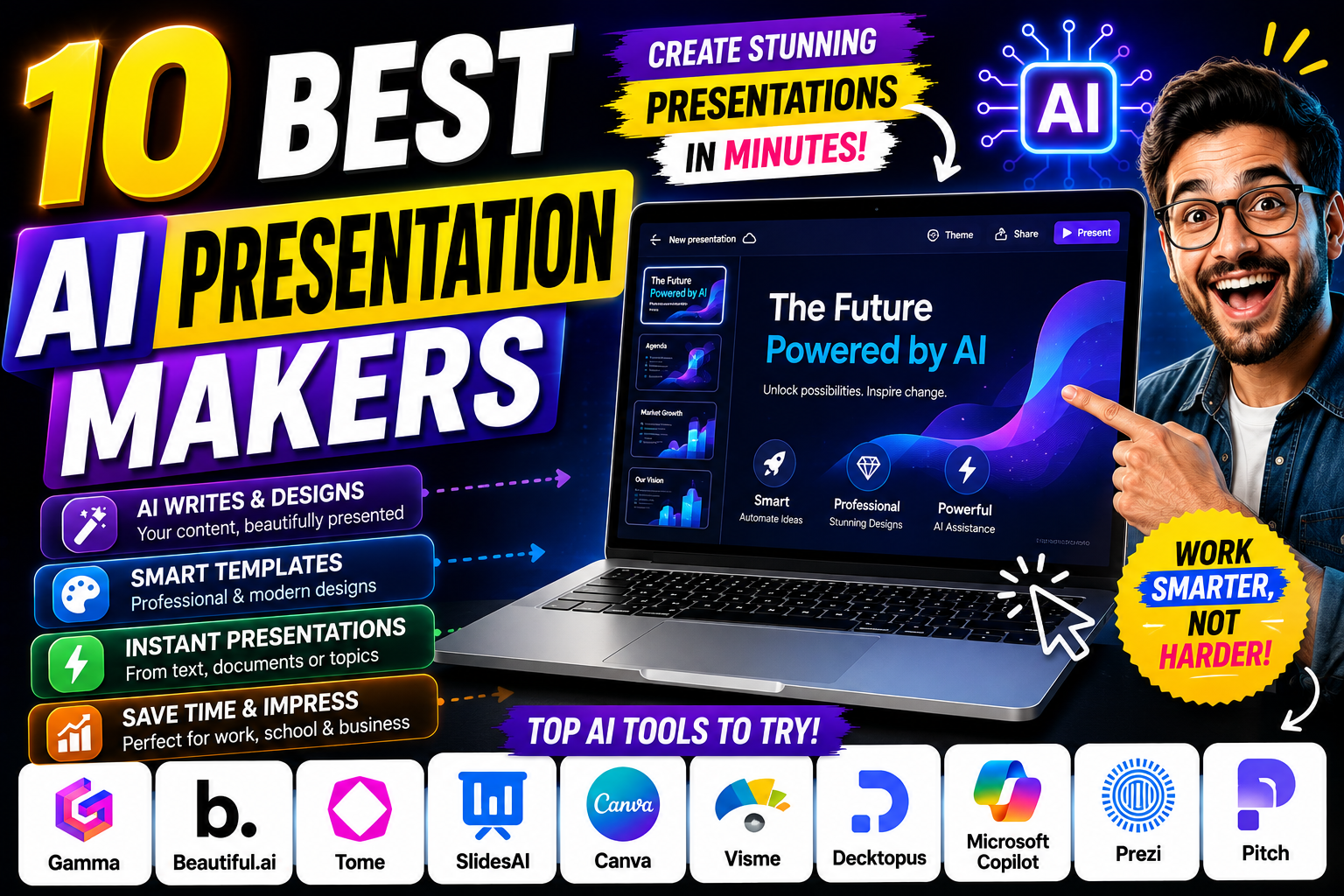
Creating a professional presentation can take hours. You have to plan the content, write the text, choose images, arrange slides, select fonts, and make sure everything looks consistent.
AI presentation makers can now handle much of this work. You can provide a topic, outline, document, or simple prompt, and AI can generate a presentation that you can edit and customize.
In this guide, we’ll compare 10 of the best AI presentation makers in 2026 and explain which tool is best for students, businesses, marketers, and content creators.
Recent 2026 comparisons consistently place Gamma, Beautiful.ai, Canva, Pitch, Tome, and SlidesAI among the leading options, although the best choice depends on whether you prioritize speed, design control, collaboration, or compatibility with existing presentation software.
What Is an AI Presentation Maker?
An AI presentation maker is a tool that uses artificial intelligence to help create slide decks.
Instead of designing every slide manually, you can provide instructions such as:
“Create a 10-slide presentation explaining artificial intelligence for college students.”
The AI can then help create:
- Slide titles
- Written content
- Slide layouts
- Images and graphics
- Charts
- Presentation structure
- Speaker notes
You can then review and edit the presentation before presenting it.
AI presentation tools are becoming particularly useful because they reduce the amount of time spent on repetitive formatting and design work.
Top 10 AI Presentation Makers in 2026
1. Gamma — Best Overall AI Presentation Maker
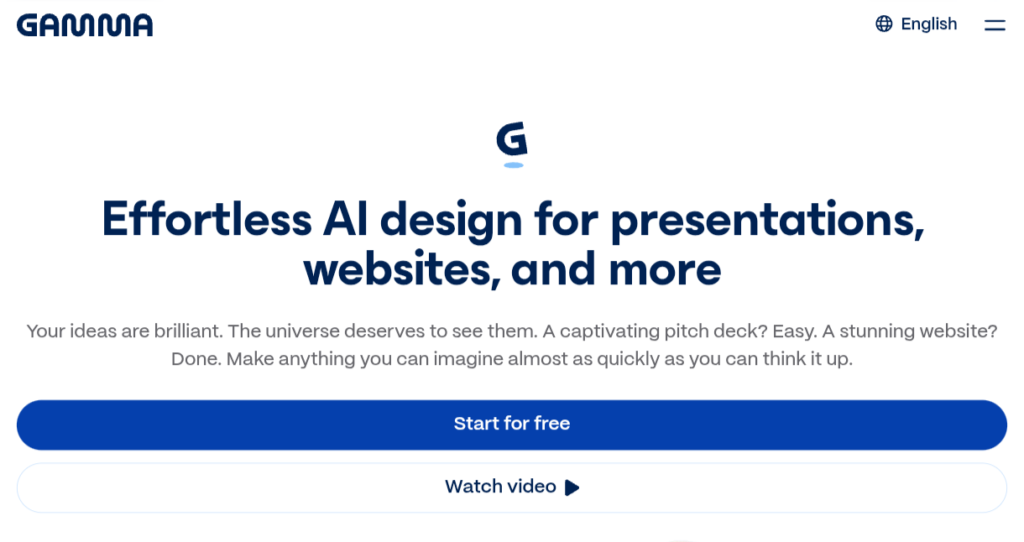
Gamma is one of the most popular AI presentation tools for quickly turning an idea or outline into a complete presentation.
You can start with a prompt and generate a structured deck without manually designing every slide.
Key features
- AI-generated presentations
- Modern templates
- AI writing assistance
- Image generation/integration
- Easy editing
- Collaboration
- Presentation sharing
- Export options
Recent 2026 testing has ranked Gamma highly for its ability to go from a prompt to a usable presentation quickly.
Best for
- Students
- Startups
- Business presentations
- Pitch decks
- Quick presentations
- Content creators
Verdict
Best overall choice if you want a presentation quickly.
2. Canva AI — Best for Beginners
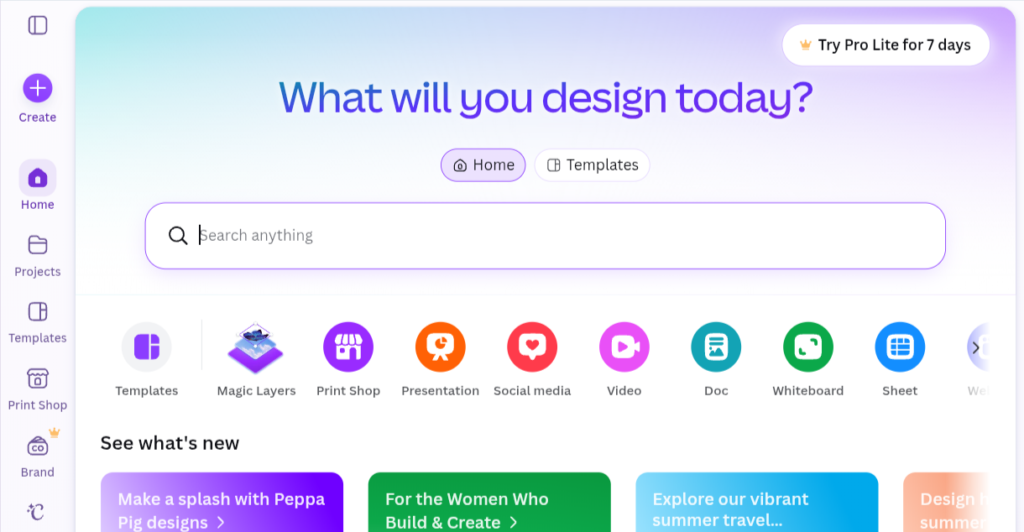
Canva is already one of the most popular design platforms, and its AI features make presentation creation even easier.
You can use Canva to create:
- College presentations
- Business presentations
- Marketing decks
- Pitch decks
- Educational slides
- Social-media presentations
One major advantage is Canva’s huge collection of templates, graphics, photos and design elements.
Recent comparisons describe Canva as particularly strong for users who want flexibility and access to a broader design ecosystem rather than a presentation-only tool.
Best for
Beginners and people who want maximum design flexibility.
3. Beautiful.ai — Best for Professional Design
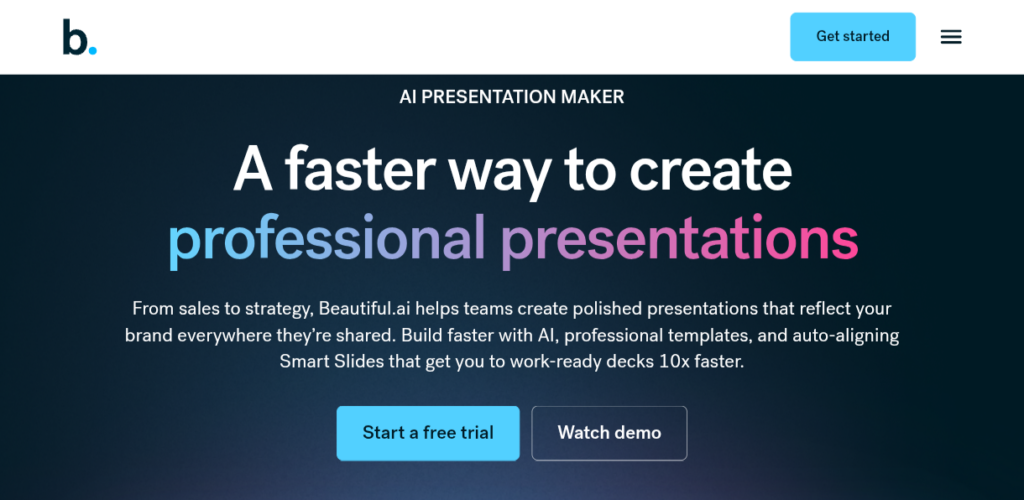
Beautiful.ai focuses heavily on automatically maintaining clean slide layouts.
Instead of manually adjusting every element, its design system helps keep content aligned as you edit.
Useful for:
- Business presentations
- Sales presentations
- Marketing decks
- Company presentations
- Team presentations
Recent comparisons highlight Beautiful.ai for its strong design guardrails and consistent visual style.
Best for
Businesses and professionals who want polished, consistent presentations.
4. Microsoft Copilot — Best for PowerPoint Users
If you already use Microsoft PowerPoint, Microsoft Copilot can be a convenient AI option.
Instead of moving your workflow to a completely different presentation platform, you can use AI assistance within Microsoft’s ecosystem.
It can help with tasks such as:
- Creating presentation drafts
- Generating slide content
- Summarizing information
- Rewriting text
- Improving presentations
A recent 2026 comparison identified PowerPoint with Copilot as a particularly suitable choice for people already working in Microsoft 365.
Best for
Microsoft 365 and PowerPoint users.
5. Tome — Best for Creative Presentations
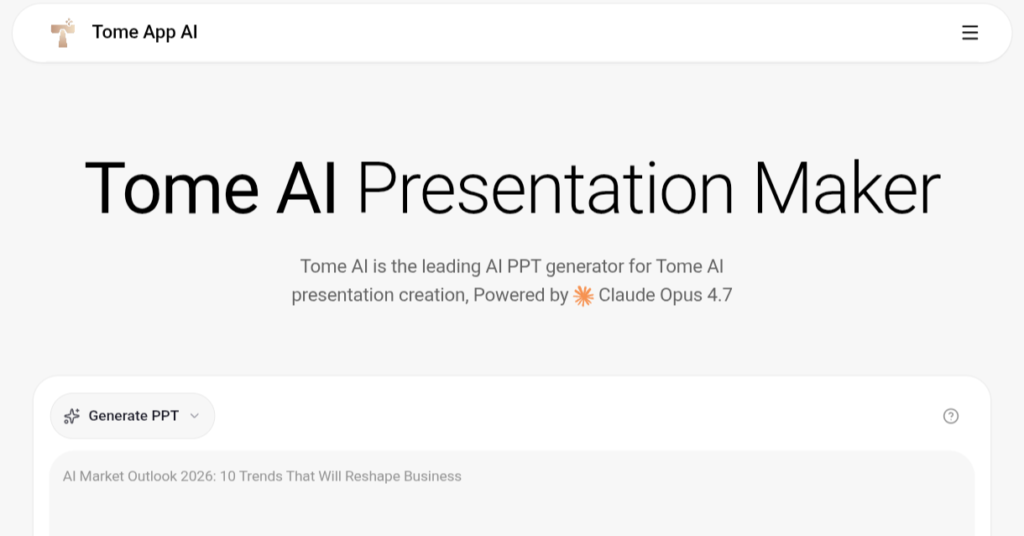
Tome takes a more storytelling-oriented approach to presentations.
It can help transform an idea into a visually engaging narrative.
Good for:
- Storytelling
- Creative presentations
- Startup ideas
- Product concepts
- Visual reports
Recent comparisons describe Tome as visually interesting but somewhat less consistent for data-heavy presentations.
Best for
Creative presentations and visual storytelling.
6. Pitch — Best for Team Collaboration
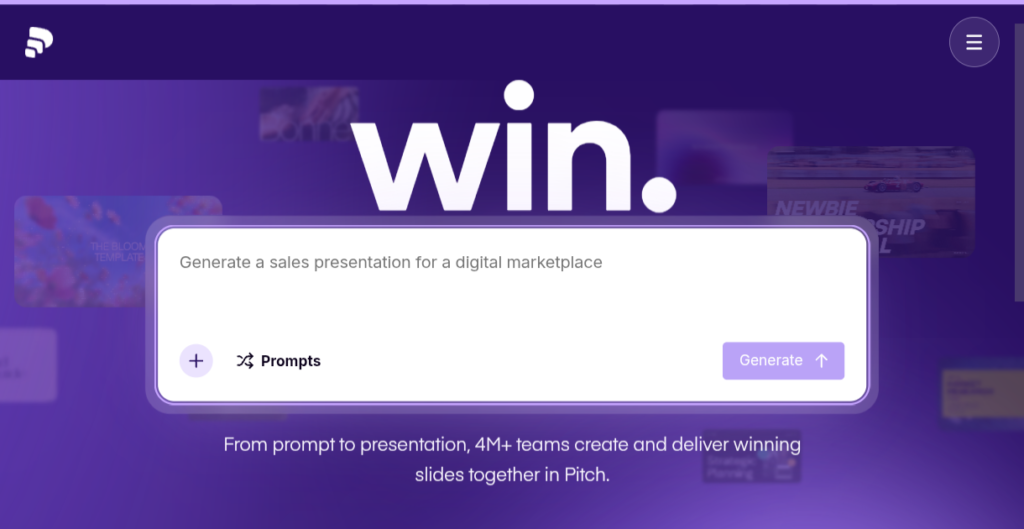
Pitch combines presentation creation with collaboration features.
This can be useful when multiple people need to work on the same presentation.
Useful for:
- Team presentations
- Sales decks
- Business proposals
- Startup pitches
- Company presentations
Recent 2026 comparisons highlight Pitch’s collaborative workflow as one of its strengths.
Best for
Teams working together on presentations.
7. SlidesAI — Best for Google Slides Users
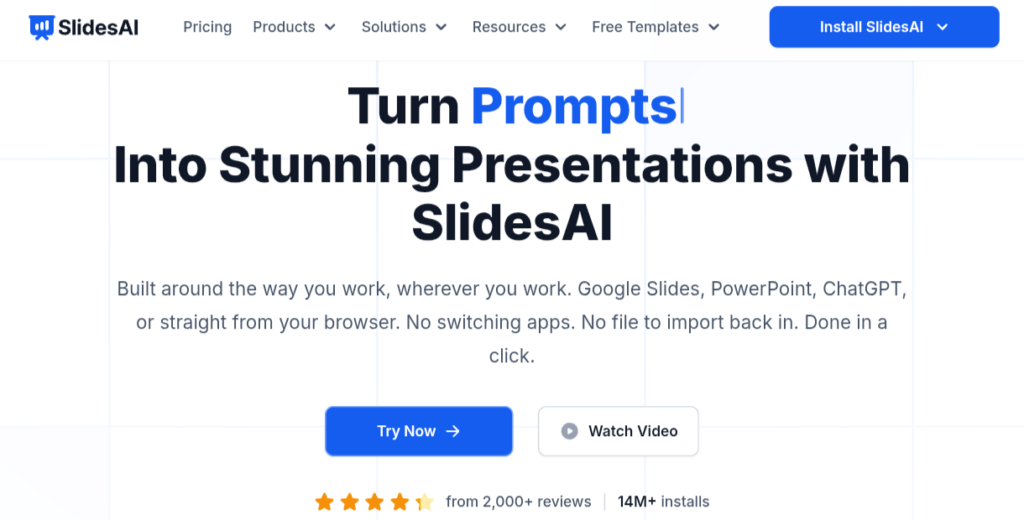
SlidesAI is designed to help turn text into presentations, particularly within a Google Slides workflow.
You can provide content and let AI transform it into a slide deck.
Useful for:
- College assignments
- Educational presentations
- Business meetings
- Quick slide creation
It is particularly attractive if you already use Google Slides and don’t want to completely change your workflow.
Best for
Google Slides users who want AI assistance.
8. Visme — Best for Visual Presentations
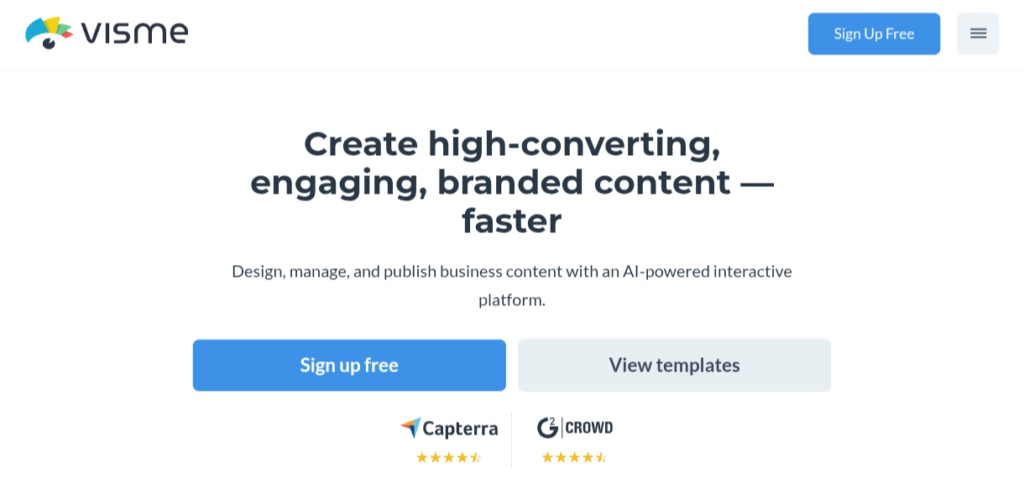
Visme combines presentation creation with broader visual-content tools.
It can be useful for presentations containing:
- Charts
- Infographics
- Data visualizations
- Marketing graphics
- Interactive content
Best for
Marketers, businesses and people creating data-heavy visual presentations.
9. Prezi AI — Best for Dynamic Presentations
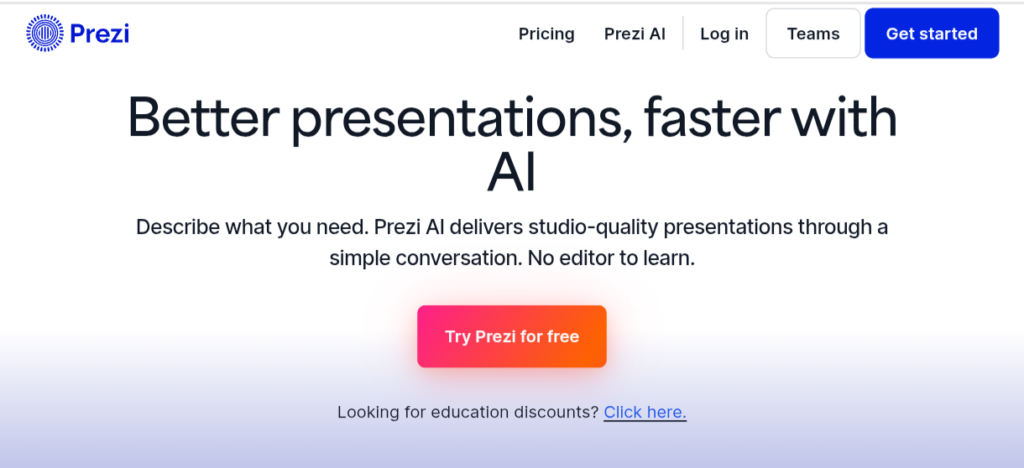
Prezi is known for its distinctive zooming presentation style.
Its AI features can help speed up the creation process while maintaining Prezi’s dynamic visual approach.
Best for:
- Interactive presentations
- Educational content
- Storytelling
- Public speaking
- Engaging visual presentations
If you want something different from traditional PowerPoint-style slides, Prezi is worth considering.
10. Plus AI — Best for Existing Slides Workflows
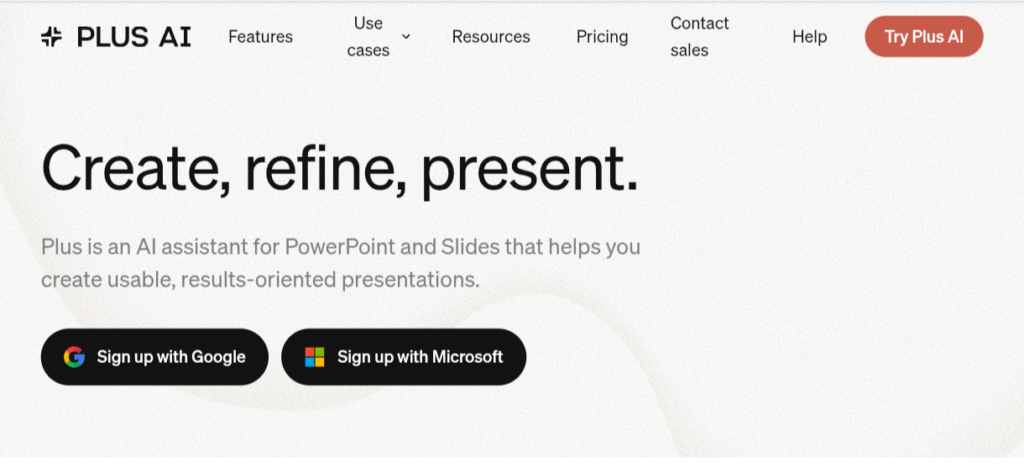
Plus AI is designed to work with existing presentation workflows, including Google Slides and PowerPoint.
It can help users generate and modify presentations without completely abandoning the tools they already know.
Best for
Professionals who want AI assistance while staying within familiar presentation software.
AI Presentation Makers Compared
| Tool | Best For | Ease of Use | AI Generation |
|---|---|---|---|
| Gamma | Overall | ⭐⭐⭐⭐⭐ | ⭐⭐⭐⭐⭐ |
| Canva | Beginners | ⭐⭐⭐⭐⭐ | ⭐⭐⭐⭐ |
| Beautiful.ai | Professional design | ⭐⭐⭐⭐ | ⭐⭐⭐⭐⭐ |
| Microsoft Copilot | PowerPoint | ⭐⭐⭐⭐ | ⭐⭐⭐⭐ |
| Tome | Storytelling | ⭐⭐⭐⭐ | ⭐⭐⭐⭐ |
| Pitch | Teams | ⭐⭐⭐⭐ | ⭐⭐⭐⭐ |
| SlidesAI | Google Slides | ⭐⭐⭐⭐⭐ | ⭐⭐⭐⭐ |
| Visme | Visual content | ⭐⭐⭐⭐ | ⭐⭐⭐⭐ |
| Prezi AI | Dynamic presentations | ⭐⭐⭐⭐ | ⭐⭐⭐⭐ |
| Plus AI | Existing workflows | ⭐⭐⭐⭐ | ⭐⭐⭐⭐ |
Which AI Presentation Maker Is Best for Students?
If you’re a student, you probably don’t want to spend several hours designing slides for an assignment.
🥇 Gamma
Great for quickly creating a complete presentation from a topic.
🥈 Canva
Excellent if you want to customize the design yourself.
🥉 SlidesAI
Useful if you already work in Google Slides.
Also consider Microsoft Copilot
A good option if your college or organization already provides Microsoft 365.
Which AI Presentation Maker Is Best for Business?
For business presentations, I’d consider:
Gamma — fast creation
Beautiful.ai — consistent professional design
Pitch — collaboration
PowerPoint + Copilot — existing Microsoft workflow
Canva — marketing and visual presentations
The right choice depends on how your team works.
Which Is Best for Pitch Decks?
If you’re creating a startup pitch deck, you want more than attractive slides.
Your presentation needs a clear story:
- Problem
- Solution
- Market
- Product
- Business model
- Competition
- Growth
- Team
- Financials
- Funding request
Gamma and Pitch can be useful starting points for this type of presentation, while Canva and Beautiful.ai provide more control over the final visual design.
Can AI Create a Presentation From a Prompt?
Yes.
For example, you could enter:
“Create a 10-slide presentation about the future of artificial intelligence. The audience is college students. Use simple language, modern visuals, short bullet points and include examples of AI in education, healthcare, business and entertainment.”
The AI can use this instruction to generate a starting presentation.
However, you should always review the result.
AI can make mistakes, use outdated information, or create content that doesn’t match your intended audience.
How to Make AI Presentations Better
Don’t simply generate the presentation and immediately present it.
Use this workflow:
Step 1: Create an outline
Decide what you actually want to communicate.
Step 2: Generate the first draft
Give the AI your topic and audience.
Step 3: Check the information
Verify statistics, facts and important claims.
Step 4: Remove unnecessary text
A presentation shouldn’t look like a document.
Step 5: Improve the visuals
Use relevant images, charts and diagrams.
Step 6: Practice
Read the presentation aloud and make sure the story flows naturally.
Research into AI-generated slides also suggests that AI can produce presentations that users perceive as comparable to human-created slides, but human review and modification remain important.
Are AI Presentation Makers Free?
Many AI presentation platforms offer free plans, free credits, or limited free usage.
However, the exact limits can change.
Before choosing a paid plan, check:
- Number of AI generations
- Number of presentations
- Export options
- PowerPoint export
- PDF export
- Templates
- Image generation
- Collaboration
- Commercial-use rights
Don’t choose a tool simply because it says “free.”
Check what you can actually download and use without paying.
Can AI Replace PowerPoint?
Not completely.
PowerPoint remains useful when you need detailed control over individual slides.
AI presentation makers are particularly useful for creating the first draft quickly.
A practical workflow can therefore be:
AI presentation maker → Generate draft → Edit → Export → Final presentation
This can save a significant amount of time compared with starting from a completely blank presentation.
Final Verdict
AI presentation makers are changing how people create slides.
If you want the fastest way to turn an idea into a polished presentation, Gamma is one of the strongest options in 2026.
If you want extensive design flexibility, Canva is an excellent choice.
For professional and consistent slide design, try Beautiful.ai.
For Microsoft users, PowerPoint with Copilot makes sense.
For collaborative teams, Pitch is worth considering.
And if you already use Google Slides, SlidesAI or Plus AI can fit naturally into your workflow.
The best AI presentation maker isn’t necessarily the one with the most features. It’s the one that helps you create a clear, accurate and engaging presentation with the least unnecessary work.