
Artificial intelligence is no longer something reserved for technology experts. Today, AI tools can help with writing, research, studying, coding, designing, creating images, organizing information, and even completing everyday tasks.
The problem is that there are thousands of AI tools available, and new ones appear almost every week. So, which ones are actually worth trying?
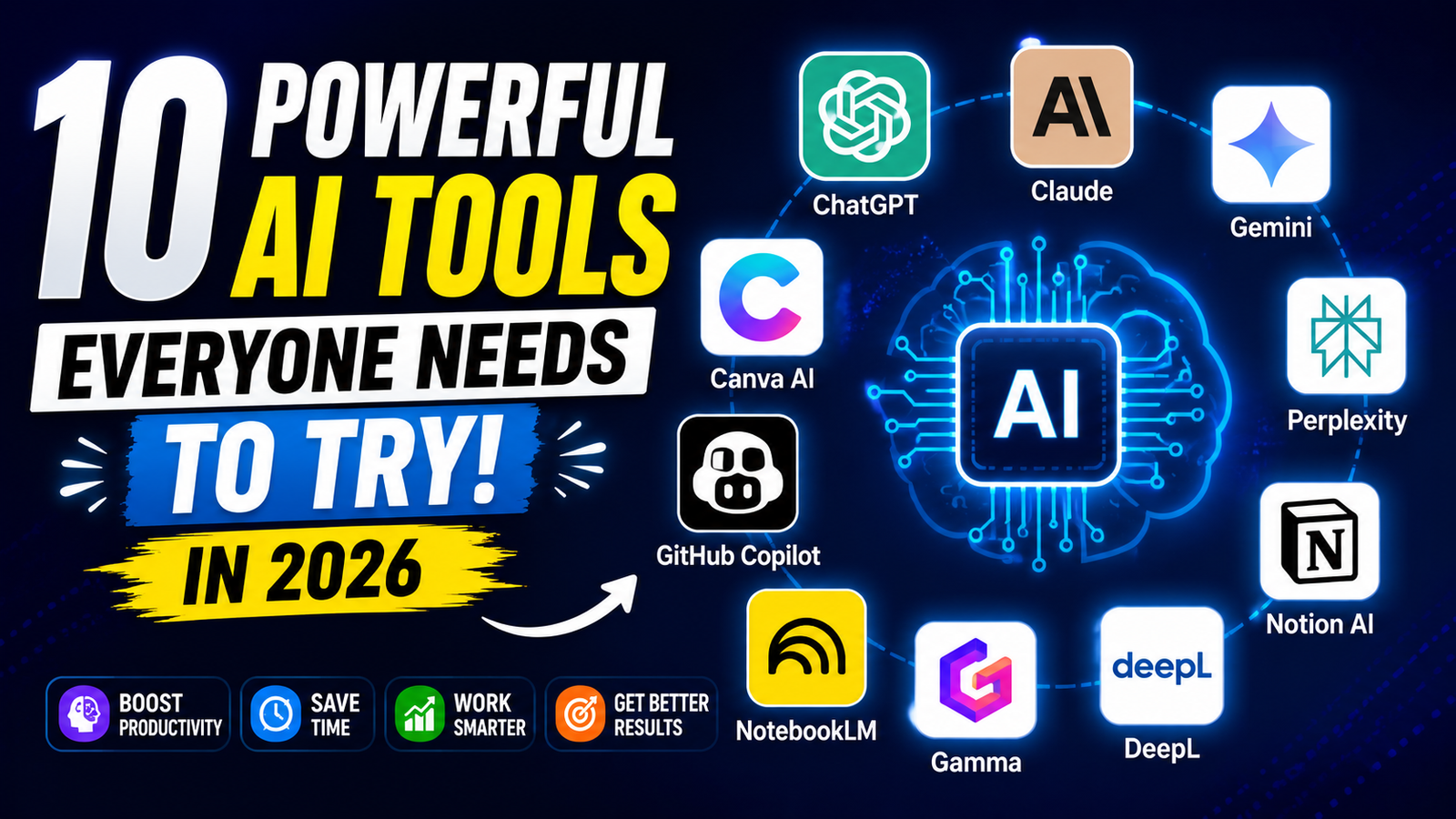
In this guide, we’ll look at 10 useful AI tools everyone should try in 2026, including tools for productivity, research, writing, design, coding, and learning.
Note: AI features and free/paid plans can change frequently, so check the official service before making a purchasing decision.
Why Should You Try AI Tools?
You don’t need to be an AI expert to benefit from artificial intelligence.
A good AI tool can help you save time on repetitive tasks and give you a starting point when you’re stuck.
For example, you can use AI to:
- Write and improve content
- Summarize long documents
- Research topics
- Learn difficult subjects
- Generate ideas
- Create images
- Write and debug code
- Create presentations
- Organize information
- Automate repetitive work
The important thing is to use AI as an assistant, not as a replacement for your own judgment.
Top 10 AI Tools Everyone Should Try
1. ChatGPT – Best All-Round AI Assistant
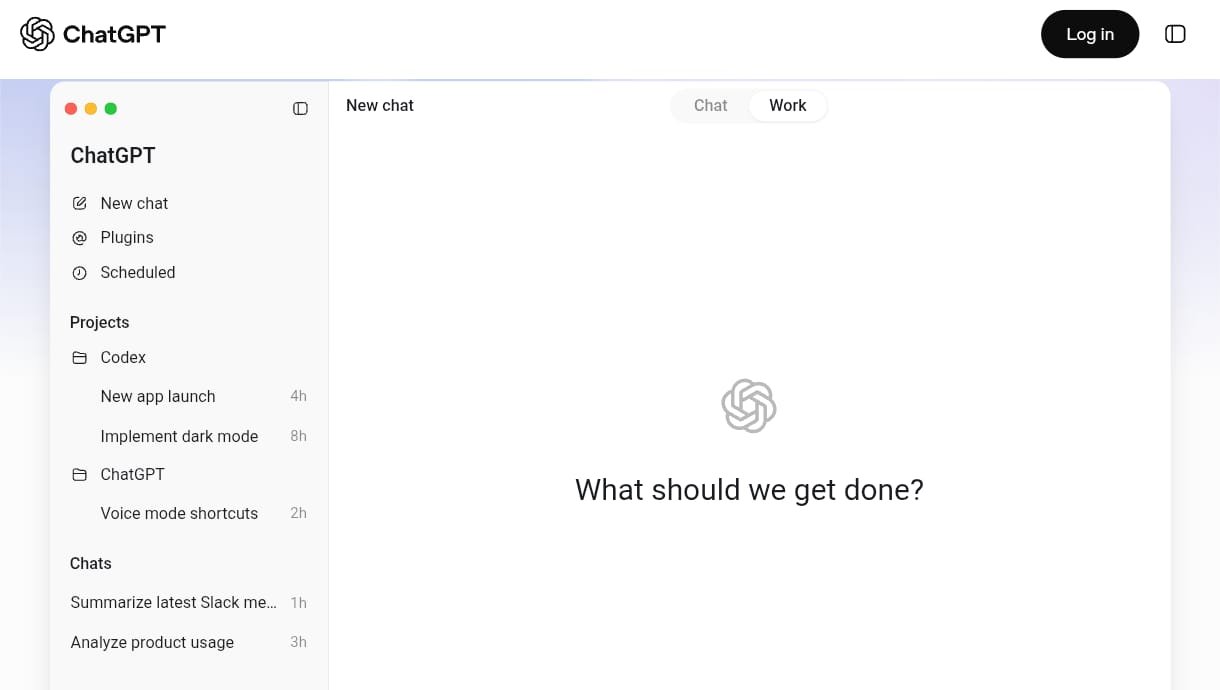
ChatGPT is one of the most versatile AI assistants available.
You can use it for everyday questions, writing, brainstorming, studying, coding, planning, analyzing files and images, and many other tasks. OpenAI’s current documentation lists capabilities including writing, summarization, reasoning, translation, coding, image/file analysis, and web search.
What can you do with ChatGPT?
You can ask it to:
- Explain complicated topics
- Rewrite an article
- Create a study plan
- Generate programming code
- Debug errors
- Brainstorm business ideas
- Summarize documents
One of its biggest advantages is that you can continue asking follow-up questions instead of starting from scratch every time.
Best for:
Almost everyone.
Students, writers, developers, entrepreneurs, researchers, and everyday users can all find useful applications for it.
2. Claude – Excellent for Writing and Complex Tasks
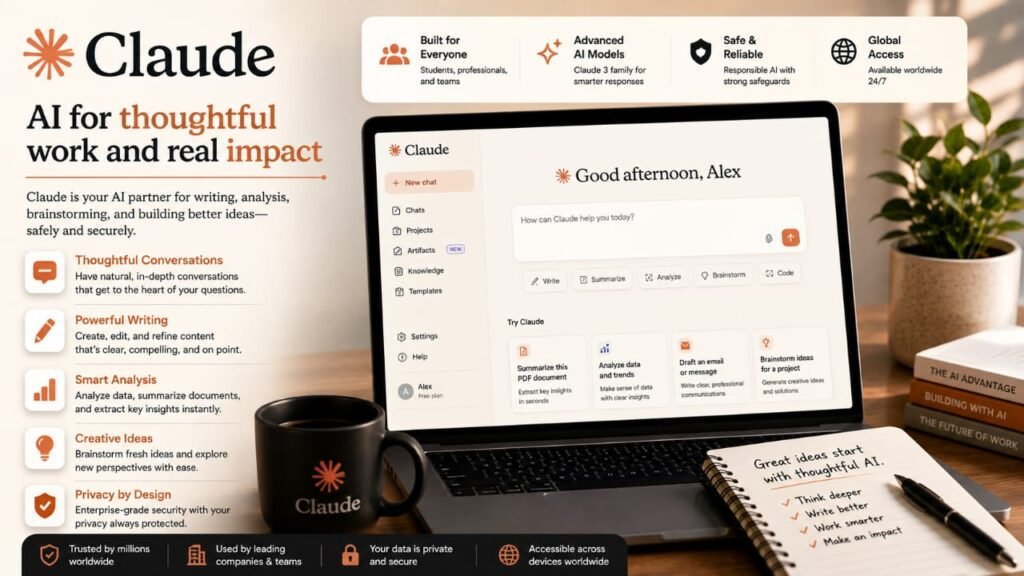
Claude is an AI assistant developed by Anthropic.
It is particularly useful when you’re working with long pieces of text, documents, structured writing, and complex reasoning tasks.
Claude is also increasingly used for coding and agentic development. Anthropic’s 2026 research on Claude Code examined hundreds of thousands of coding sessions and found that people often make the planning decisions while Claude handles much of the execution.
You can use Claude for:
- Long-form writing
- Editing
- Summarizing documents
- Brainstorming
- Coding
- Code review
- Research assistance
- Analyzing complex information
Best for:
Writers, developers, researchers, and people working with long documents.
3. Google Gemini – Best for Google Ecosystem Users
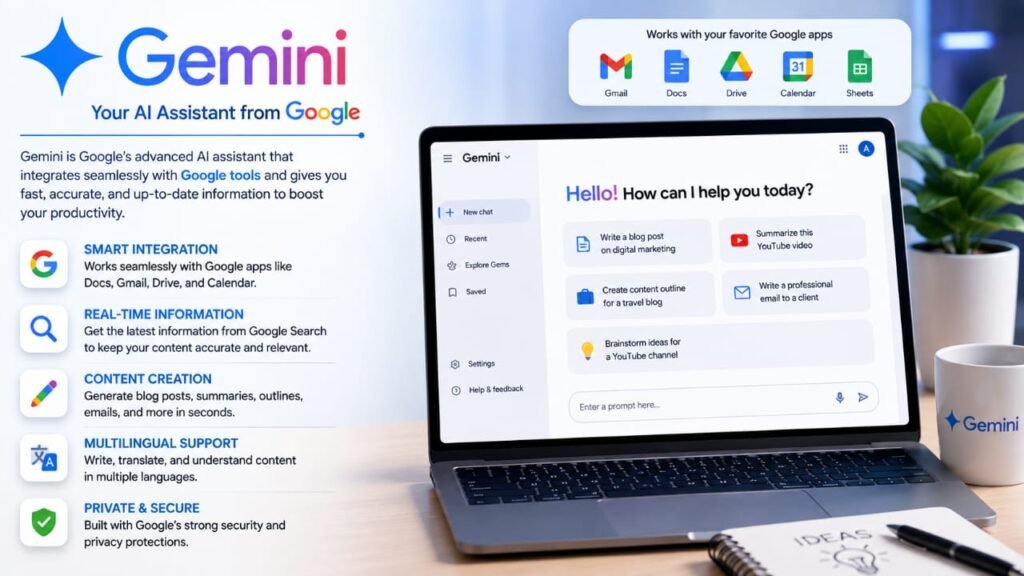
Gemini is Google’s AI assistant.
It can be particularly useful if you already use Google’s ecosystem and services.
You can use AI assistance for tasks such as:
- Research
- Writing
- Brainstorming
- Learning Coding
- Image-related tasks
- Working with information
One reason many users choose Gemini is its connection to Google’s broader ecosystem.
Best for:
Students, professionals, and people who regularly use Google products.
4. Perplexity – Best for AI-Powered Research
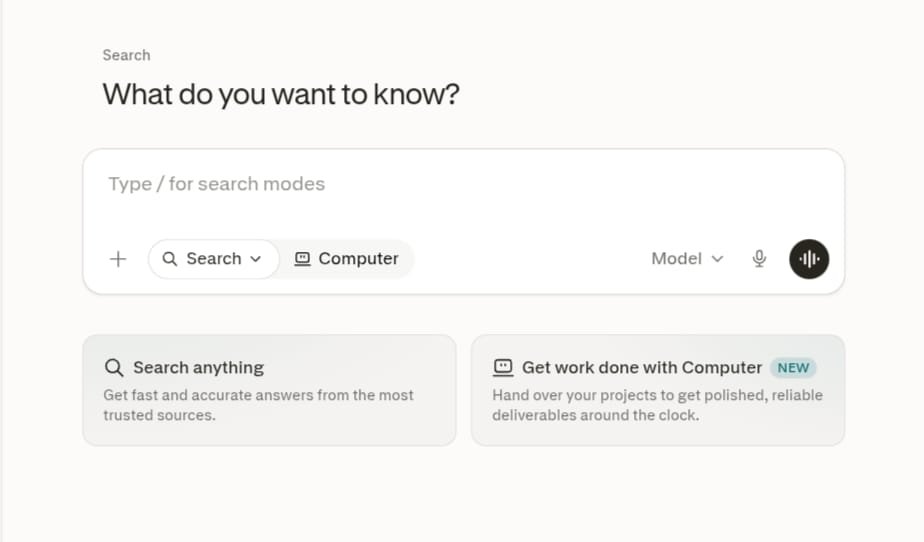
Perplexity is designed around AI-powered search and research.
Instead of simply giving you a traditional list of search results, it can provide a conversational answer and sources that you can investigate.
This makes it particularly useful when you’re trying to understand a topic quickly.
Great uses include:
- Researching a topic
- Finding sources
- Comparing products
- Understanding current events
- Creating research summaries
- Exploring unfamiliar subjects
For example, instead of searching:
“What is artificial intelligence?”
you could ask:
“Explain how generative AI works and give me reliable sources for further reading.”
Best for:
Research, students, journalists, and anyone who wants source-backed information.
5. Canva AI – Best for Design and Visual Content
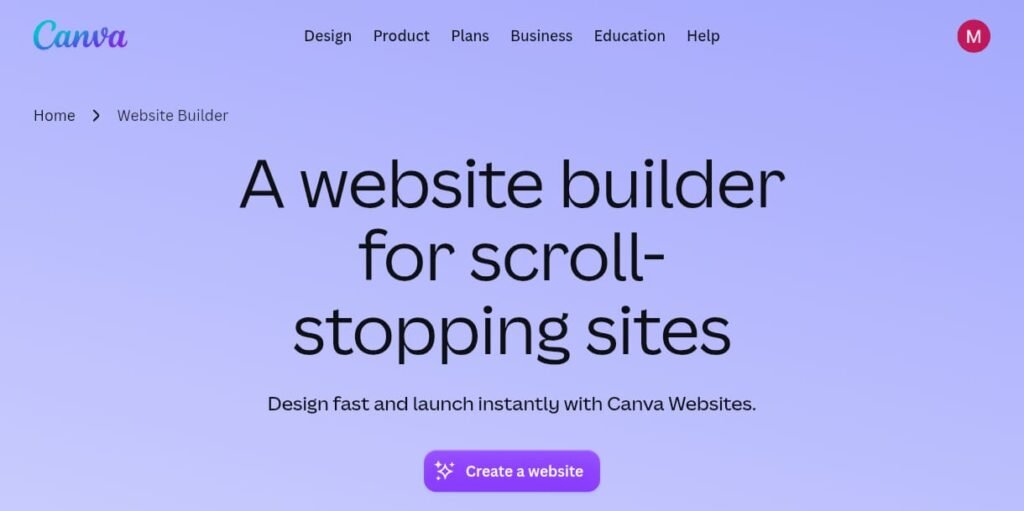
Canva is already popular for graphic design, but its AI features make creating visual content easier.
You don’t need to be a professional designer to create:
- Social media posts
- Presentations
- Posters
- Thumbnails
- Marketing graphics
- Logos and brand materials
- Simple websites
- Visual documents
AI can help you turn an idea into a design starting point.
For example:
“Create a modern technology blog thumbnail with a dark background and futuristic AI graphics.”
ou can then edit the result yourself.
Canva has also expanded its AI capabilities beyond traditional design, including conversational design and natural-language website creation.
Best for:
Students, content creators, marketers, bloggers, and small businesses.
6. GitHub Copilot – Best for Coding
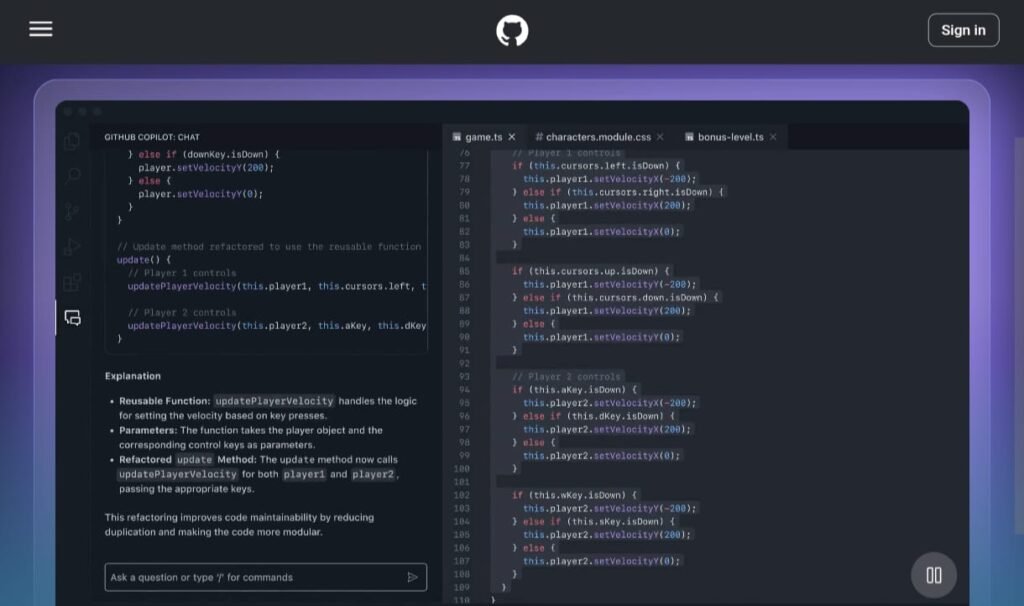
If you write software, GitHub Copilot is one of the AI tools worth trying.
It is designed to assist programmers directly in their development workflow.
Instead of writing every line manually, developers can describe what they want and receive AI-generated coding suggestions.
You can use it for:
- Code completion
- Generating functions
- Explaining code
- Debugging
- Writing tests
- Refactoring
- Learning programming
For example, you might ask an AI coding assistant:
“Create a Python function that reads a CSV file and calculates the average value of a selected column.”
The tool can generate a starting implementation that you can review and modify.
Best for:
Developers, programmers, and coding students.
7. NotebookLM – Best for Learning From Your Documents
NotebookLM is particularly interesting for students and researchers.
Instead of simply asking an AI about a general topic, you can provide your own source material and use AI to help you understand it.
This can be useful when working with:
- Lecture notes
- Research papers
- PDFs
- Study material
- Reports
- Documents
For example, you could provide a long study document and ask questions about the material.
This approach can make AI much more useful for studying because the conversation can be centered around the sources you’re actually working with.
Best for:
Students, researchers, and people who regularly work with documents.
8. Gamma – Best for Presentations
Creating a good presentation can take a lot of time.
Gamma uses AI to help users create visual presentations and other types of content from an idea or outline.
Instead of designing every slide manually, you can start with a description of what you want to present.
You can use it for:
- College presentations
- Business presentations
- Reports
- Project proposals
- Educational material
- Visual documents
For students, this can be especially useful when preparing presentations for assignments.
However, you should always review AI-generated slides and make sure the information is accurate.
Best for:
Students, teachers, professionals, and presenters.
9. DeepL – Best for Translation
DeepL is an AI-powered translation and writing tool.
Translation isn’t simply about replacing one word with another. A good translation also needs to consider context, sentence structure, and natural language.
DeepL can be useful when working with multilingual content.
Common uses include:
- Translating documents
- Translating emails
- Understanding foreign-language content
- Improving writing
- Communicating with international audiences
If you’re creating a website for an international audience, translation tools can also help you understand and adapt content for different languages.
Best for:
Students, travelers, professionals, translators, and international businesses.
10. Notion AI – Best for Productivity and Organization
Notion is widely used for notes, project management, databases, and personal organization.
Notion AI adds artificial intelligence capabilities to that workflow.
You can use it to help:
- Summarize notes
- Generate ideas
- Rewrite text
- Organize information
- Create project content
- Work with documents
- Improve productivity
For someone who already uses Notion to organize their work, having AI capabilities inside the same workspace can be convenient.
Best for:
Students, teams, project managers, creators, and organized note-takers.
Quick Comparison
| AI Tool | Best For |
|---|---|
| ChatGPT | General AI assistance |
| Claude | Writing and complex tasks |
| Gemini | Google ecosystem |
| Perplexity | Research |
| Canva AI | Design |
| GitHub Copilot | Coding |
| NotebookLM | Studying documents |
| Gamma | Presentations |
| DeepL | Translation |
| Notion AI | Productivity |
Which AI Tool Should You Try First?
If you’re completely new to AI, don’t try all ten at once.
Start with the tool that matches your biggest need.
For general tasks
Try ChatGPT.
It covers a wide range of everyday activities.
For writing
Try Claude or ChatGPT.
Both can help with drafting, rewriting, brainstorming, and editing.
For research
Try Perplexity.
Its search-focused workflow is useful when you want to explore a topic and inspect sources.
For studying
Try NotebookLM or ChatGPT.
NotebookLM is particularly interesting when you want to work directly with your own study material.
For design
Try Canva AI.
It’s beginner-friendly and useful for creating visual content.
For coding
Try GitHub Copilot or Claude.
AI coding assistants can help you write, understand, and debug code.
For presentations
Try Gamma.
It can help you turn an idea or outline into a visual presentation.
For translation
Try DeepL.
It’s useful when you regularly work across languages.
For organization
Try Notion AI.
It’s particularly useful if you already use Notion for notes and projects.
Can AI Tools Really Save Time?
Yes, but the amount of time saved depends on how you use them.
For example, imagine you need to create a presentation.
Without AI, you might:
- Research the topic.
- Write an outline.
- Create the slides.
- Find images.
- Rewrite text.
- Check grammar.
- Format everything.
With AI assistance, some of these steps can be accelerated.
However, you still need to review the result.
AI can produce incorrect information, misunderstand instructions, or create content that sounds convincing but isn’t accurate.
That’s why the best approach is:
AI generates → You review → You improve → You publish.
Don’t Use Every AI Tool for Everything
One common mistake is trying to use the same AI tool for every task.
Different tools have different strengths.
For example:
Research → Perplexity
Design → Canva
Coding → GitHub Copilot
Documents → NotebookLM
Presentations → Gamma
Translation → DeepL
General assistance → ChatGPT
Using specialized tools can sometimes be more efficient than forcing one tool to handle everything.
Are Free AI Tools Enough?
For many beginners, yes.
Several major AI platforms offer free access or limited free tiers, although the exact limits and features can change.
You don’t necessarily need to subscribe to ten different AI services.
Start with free options and upgrade only when a specific tool becomes valuable enough to justify the cost.
Before paying, compare:
- Monthly price
- Usage limits
- Available models
- File limits
- Image generation
- Research features
- Coding features
- Integrations
- Privacy options
Are AI Tools Safe to Use?
AI tools can be extremely useful, but you should still be careful about what information you provide.
Avoid uploading sensitive information unless you understand how that service handles your data.
Be particularly careful with:
- Passwords
- Banking information
- Private documents
- Confidential business information
- Personal identification documents
- Other sensitive data
Also remember that AI-generated information can contain errors.
For important decisions, verify information using reliable sources.
Will AI Replace Humans?
AI is becoming increasingly capable, but that doesn’t mean humans are no longer needed.
AI can generate text, images, code, presentations, and ideas, but humans still need to:
- Set goals
- Make decisions
- Check accuracy
- Understand context
- Exercise creativity
- Take responsibility for the final result
The people who benefit most from AI are often those who learn how to work with it effectively rather than simply asking it to do everything.
Final Thoughts
There are more AI tools available today than ever before, but you don’t need hundreds of them.
The ten tools in this list cover many of the most useful categories:
ChatGPT for general assistance, Claude for writing and complex work, Gemini for Google’s ecosystem, Perplexity for research, Canva AI for design, GitHub Copilot for coding, NotebookLM for document-based learning, Gamma for presentations, DeepL for translation, and Notion AI for organization.
You don’t need to become an AI expert overnight.
Pick one tool that solves a real problem for you, learn how to use it properly, and then add other tools when you actually need them.
The goal isn’t to use the most AI tools.
The goal is to use the right AI tool to get more done with less wasted time.
Frequently Asked Questions
What is the best AI tool for everyone?
There isn’t one tool that is best for every person. ChatGPT is a strong general-purpose option, while specialized tools such as Perplexity, Canva, GitHub Copilot, and NotebookLM can be better for particular tasks.
Are these AI tools free?
Many of these services offer free access or free tiers, but features and usage limits vary. Paid plans may provide higher limits or additional capabilities.
Which AI tool is best for students?
ChatGPT, NotebookLM, Gemini, and Perplexity can all be useful for students, depending on whether the goal is learning, research, document analysis, or general assistance.
Which AI tool is best for coding?
GitHub Copilot is designed specifically for coding assistance. ChatGPT and Claude can also be useful for explaining, generating, reviewing, and debugging code.
Can AI tools replace Google Search?
AI search tools can be useful for research, but traditional search engines and primary sources remain important. For important information, verify AI-generated answers rather than assuming they are always correct.
Should I pay for multiple AI subscriptions?
Usually, you don’t need many subscriptions. Start with free versions and pay only for tools that provide enough value for your specific needs.