
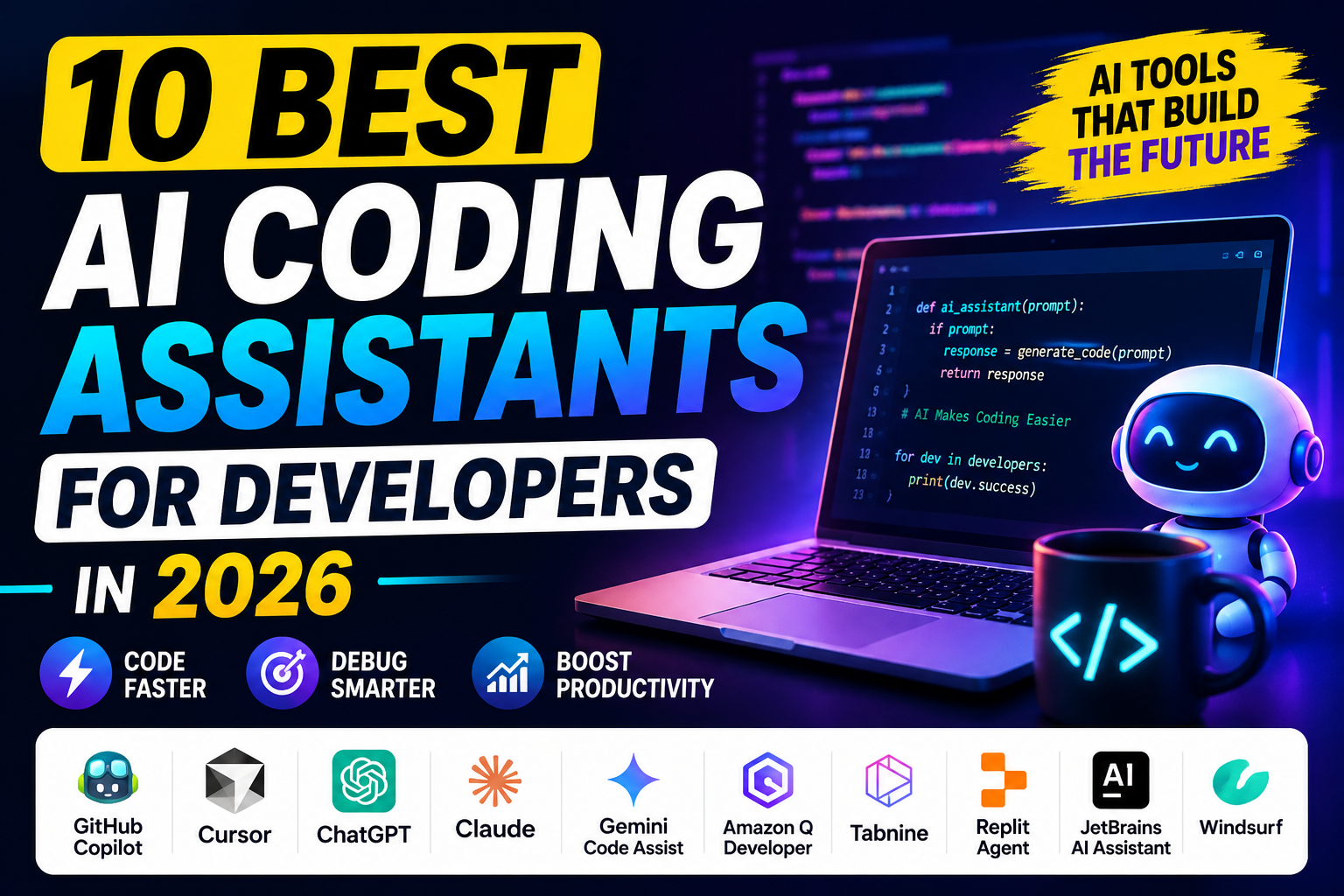
Best AI Coding Assistants in 2026
Writing code from scratch can take hours, especially when you’re learning a new programming language or working on a large project. AI coding assistants have changed that by helping developers write, understand, debug, and improve code much faster.
Whether you’re a professional developer, computer science student, freelancer, or beginner learning programming, an AI coding assistant can act like a second pair of eyes while you work.
Modern coding assistants can suggest code, explain errors, generate functions, write tests, refactor existing code, and sometimes work across an entire project.
But which one should you chooseIn
this guide, we’ll compare some of the best AI coding assistants in 2026, their strengths, weaknesses, and the type of developer each tool is best suited for.
What Is an AI Coding Assistant?
An AI coding assistant is software that uses artificial intelligence to help with programming tasks.
Instead of manually searching the internet every time you encounter an error, you can ask an AI assistant to explain what’s happening or suggest a solution.
Common tasks include:
- Writing code
- Completing code
- Finding bugs
- Explaining errors
- Refactoring code
- Generating tests
- Creating documentation
- Converting code between languages
- Understanding unfamiliar projects
AI coding assistants don’t eliminate the need for programming knowledge. You still need to review the generated code and understand what it does.
Top AI Coding Assistants in 2026
| AI Coding Assistant | Best For |
| GitHub Copilot | Everyday coding |
| Cursor | AI-powered coding environment |
| ChatGPT | Learning and debugging |
| Claude | Complex code and reasoning |
| Gemini Code Assist | Google developers |
| Amazon Q Developer | AWS development |
| Windsurf | AI-assisted development |
| Replit Agent | Building apps quickly |
| Tabnine | Enterprise development |
| JetBrains AI Assistant | JetBrains IDE users |
1. GitHub Copilot
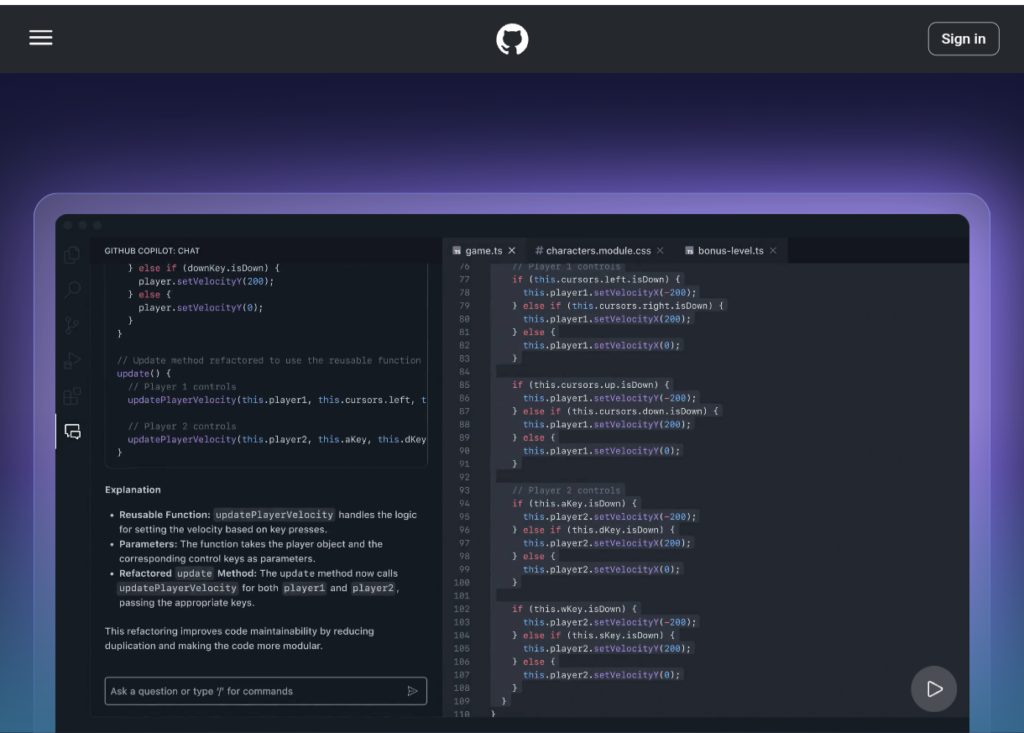
GitHub Copilot is one of the most widely known AI coding assistants.
It works inside popular development environments and can provide code suggestions while you type.
Instead of writing an entire function manually, you can describe what you want and let Copilot suggest an implementation.
Best Features
- Code completion
- Code generation
- Debugging help
- Chat-based assistance
Best For
Developers who want AI assistance directly inside their coding workflow.
2. Cursor
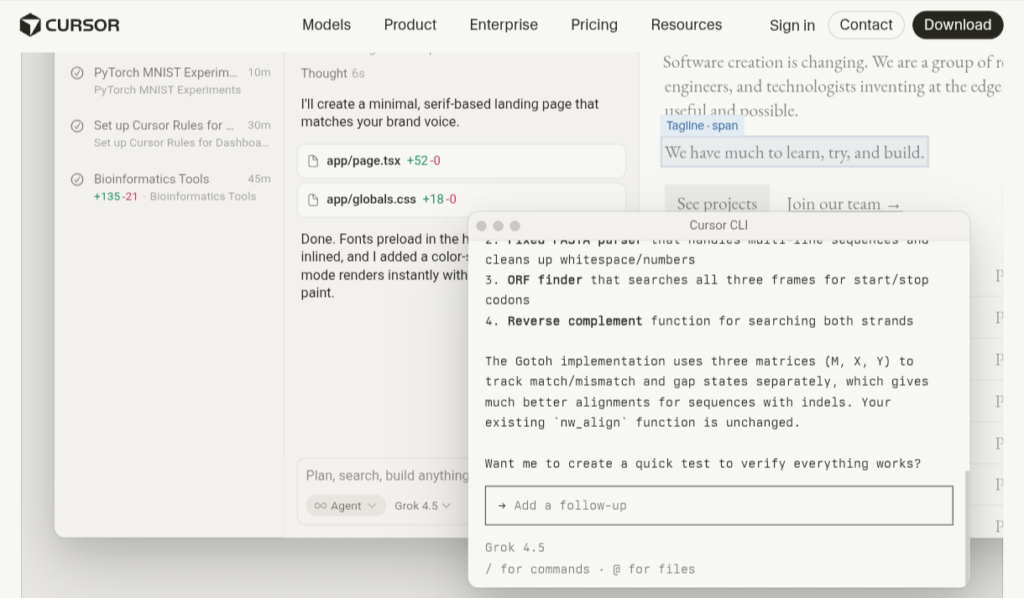
Cursor is an AI-focused code editor built around the idea of making software development more conversational.
It can understand your project and help you modify multiple parts of a codebase.
For example, instead of manually searching through files, you can describe a change and ask the AI to help implement it.
Best For
- Web developers
- Software engineers
- Developers working on larger projects
3. ChatGPT
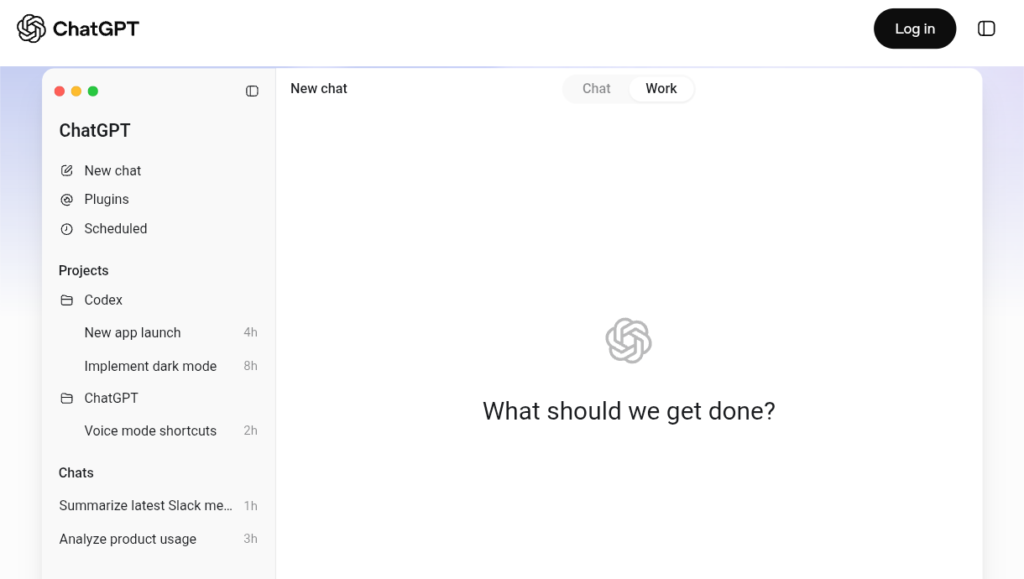
ChatGPT is useful for much more than general questions. It can also be a powerful programming tutor and debugging assistant.
You can paste an error message or piece of code and ask for an explanation.
For beginners, this can be particularly useful because you can ask follow-up questions until you understand the concept.
You can use it to:
- Learn Python
- Debug JavaScript
- Understand SQL
- Create HTML and CSS
- Explain algorithms
- Generate examples
- Review code
4. Claude
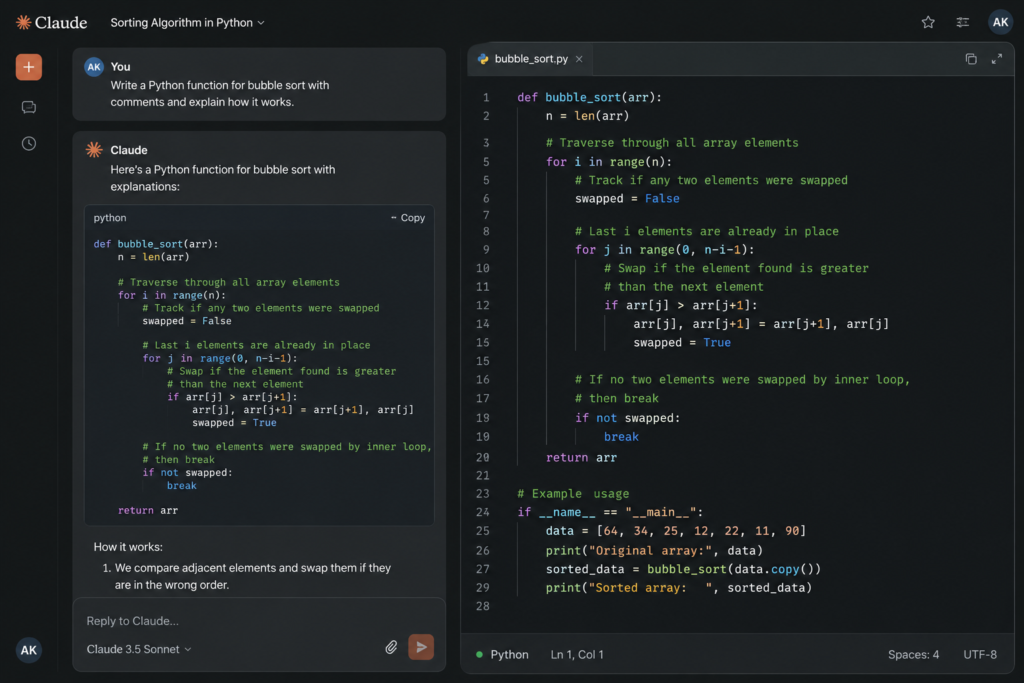
Claude is particularly useful for working through complex programming problems and reviewing larger amounts of code.
It can help explain how different parts of a project work and suggest improvements.
Best For
- Code reviews
- Refactoring
- Understanding large code sections
- Complex programming problems
Claude can be especially helpful when you want an explanation rather than simply receiving a code snippet.
5. Gemini Code Assist
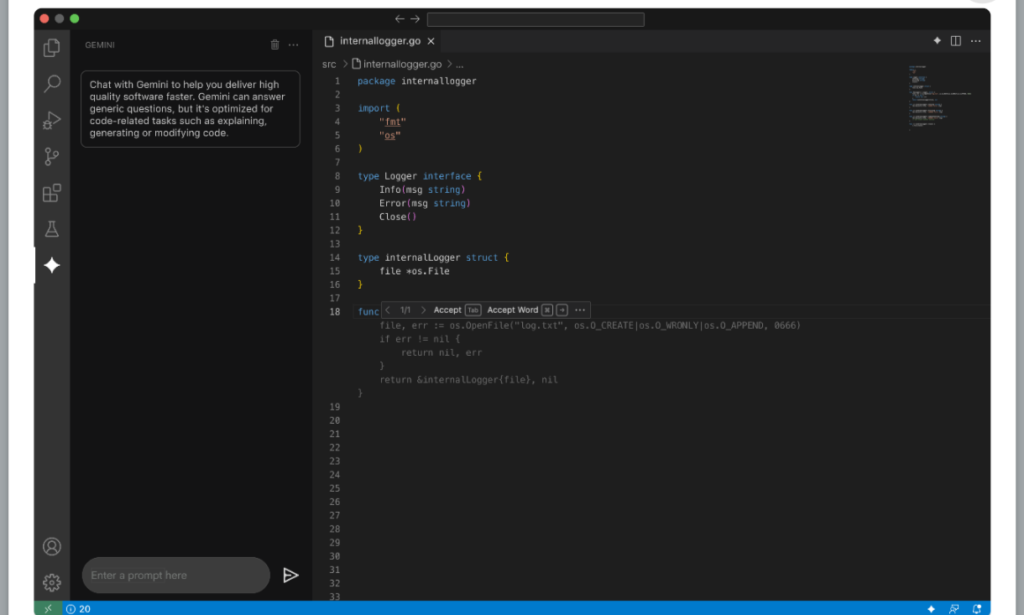
Gemini Code Assist is Google’s AI-powered coding assistant.
It can assist developers with code generation, explanations, debugging, and development workflows.
It’s particularly attractive to developers already working with Google’s cloud and development ecosystem.
Best For
Developers who use Google Cloud and Google’s development tools.
6. Amazon Q Developer
Amazon Q Developer is designed to assist developers working with AWS and other programming workflows.
It can help with:
- Code generation
- Debugging
- AWS development
- Understanding code
- Modernizing applications
Best For
Developers building applications on AWS.
7. Windsurf
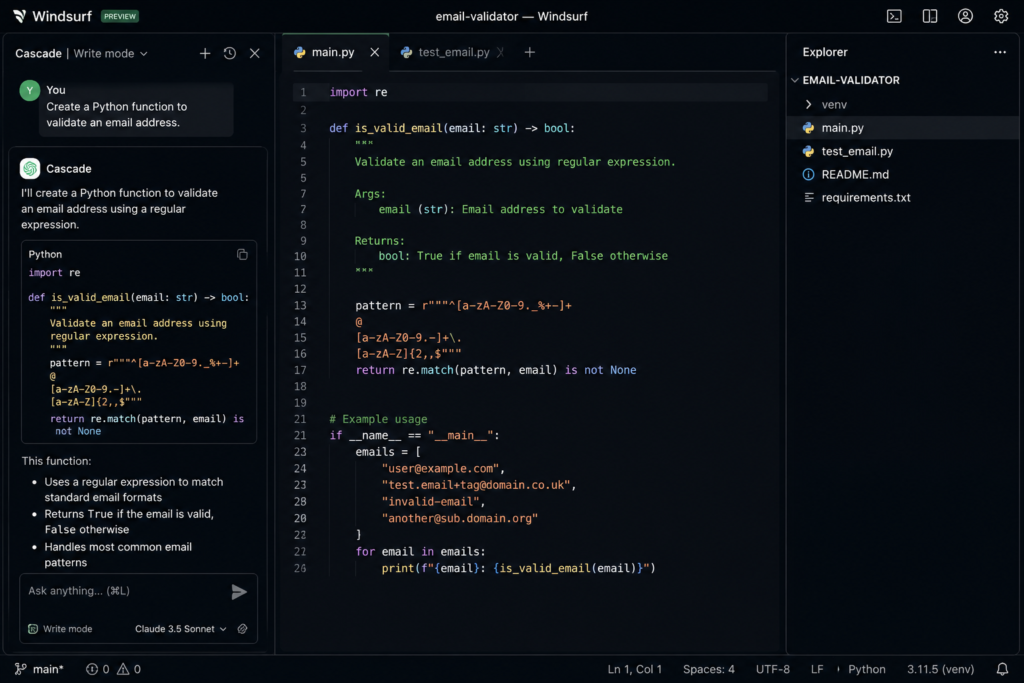
Windsurf is an AI-powered development environment designed to help developers work more naturally with their codebases.
It can help with code generation, editing, and understanding project context.
Best For
Developers looking for an AI-first coding environment.
8. Replit Agent
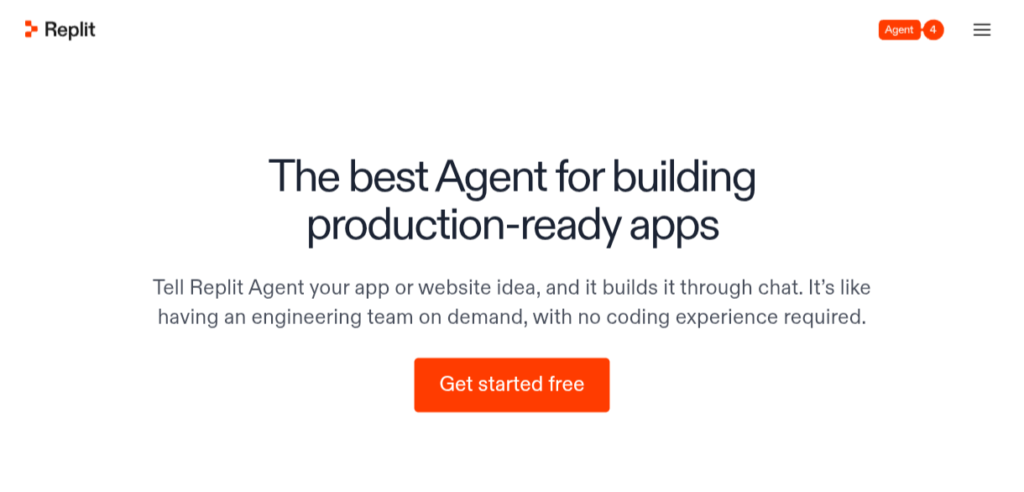
Replit makes it easier for beginners to build applications without setting up a complicated development environment.
Its AI features can help turn an idea into a working project and assist with coding along the way.
For example, you can describe the application you want to build and use AI assistance to create and modify the project.
Best For
Beginners, students, and rapid prototyping.
9. Tabnine
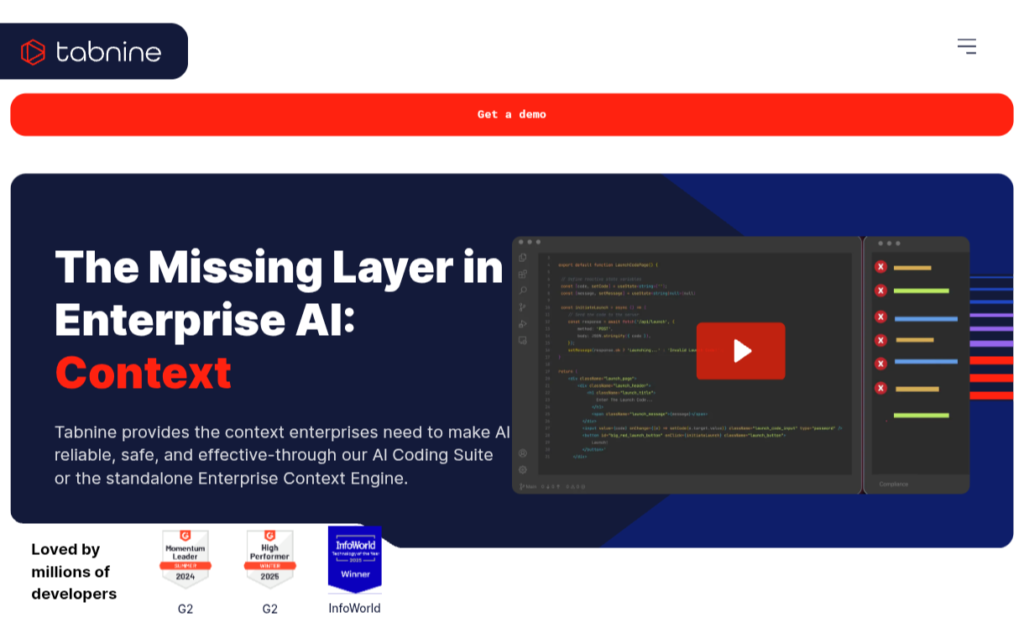
Tabnine focuses on AI-powered coding assistance and is also aimed at professional and enterprise development environments.
It can provide code completion and other AI-powered development assistance.
Best For
Teams and developers looking for an AI coding assistant with an enterprise focus.
10. JetBrains AI Assistant
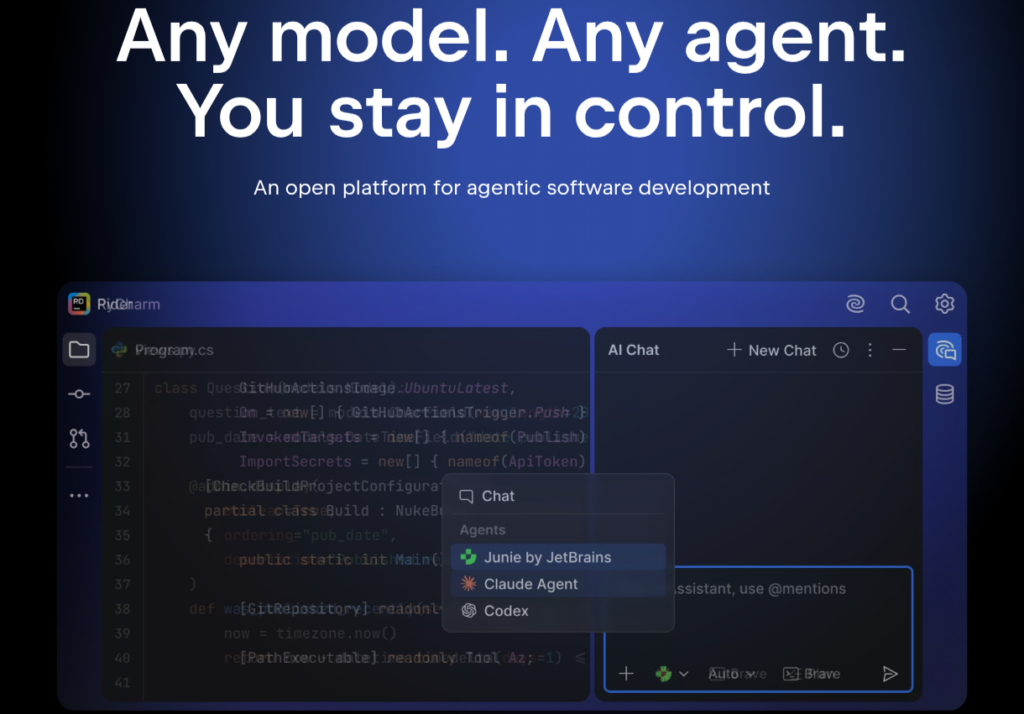
If you use JetBrains IDEs such as IntelliJ IDEA, PyCharm, or WebStorm, JetBrains AI Assistant can integrate AI capabilities directly into your development environment.
This can be convenient because developers don’t necessarily have to leave their IDE to ask questions or get coding assistance.
Best For
Developers who already use JetBrains IDEs.
Which AI Coding Assistant Is Best for Beginners?
If you’re new to programming, choosing an AI assistant that explains code is more important than choosing one that simply generates code.
Recommended choices:
ChatGPT: Great for learning programming concepts and asking follow-up questions.
Replit Agent: Useful for beginners who want to experiment with building applications.
GitHub Copilot: Helpful once you become comfortable writing code and want assistance while programming.
Which AI Coding Assistant Is Best for Professional Developers?
Professional developers often care about:
- Project context
- Codebase understanding
- IDE integration
- Code review
- Debugging
- Speed
Cursor, GitHub Copilot, Claude, and Windsurf are strong options depending on your workflow.
Which AI Coding Assistant Is Best for Students?
Students can benefit from AI coding assistants because they can turn confusing programming errors into learning opportunities.
For example, instead of asking:
“Fix this code.”
Ask:
“Explain why this code produces this error. Show me how to fix it and explain each change.”
This helps you understand the underlying programming concept.
For college students learning languages such as Python, Java, C++, JavaScript, SQL, and HTML/CSS, ChatGPT can be particularly useful as a programming tutor.
Can AI Coding Assistants Replace Programmers?
No.
AI can generate surprisingly useful code, but it can also produce:
- Incorrect logic
- Security vulnerabilities
- Outdated APIs
- Inefficient solutions
- Code that doesn’t match your project
That’s why developers should review, test, and understand AI-generated code before using it.
Think of an AI coding assistant as a developer’s tool, not a replacement for development skills.
How to Get Better Results From AI Coding Tools
Your instructions make a big difference.
Instead of:
“Create a website.”
Try:
“Create a responsive portfolio website using HTML, CSS, and JavaScript. Use a dark theme, a mobile-friendly navigation bar, an about section, three project cards, and a contact form. Keep the code beginner-friendly and separate HTML, CSS, and JavaScript.”
Specific instructions give the AI more context and usually produce more useful results.
Final Verdict
AI coding assistants have become powerful tools for developers and students. They can reduce repetitive work, explain difficult programming concepts, speed up debugging, and help developers experiment with new ideas.
GitHub Copilot is a strong choice for everyday coding assistance. Cursor and Windsurf are attractive options for developers who want an AI-focused coding environment. ChatGPT is particularly useful for learning, debugging, and detailed explanations, while Claude can be valuable for complex code reasoning and review.
If you’re working primarily with AWS, Amazon Q Developer is worth considering. Google-focused developers may prefer Gemini Code Assist, while beginners may find Replit Agent approachable.
Ultimately, there isn’t one AI coding assistant that is best for everyone. The right choice depends on your programming language, IDE, project size, budget, and preferred workflow.
The best strategy is to try a few tools and choose the one that makes your development process faster without replacing your understanding of the code.
Frequently Asked Questions
What is the best AI coding assistant in 2026?
There isn’t one universal winner. GitHub Copilot, Cursor, ChatGPT, Claude, Gemini Code Assist, and Windsurf are all strong options for different workflows.
Is AI coding good for beginners?
Yes. AI can help beginners understand programming concepts and errors, but students should learn why the code works instead of simply copying generated code.
Can AI write an entire application?
AI tools can generate substantial portions of an application, and some tools can help build projects from natural-language instructions. However, applications still require testing, debugging, security review, and human oversight.
Is GitHub Copilot better than ChatGPT for coding?
They serve somewhat different purposes. Copilot is designed to assist directly inside development environments, while ChatGPT is particularly useful for explanations, debugging discussions, learning, and broader problem-solving.
Should programmers use AI-generated code?
Yes, provided they review and test it. Developers remain responsible for the code they put into production.
Very informative.
Really impressed with this website! 👏 It provides clear, useful, and up-to-date information about AI tools in one place. The explanations are easy to understand and make it much easier to discover and choose the right AI tools. Great work!
Thank you sir!!