
Being a student today can feel like having five jobs at once. You have lectures to attend, assignments to complete, exams to prepare for, notes to organize, presentations to create, and sometimes a programming error that refuses to make sense at midnight.
AI tools can make some of this work easier.
The important thing is to use AI as a study assistant, not as a replacement for learning. The best tools can explain difficult concepts, help organize notes, create practice questions, improve writing, and give you ideas when you’re stuck.
In this guide, we’ll look at some of the best AI tools for students in 2026 and explain what each one is actually useful for.
What Can AI Tools Do for Students?
AI can help with much more than simply answering questions.
Depending on the tool, students can use AI to:
- Understand difficult topics
- Create study plans
- Summarize notes
- Generate practice questions
- Make flashcards
- Improve writing
- Check grammar
- Create presentations
- Organize projects
- Analyze documents
- Learn programming
- Research topics
- Practice languages
- Prepare for exams
However, there is an important difference between using AI to learn and using AI to avoid learning.
For example, asking an AI tool to explain why an algorithm works can be useful. Copying its answer into an assignment without understanding it isn’t.
1. ChatGPT – Best Overall AI Tool for Students
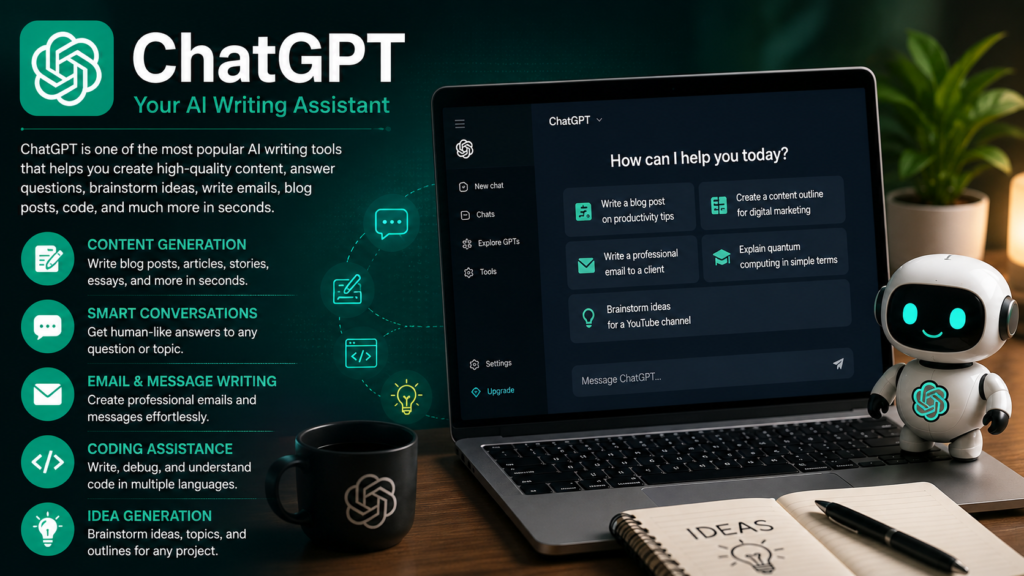
ChatGPT is one of the most versatile AI assistants available to students.
You can use it as a tutor, brainstorming partner, writing assistant, coding helper, or study planner.
One particularly useful feature is Study Mode. Instead of simply giving you an answer, Study Mode can guide you through a topic step by step, ask questions, check your understanding, and create practice questions. It can also work with uploaded notes, PDFs, images, and other study materials.
What students can use ChatGPT for
- Explaining difficult subjects
- Generating quiz questions
- Learning programming
- Brainstorming project ideas
- Improving essays
- Creating study schedules
- Preparing for interviews
Best for
Almost any subject or study requirement.
2. Google Gemini – Great for Research and Google Users
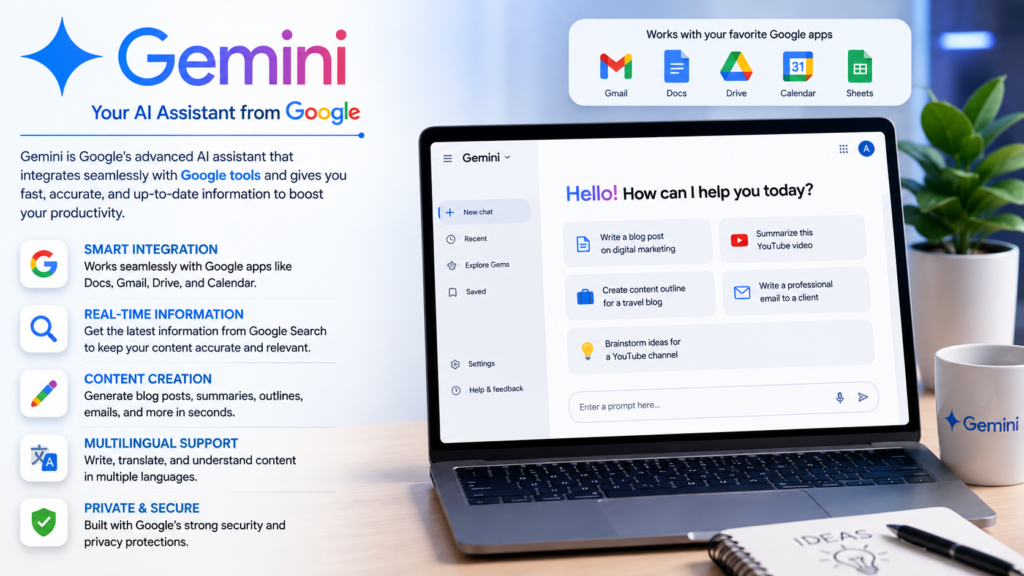
Gemini is Google’s AI assistant and can be particularly convenient for students who already use Google’s ecosystem.
Gemini for Education is designed specifically around educational use cases. Depending on the institution and account, students can use features for studying, practice quizzes, study guides, and other learning activities.
It can also work alongside Google’s productivity ecosystem, making it useful for students who regularly use Docs, Drive, Gmail, and other Google services.
What students can use Gemini for
- Researching topics
- Brainstorming
- Creating study guides
- Practicing questions
- Summarizing information
- Working with Google documents
- Understanding difficult concepts
Best for
Students who rely heavily on Google services.
3. NotebookLM – Great for Studying Your Own Materials
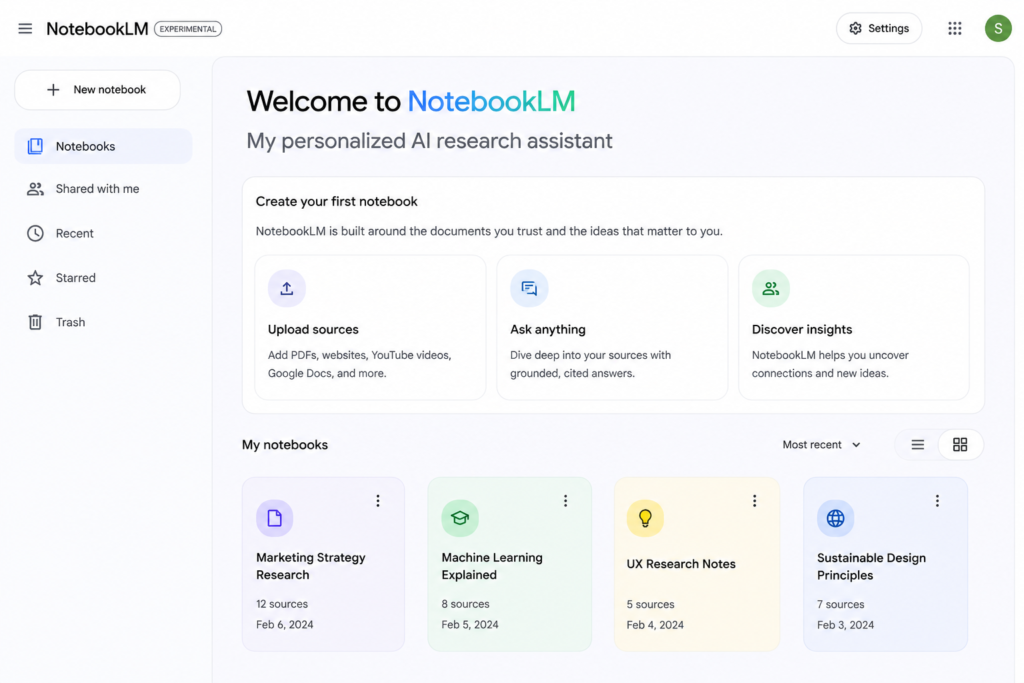
NotebookLM is particularly interesting for students because it focuses on working with information you provide.
Instead of asking a general AI about a subject, you can give it relevant study material and use that material as the foundation for your questions and notes.
This can be useful when preparing for an exam from:
- Lecture notes
- PDFs
- Research papers
- Course materials
- Study guides
Google also describes NotebookLM as a personalized AI expert grounded in the information that matters to you.
Best for
Students who have lots of PDFs, notes, and course materials.
4. Grammarly – Best for Improving Writing
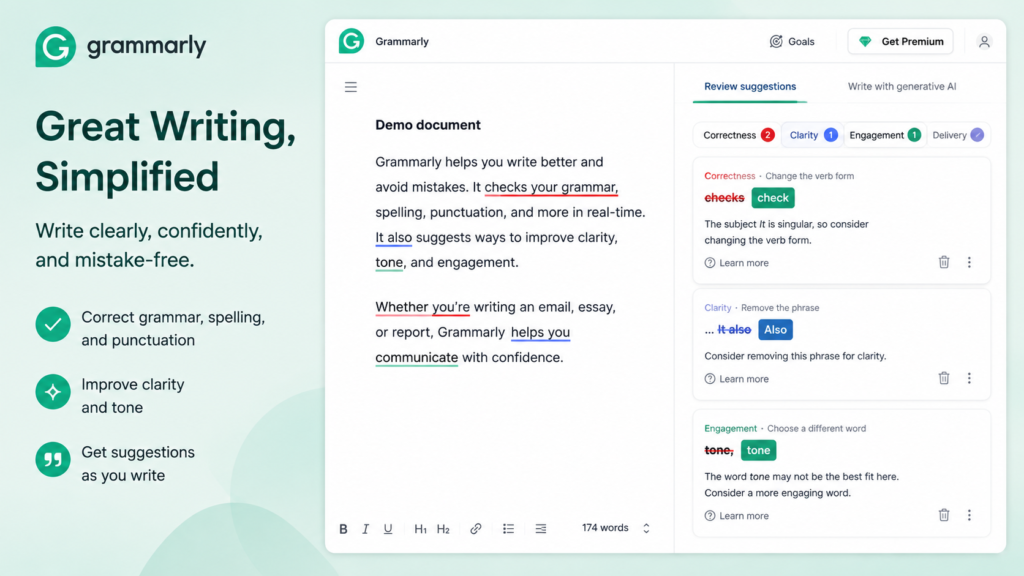
Writing assignments can be difficult even when you understand the subject.
Grammarly can help students identify grammar problems, improve clarity, and make writing easier to read.
It can be useful for:
- Essays
- Reports
- Emails
- Applications
- Research writing
- Presentations
The important thing is to use writing tools to improve your own ideas, rather than allowing them to completely replace your writing.
Best for
Students who want cleaner and clearer writing.
5. Canva AI – Best for Presentations
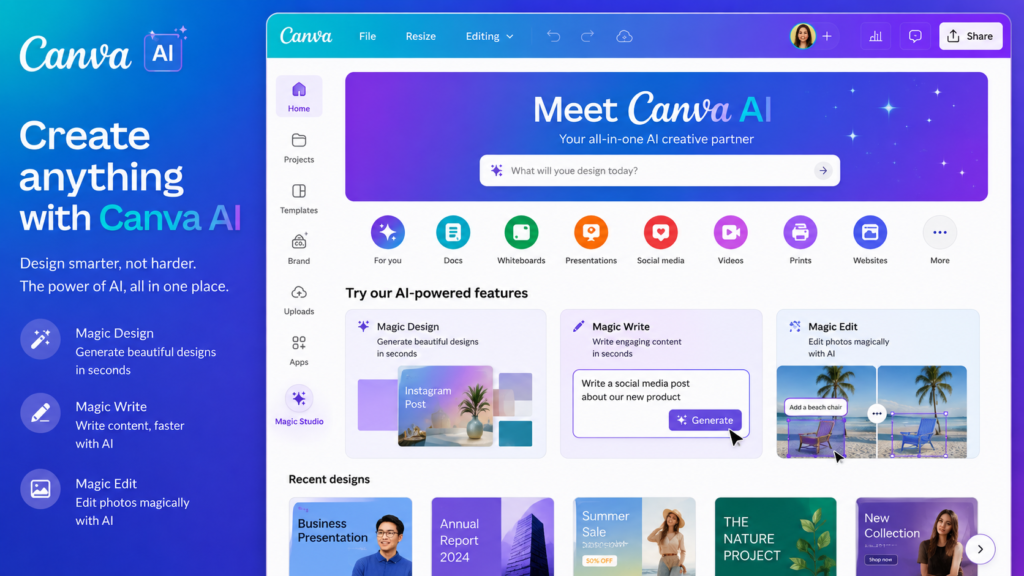
If you regularly create presentations, posters, infographics, or other visual projects, Canva can save considerable time.
Its AI-powered design features can help you start a presentation or graphic from an idea rather than creating everything manually.
Students can use Canva for:
- Presentations
- Posters
- Infographics
- Project covers
- Social media projects
- Educational diagrams
Best for
Students who need attractive visual assignments and presentations.
6. Perplexity – Useful for Research
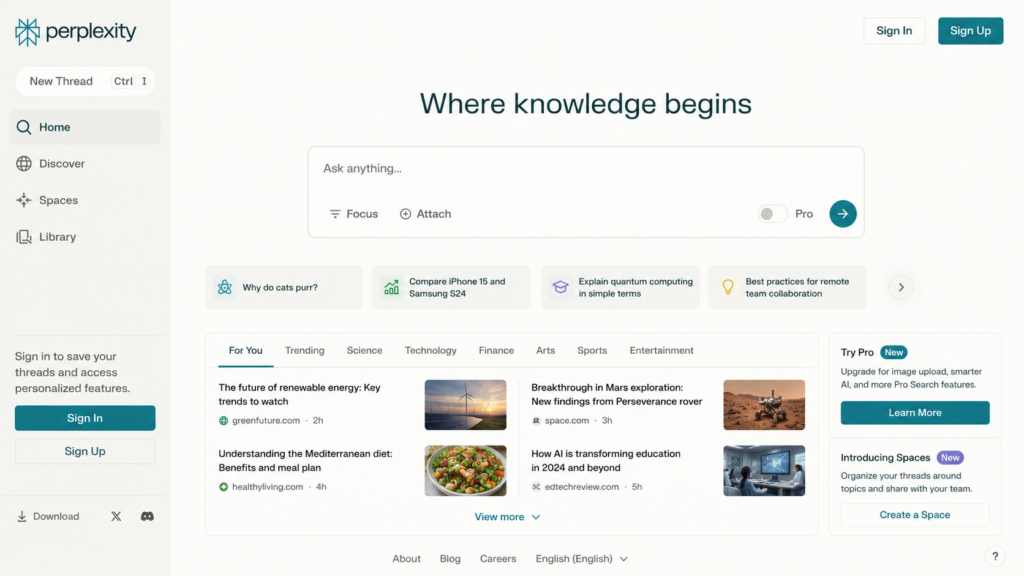
Researching a topic often means opening many tabs and trying to figure out which information is actually useful.
Perplexity is designed around answering questions with web-based research and sources.
It can be useful when you’re beginning a research project and want to understand a topic before going deeper into primary or authoritative sources.
Students can use it for:
- Research starting points
- Topic exploration
- Finding sources
- Comparing information
- Understanding unfamiliar subjects
Important tip
Don’t blindly accept an AI-generated answer. Open the cited sources and check the original information before using it in academic work.
7. QuillBot – Useful for Rewriting and Summarizing
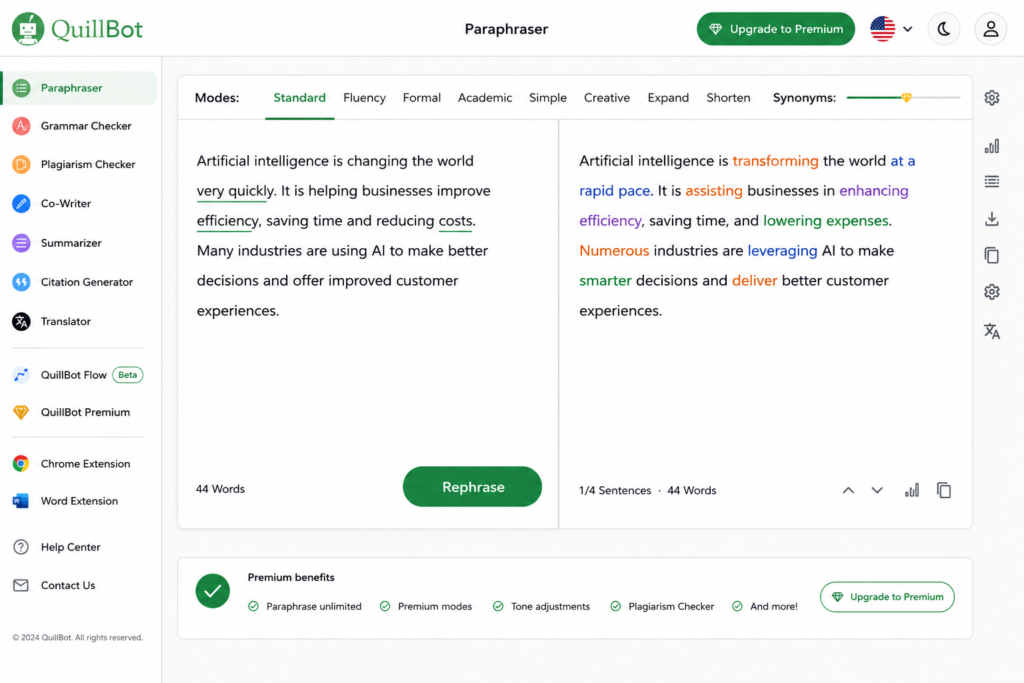
QuillBot can help students rephrase sentences, summarize text, and improve readability.
For example, if you’ve written a sentence that sounds awkward, you can use a rewriting tool to explore alternative wording.
But be careful with academic work. Rewriting someone else’s material doesn’t automatically make it your original work. Always cite sources properly.
Best for
Editing and improving your own writing.
8. Notion AI – Best for Organization
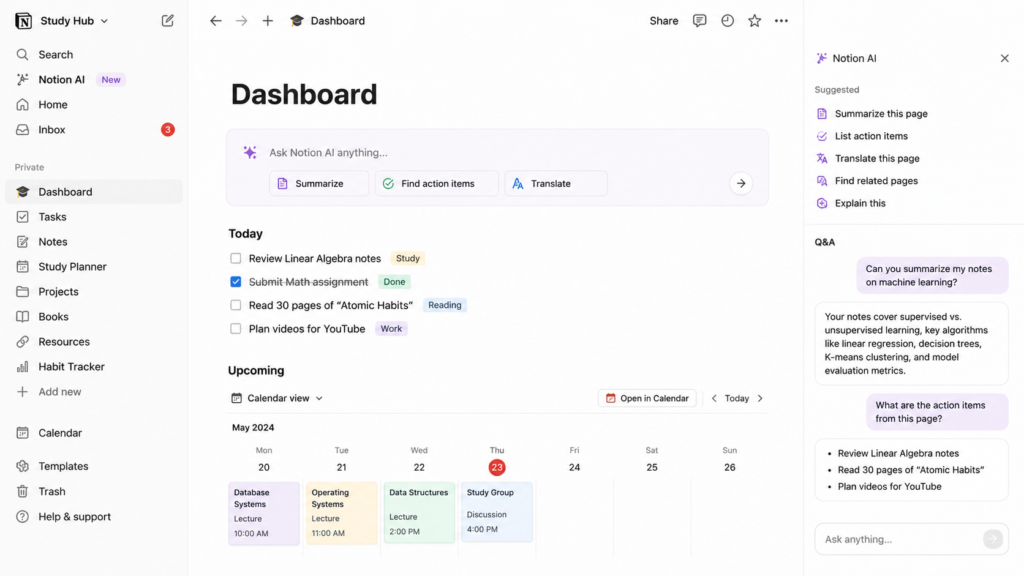
Notion is popular with students who want to keep notes, tasks, projects, and study plans in one place.
Its AI features can help organize information, summarize notes, brainstorm ideas, and work with content stored in your workspace.
A student could create separate pages for:
- Each subject
- Assignment deadlines
- Exam preparation
- Project research
- Personal notes
Best for
Students who struggle with organization.
9. GitHub Copilot – Best for Programming Students
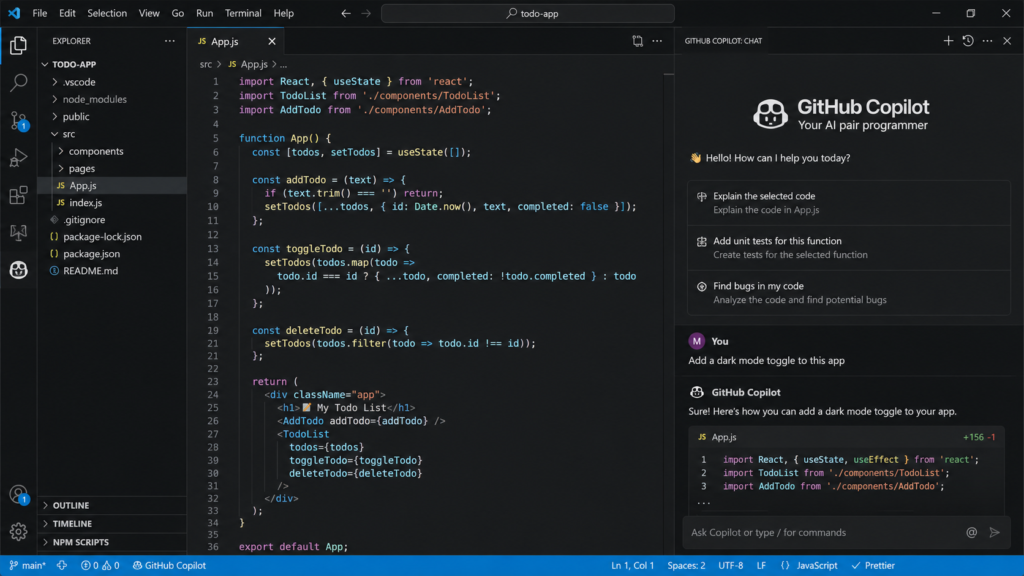
Programming students often spend hours debugging code.
GitHub Copilot can assist developers while they write code by suggesting code and helping with programming tasks.
It can be useful for students learning:
- Python
- JavaScript
- Java
- C++
- HTML/CSS
- Other programming languages
The best way to use a coding assistant is to ask why the code works , not simply copy the generated code.
Best for
Computer science and programming students.
10. Wolfram Alpha – Useful for Mathematics
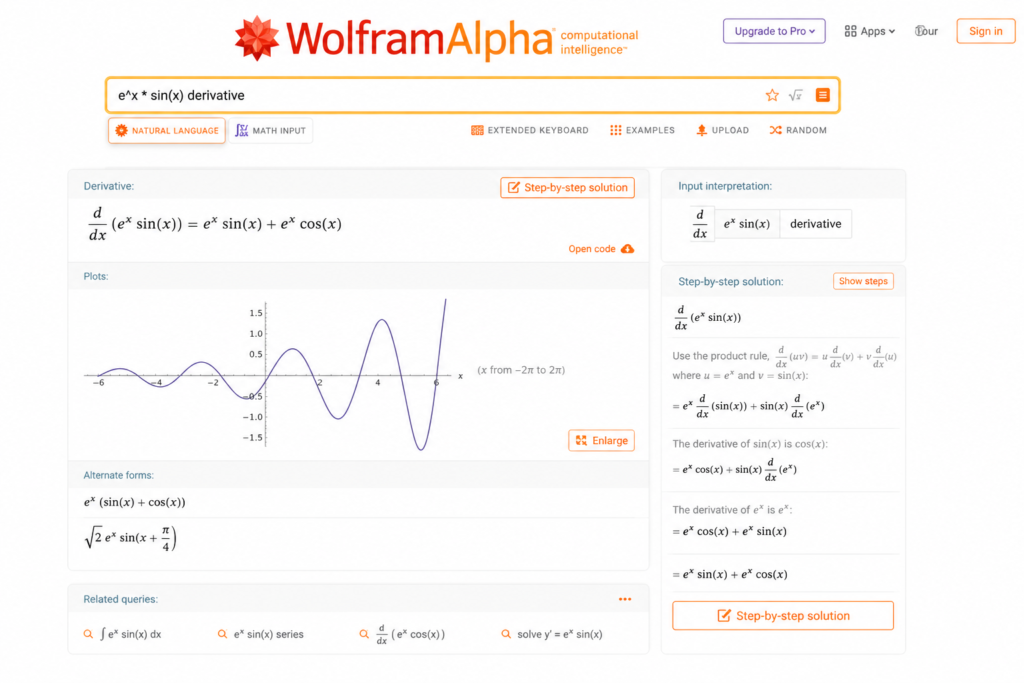
Mathematics students often need more than a simple final answer.
Wolfram Alpha is designed for computational queries and can be useful for exploring mathematical concepts, calculations, equations, graphs, and related problems.
It can be especially useful when you’re checking your work or exploring how a mathematical problem behaves.
Best for
Math, science, engineering, and technical subjects.
11. Otter.ai – Useful for Transcription
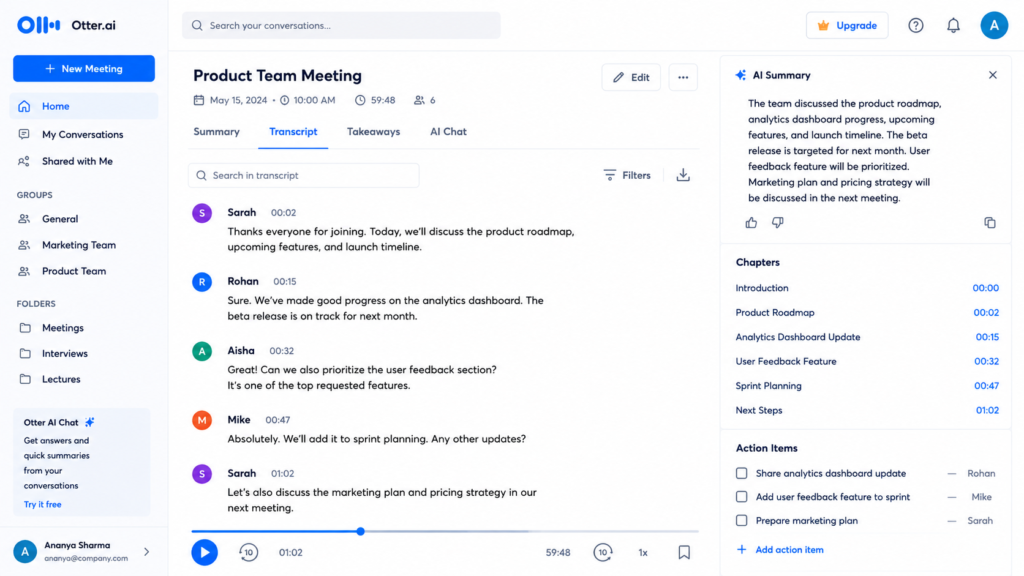
Students sometimes struggle to keep up with lectures while taking notes.
Transcription tools can help turn spoken conversations or recordings into text, depending on the service and your permissions.
This can make it easier to review information later.
However, always make sure you have permission to record lectures or other people. Your school or university may have specific rules.
Best for
Students who want help reviewing spoken information.
12. DeepL – Useful for Language Learning
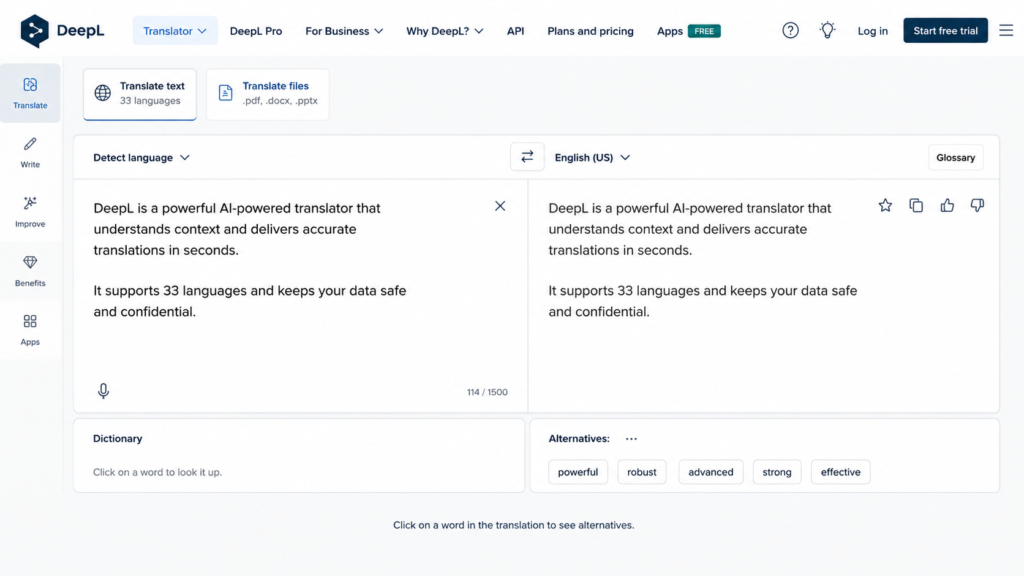
DeepL is known for translation and can be useful for students working with multiple languages.
Students can use translation tools to:
- Understand unfamiliar text
- Compare translations
- Improve vocabulary
- Understand foreign-language resources
Don’t rely on automatic translation alone when accuracy is critical. Context and meaning can sometimes change between languages.
Best for
Language learners and students working with foreign-language material.
13. Gamma – Useful for Presentations and Documents
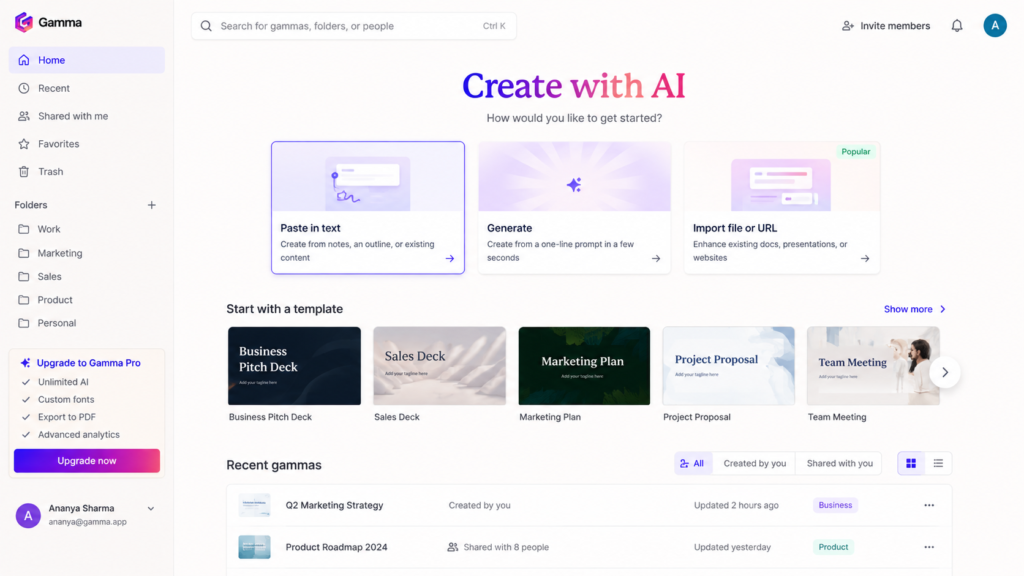
Creating a presentation from scratch can take a surprising amount of time.
AI presentation tools such as Gamma can help turn an idea or outline into a structured visual presentation.
You can then edit the content rather than starting with a completely blank page.
Best for
Students who regularly create presentations.
14. Otter and Other AI Note-Taking Tools
AI note-taking tools can help students organize meetings, lectures, interviews, and discussions into searchable information.
Instead of relying entirely on memory, you can review the generated transcript or notes later.
Again, make sure recording is permitted before using these tools in classrooms or meetings.
15. AI Flashcard and Quiz Tools
One of the most effective ways to prepare for an exam is active recall.
Instead of repeatedly reading the same notes, you can test yourself.
AI tools can help turn study material into:
- Flashcards
- Multiple-choice questions
- Short-answer questions
- Practice tests
- Revision quizzes
Google’s education tools, for example, include study guides, practice quizzes, and flashcard-style learning features in supported educational environments.
Best AI Tools for Different Student Needs
| Student Need | Recommended Tool |
| General studying | ChatGPT |
| Step-by-step learning | ChatGPT Study Mode |
| Google Workspace | Gemini |
| Study PDFs and notes | NotebookLM |
| Writing improvement | Grammarly |
| Rewriting | QuillBot |
| Presentations | Canva / Gamma |
| Programming | GitHub Copilot |
| Mathematics | Wolfram Alpha |
| Research | Perplexity |
| Organization | Notion AI |
| Translation | DeepL |
| Flashcards & quizzes | Gemini / ChatGPT |
How Students Should Actually Use AI
The biggest mistake is treating AI like an answer machine.
Instead, try using it as a personal tutor.
For example, instead of saying:
“Give me the answer to this question.”
Try:
“Explain this concept step by step. Don’t give me the final answer immediately. Ask me questions to check whether I understand it.”
You can also ask:
“Explain this like I’m a beginner, then give me three practice questions.”
This approach can turn AI from a shortcut into a useful learning partner.
Can Students Use AI for Assignments?
This depends on your school, university, instructor, and the assignment.
Some institutions allow AI for brainstorming, editing, or tutoring. Others may restrict or prohibit AI-generated work.
Before submitting AI-assisted work, check your institution’s academic-integrity rules.
For example, OpenAI’s own Study Mode guidance recommends following the AI-use policies of your school, instructor, or organization.
How to Get Better Results From AI
The quality of your prompt matters.
Instead of:
“Explain biology.”
Try:
“I’m a first-year college student. Explain photosynthesis in simple language, then give me five exam-style questions and don’t reveal the answers until I respond.”
Include:
- Your education level
- Subject
- Specific topic
- What you already understand
- What you’re struggling with
- What you’re struggling with
- Desired difficulty
- Desired format
This gives the AI much more useful context.
Important: Always Verify AI Answers
AI tools can make mistakes.
Even when an answer sounds confident, it can contain incorrect information, outdated facts, or misunderstood context.
For important academic work:
- Check your textbook.
- Check your lecture materials.
- Check reliable sources.
- Review the original research when necessary.
- Ask your instructor when you’re unsure.
Google’s education guidance also emphasizes that AI can make mistakes and that generated information should be checked and refined.
Final Verdict
AI can be incredibly useful for students, but the best tool isn’t necessarily the one that writes the most impressive answer.
The best tool is the one that helps you understand, practice, organize, and improve.
For an all-purpose study assistant, ChatGPT is a strong choice. Gemini is especially useful for students working within Google’s ecosystem, while NotebookLM is worth considering when you have lots of course materials to analyze.
For specific tasks, tools such as Grammarly, Canva, GitHub Copilot, Wolfram Alpha, Notion AI, Perplexity, QuillBot, and DeepL can complement your study workflow.
The smartest approach is not to depend on one AI tool for everything. Build a small toolkit around your actual needs and, most importantly, make sure you remain the person doing the learning.
Frequently Asked Questions
What is the best AI tool for students in 2026?
ChatGPT is a strong all-purpose option because it can help with explanations, studying, writing, coding, brainstorming, and practice. Other tools may be better for specific tasks.
Is ChatGPT good for studying?
Yes. ChatGPT’s Study Mode is specifically designed to guide students through concepts, ask questions, provide feedback, and work with study materials.
Is Gemini free for students?
Gemini has free options, while educational access and features can depend on the student’s institution and Google Workspace setup.
Can AI make study notes?
Yes. AI can summarize notes, organize information, create revision material, and generate practice questions.
Can AI help with coding?
Yes. AI coding assistants can explain programming concepts, suggest code, identify potential problems, and help students learn programming.
Should students use AI to write assignments?
Students should first check their school’s or instructor’s AI policy. Even when AI assistance is allowed, students should understand and take responsibility for the final work.
Can AI replace a teacher?
No. AI can be a useful study assistant, but it can make mistakes and cannot replace the expertise, feedback, and context provided by a teacher or instructor.