
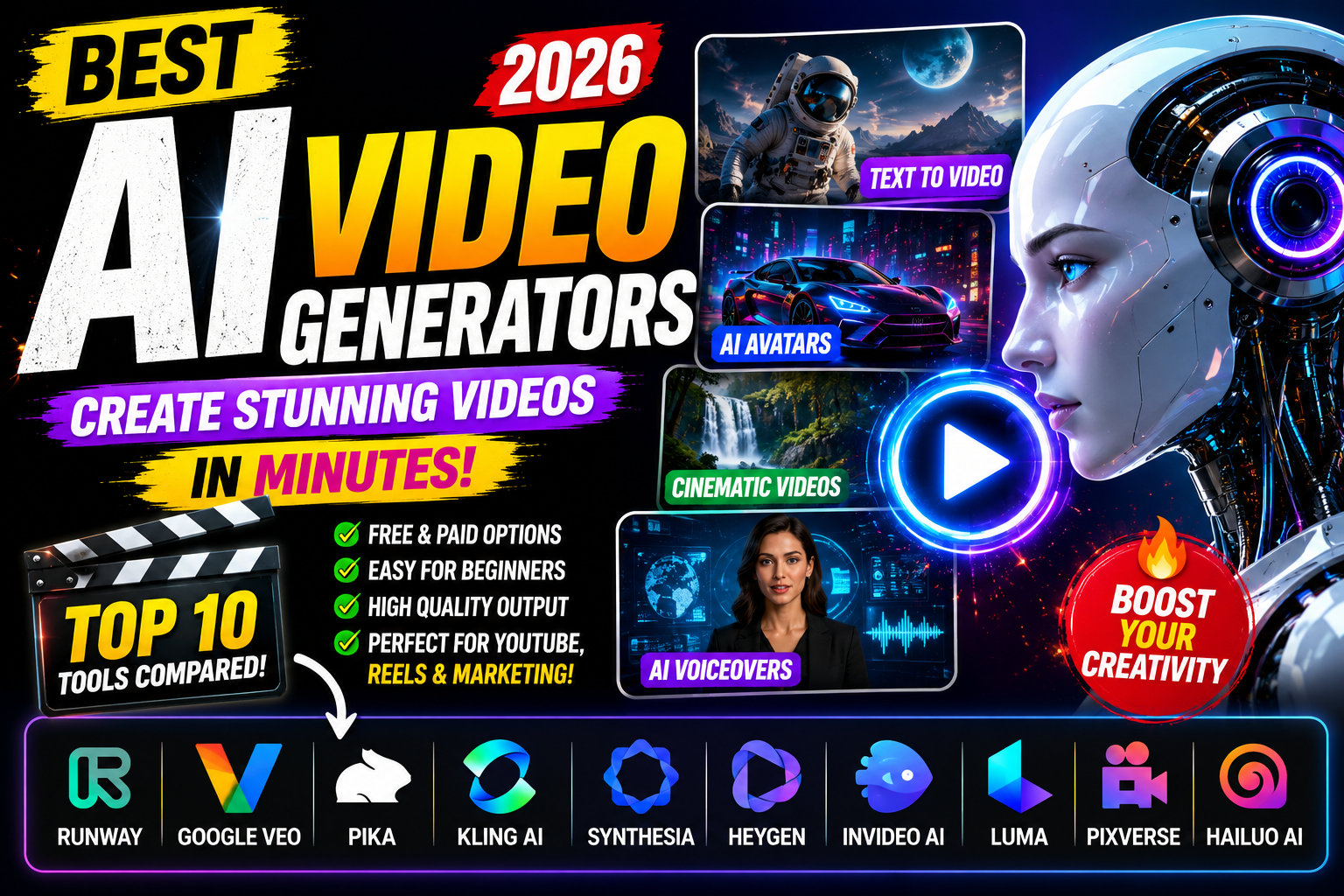
Best AI Video Generators (2026)
Artificial intelligence is transforming video creation. Today, you don’t need expensive cameras, editing software, or professional editing skills to create high-quality videos. AI video generators can turn text prompts, images, or scripts into engaging videos in just a few minutes.
Whether you’re a YouTuber, marketer, business owner, educator, or social media creator, AI video tools can help you produce professional videos faster while reducing production costs.
In this guide, we’ll compare the best AI video generators in 2026 based on quality, features, ease of use, and ideal use cases.
Why Use an AI Video Generator?
AI video generators save time by automating many parts of the video creation process.
Benefits include:
- Text-to-video generation
- AI avatars
- AI voiceovers
- Automatic subtitles
- Image-to-video conversion
- Video translation
- Social media videos
- Marketing videos
- Product advertisements
- YouTube content creation
Top AI Video Generators in 2026
| AI Tool | Best for | Free plan |
| Runway | Cinematic AI videos | Yes |
| Google Veo | High-quality text-to-video | Limited |
| Pika | Creative short videos | Yes |
| Kling AI | Realistic AI videos | Yes |
| Synthesia | AI avatar videos | Limited |
| HeyGen | Business presentations | Yes |
| InVideo AI | Social media videos | Yes |
| Luma Dream Machine | Fast AI video generation | Yes |
| PixVerse AI | Creative animations | Yes |
| Hailuo AI | Text-to-video | Yes |
1. Runway
Runway is one of the most popular AI video generators for creators and filmmakers.
Best Features
- Text-to-video
- Video editing
- Image-to-video
- Background removal
- Motion generation
Best for
- YouTubers
- Filmmakers
- Content creators
2. Google Veo
Google Veo focuses on realistic, high-quality AI-generated videos with detailed prompt understanding.
Best Features
- Realistic motion
- High-resolution videos
- Excellent prompt understanding
- Cinematic output
3. Pika
Pika allows users to create fun and engaging AI videos from simple prompts.
Best for:
- Instagram Reels
- TikTok videos
- Short animations
- Creative projects
4. Kling AI
Kling AI is known for realistic movement, cinematic scenes, and detailed character animation.
Ideal for:
- Storytelling
- Marketing
- Product videos
- AI films
5. Synthesia
Synthesia specializes in AI avatar videos for businesses and education.
Perfect for:
- Training videos
- Tutorials
- Online courses
- Corporate presentations
6. HeyGen
HeyGen makes it easy to create talking-avatar videos with realistic voices and multilingual support.
7. InVideo AI
InVideo AI turns prompts into complete videos with scenes, transitions, voiceovers, and captions.
Excellent for:
- YouTube videos
- Marketing
- Social media
- Product promotions
8. Luma Dream Machine
Luma Dream Machine generates smooth, realistic AI videos from text or images and is popular for creative visual storytelling.
9. PixVerse AI
PixVerse AI is designed for creative animations, visual effects, and short-form content suitable for social platforms.
10. Hailuo AI
Hailuo AI is a newer AI video generator focused on creating videos directly from text prompts with minimal effort.
/
AI Video Quality Comparison
The quality of AI-generated videos depends on motion realism, prompt understanding, video resolution, editing features, and rendering speed.
Pricing Comparison
Most AI video generators offer free plans with limited video generation. Premium plans typically provide higher-quality exports, faster generation, longer videos, and more advanced features.
| AI Tool | Free Plan | Paid Plan |
| Runway | Yes | Available |
| Google Veo | Limited | Available |
| Pika | Yes | Available |
| Kling AI | Yes | Available |
| Synthesia | Limited | Available |
| HeyGen | Yes | Available |
| InVideo AI | Yes | Available |
| Luma Dream Machine | Yes | Available |
| PixVerse AI | Yes | Available |
| Hailuo AI | Yes | Available |
Best AI Video Generator for YouTube
YouTube creators need tools that can generate high-quality visuals, smooth animations, subtitles, and engaging storytelling.
Top Picks
1. Runway
Perfect for cinematic editing and creative storytelling.
2. InVideo AI
Excellent for turning scripts into YouTube-ready videos.
3. Google Veo
Ideal for realistic AI-generated scenes.
Best AI Video Generator for Social Media
If you create Instagram Reels, TikTok videos, Facebook content, or YouTube Shorts, these tools are excellent choices.
- Pika
- PixVerse AI
- Runway
- InVideo AI
These platforms are designed for short, engaging, vertical videos.
Best AI Video Generator for Businesses
Businesses often need videos for:
- Product promotions
- Employee training
- Customer support
- Marketing campaigns
- Presentations
Recommended tools:
- HeyGen
- Synthesia
- InVideo AI
- Runway
Tips for Creating Better AI Videos
To get the best results:
- Write detailed prompts.
- Specify the camera angle (close-up, aerial, wide shot).
- Mention lighting (golden hour, cinematic, studio).
- Describe the subject clearly.
- Include movement, such as walking, flying, or zooming.
Example Prompt
“A futuristic city at sunset with flying cars, cinematic lighting, ultra-realistic, slow camera movement, 4K, 16:9.”
The more detailed your prompt, the better the generated video is likely to be.
Pros and Cons
Runway
Pros
- Excellent video quality
- Powerful editing features
- Professional workflow
Cons
- Some advanced features require a paid subscription.
Google Veo
Pros
- Realistic videos
- Excellent prompt understanding
- High-quality output
Cons
- Availability and features may vary.
Pika
Pros
- Easy to use
- Great for short videos
- Fast generation
Cons
- Limited compared with some professional tools.
Frequently Asked Questions
1. Which AI video generator is the best?
There is no single best option for everyone. Runway, Google Veo, Kling AI, InVideo AI, and Pika are among the leading choices, depending on your goals.
2. Are AI video generators free?
Many AI video generators offer free plans with usage limits. Paid plans usually provide more credits, higher-quality exports, and advanced features.
3. Which AI video generator is best for YouTube?
Runway and InVideo AI are popular choices for YouTube creators because they combine quality, editing tools, and ease of use.
4. Which AI video generator is best for beginners?
InVideo AI, Pika, and HeyGen are beginner-friendly and require little editing experience.
5. Can AI create videos from text?
Yes. Modern AI video generators can turn text prompts into animated or realistic videos within minutes.
Final Verdict
AI video generation has become one of the biggest breakthroughs in content creation. Whether you’re producing YouTube videos, marketing campaigns, educational content, or social media clips, today’s AI tools can significantly reduce production time while improving creativity.
Runway stands out for creators who need professional editing and cinematic results. Google Veo is a strong option for realistic text-to-video generation. Pika is well suited for short-form content, while InVideo AI simplifies turning scripts into complete videos. For businesses and educators, Synthesia and HeyGen offer polished AI avatar presentations.
The best tool depends on your workflow, budget, and the type of videos you create. Experiment with free plans to find the one that matches your needs, then upgrade only if the additional features provide value for your projects.