
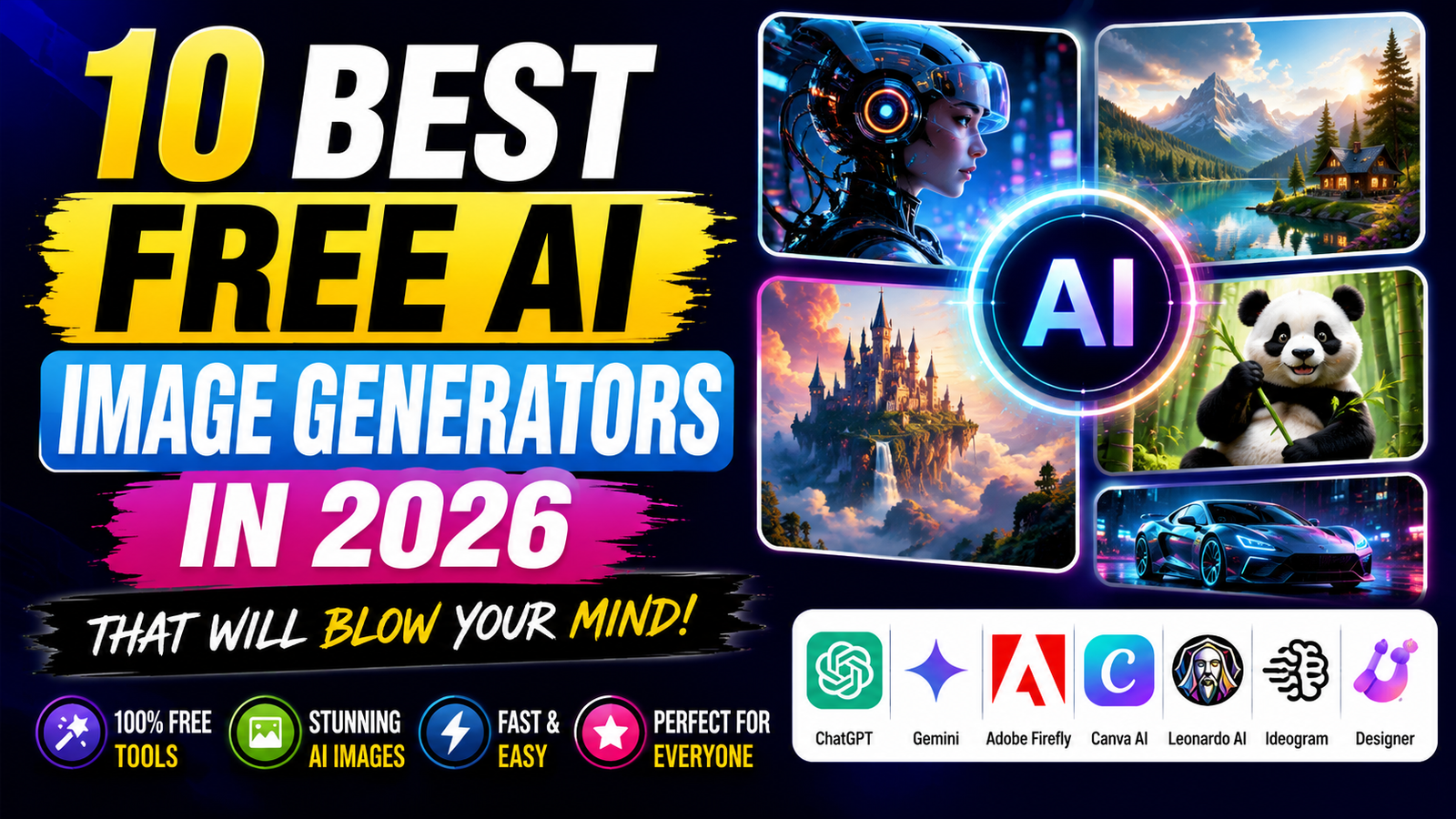
Best Free AI Image Generators (2026)
Artificial intelligence has changed the way people create digital artwork. Today, you don’t need advanced graphic design skills to create realistic images, illustrations, logos, product photos, social media graphics, or YouTube thumbnails. With just a simple text prompt, AI image generators can produce high-quality visuals within seconds.
The best part is that many of these AI tools offer free plans, making them accessible to beginners, bloggers, students, marketers, and businesses.
In this guide, we’ll compare the best free AI image generators available in 2026, highlighting their features, strengths, and ideal use cases.
Why Use an AI Image Generator?
AI image generators save both time and money. Instead of spending hours creating graphics manually or hiring designers for every project, you can generate professional-looking visuals in minutes.
Common uses include:
- Blog featured images
- YouTube thumbnails
- Social media posts
- Website banners
- Product mockups
- Digital art
- Book covers
- Marketing creatives
- Logo concepts
- Presentation graphics
Whether you’re a content creator or a business owner, AI image tools can significantly improve your workflow.
Top Free AI Image Generators in 2026
| AI Tool | Best For | Free Plan |
| ChatGPT | General image generation | Yes |
| Gemini | Creative image generation | Yes |
| Microsoft Designer | Social media graphics | Yes |
| Adobe Firefly | Commercial designs | Yes |
| Canva AI | Marketing & presentations | Yes |
| Leonardo AI | Game art & illustrations | Yes |
| Ideogram | Text inside images | Yes |
| Playground AI | Digital artwork | Yes |
1. ChatGPT
ChatGPT offers image generation capabilities that allow users to create realistic, artistic, and creative visuals from simple text prompts.
Best Features
- Realistic images
- Blog thumbnails
- Product mockups
- Social media graphics
- Creative artwork
- Poster designs
Pros
- Easy to use
- Excellent image quality
- Natural prompt understanding
- Suitable for beginners
Cons
- Some advanced capabilities may require a paid plan.
2. Gemini
Gemini can generate creative images while integrating well with Google’s ecosystem.
Best features
- Creative illustrations
- Concept art
- AI posters
- Educational graphics
Pros
- Simple interface
- Fast generation
- Useful for Google users
Cons
- Results may vary depending on the prompt.
3. Microsoft Designer
Microsoft Designer is ideal for creating marketing materials, Instagram posts, advertisements, invitations, and presentations.
Best Features
- AI poster generation
- Social media templates
- Marketing graphics
- Presentation visuals
Best for
- Small businesses
- Students
- Social media managers
4. Adobe Firefly
Adobe Firefly focuses on professional-quality AI-generated graphics and integrates with Adobe’s creative tools.
Best Features
- Commercial-friendly workflows
- Text effects
- Background generation
- Graphic design support
Best for
- Designers
- Agencies
- Businesses
5. Canva AI
Canva AI combines image generation with Canva’s drag-and-drop editor.Users can generate images and immediately add them to presentations, Instagram posts, YouTube thumbnails, posters, and more.
Best Features
- AI image generation
- Ready-made templates
- Social media designs
- Presentation editing
Pros
- Beginner-friendly
- Thousands of templates
- Great collaboration features
6. Leonardo AI
Leonardo AI has become popular among artists, designers, and game developers.
It excels at creating:
- Fantasy artwork
- Character designs
- Concept art
- 3D-style illustrations
- Game assets
7. Ideogram
Ideogram stands out for generating images that include readable text, making it especially useful for posters, banners, and logo concepts.
Best for
- Posters
- Logos
- Quote graphics
- Typography
8. Playground AI
Playground AI is a flexible image generator that supports artistic creations, marketing graphics, and concept art.
Many users appreciate its balance between creativity and ease of use.
Which AI Image Generator Is Best?
The answer depends on your needs.
- For bloggers: ChatGPT, Canva AI
- For marketers: Microsoft Designer, Canva AI
- For professional designers: Adobe firefly
- For artists: Leonardo AI
- For posters with text: Ideogram
- For everyday image generation: ChatGPT and Gemini
Which AI Tool Is Best for Bloggers?
Bloggers need AI image generators that can create:
- Featured images
- Blog banners
- Comparison graphics
- Social media images
- Pinterest pins
Best Choice
ChatGPT is a strong option for generating blog images and thumbnails from detailed prompts.
Canva AI makes it easy to edit those images and turn them into polished blog graphics.
Best AI Image Generator for YouTube
YouTube creators need:
- Bright colors
- Large readable text
- High contrast
- Eye-catching visuals
Top Picks
- ChatGPT
- Canva AI
- Microsoft Designer
These tools help create attractive thumbnails for tutorials, reviews, gaming videos, and educational content.
Best AI Tool for Social Media
If you’re creating content for Instagram, Facebook, LinkedIn, or Pinterest, these tools are excellent:
- Canva AI
- Microsoft Designer
- ChatGPT
- Adobe Firefly
They help produce visually appealing posts without requiring graphic design experience.
Can You Use AI Images Commercially?
Many AI image generators allow commercial use, but the terms differ between services and plans.
Before using AI-generated images for:
- Client projects
- Advertising
- Product packaging
- Merchandise
- Print-on-demand
- Business websites
Always review the current licensing terms of the platform you choose.
Tips for Writing Better AI Image Prompts
A detailed prompt usually produces better results.
Instead of writing:
“A cat”
Write something like:
“A realistic orange cat sitting on a wooden table in a modern coffee shop, cinematic lighting, ultra-detailed, shallow depth of field, 8K.”
Good prompts often include:
- Subject
- Background
- Lighting
- Camera angle
- Colors
- Style
- Quality
- Aspect ratio
Best Prompt Example
Instead of:
“Laptop”
Try:
“A premium silver laptop on a wooden desk with neon blue lighting, modern office, realistic reflections, shallow depth of field, cinematic photography, ultra-detailed, 16:9.”
The more specific your prompt, the more accurate the generated image is likely to be.
Which AI Image Generator Should You Choose?
Choose ChatGPT if:
- You create blogs
- You need YouTube thumbnails
- You want realistic images
- You need product mockups
- You want versatile image generation
Choose Gemini if:
- You use Google services
- You want creative illustrations
- You need quick image ideas
Choose Canva AI if:
- You design social media posts
- You create presentations
- You need drag-and-drop editing
Choose Adobe Firefly if:
- You work professionally
- You need commercial design workflows
- You already use Adobe Creative Cloud
Choose Leonardo AI if:
- You create game art
- You enjoy fantasy illustrations
- You make concept artwork
Choose Ideogram if:
- You need posters
- You want logos
- You need images with readable text
Frequently Asked Questions
1. Which is the best free AI image generator?
There isn’t one universal best tool. ChatGPT, Adobe Firefly, Canva AI, Leonardo AI, Gemini, and Microsoft Designer are all strong choices depending on your needs.
2. Can AI generate realistic images?
Yes. Modern AI image generators can create highly realistic images from text prompts.
3. Are AI image generators free?
Most platforms offer a free plan with usage limits. Paid plans generally provide more image generations, higher quality, or additional features.
4. Which AI image generator is best for bloggers?
ChatGPT and Canva AI are popular choices because they can help create blog featured images, thumbnails, banners, and social media graphics.
5. Which AI image generator is best for YouTube thumbnails?
ChatGPT, Canva AI, and Microsoft Designer are commonly used to create bold, eye-catching thumbnails.
Final Verdict
AI image generation has become an essential tool for content creators, marketers, designers, and business owners. Whether you’re writing blog posts, creating YouTube videos, running social media campaigns, or designing marketing materials, there’s an AI image generator that fits your workflow.
For most beginners, ChatGPT is a great all-around choice because it can generate a wide variety of image styles from simple prompts. Canva AI is ideal for users who want to edit and publish graphics quickly, while Adobe Firefly is well suited for professional design workflows. If your focus is game art or fantasy illustrations, Leonardo AI stands out, and Ideogram is a strong option for images that require clear, readable text.
The best results come from combining a powerful AI image generator with detailed prompts and your own creativity. Experiment with different tools, refine your prompts, and choose the one that best matches your projects.
very useful
💫