
If you want to create a website but don’t know how to code, AI website builders can make the process much easier. Instead of designing every section manually, you can describe the website you want and let AI generate a starting design.
In 2026, there are many AI-powered website builders available, but there is an important difference between truly free plans, free trials, and paid builders with AI features. For example, Hostinger currently offers a free trial but says its Website Builder isn’t permanently free; its paid plans are required to publish a site after the trial.
Hostinger +1In this guide, we’ll look at some of the best options for beginners, bloggers, small businesses, portfolios, landing pages, and online projects.
What Is an AI Website Builder?
An AI website builder uses artificial intelligence to help create a website from a description or prompt.
Instead of starting with a completely blank page, you might type something like:
“Create a modern website for a technology blog with a homepage, blog section, About page, Contact page, and newsletter signup.”
The AI can then generate a starting structure that you can customize.
Depending on the platform, AI may help with:
- Website layouts
- Page creation
- Text and copywriting
- Images
- Color schemes
- Navigation
- SEO content
- Product descriptions
- Blog posts
- Forms
- Online stores
The exact features vary considerably between platforms.
Best Free AI Website Builders in 2026
1. Wix AI – Best for Beginners
Wix is one of the easiest choices for people who have never built a website before.
Its AI-powered website creation tools can help generate a website based on your answers and requirements, after which you can customize the design.
Wix is particularly attractive if you want a combination of AI generation and visual editing.
Why choose Wix?
- Beginner-friendly editor
- Drag-and-drop customization
- Business features
- Ecommerce options
- AI-assisted website creation
A current 2026 website-builder review from TechRadar ranks Wix highly overall, particularly for its combination of usability, features, and AI capabilities.
Best for:
Beginners, freelancers, small businesses, and personal websites.
2. Framer – Best for Modern Website Design
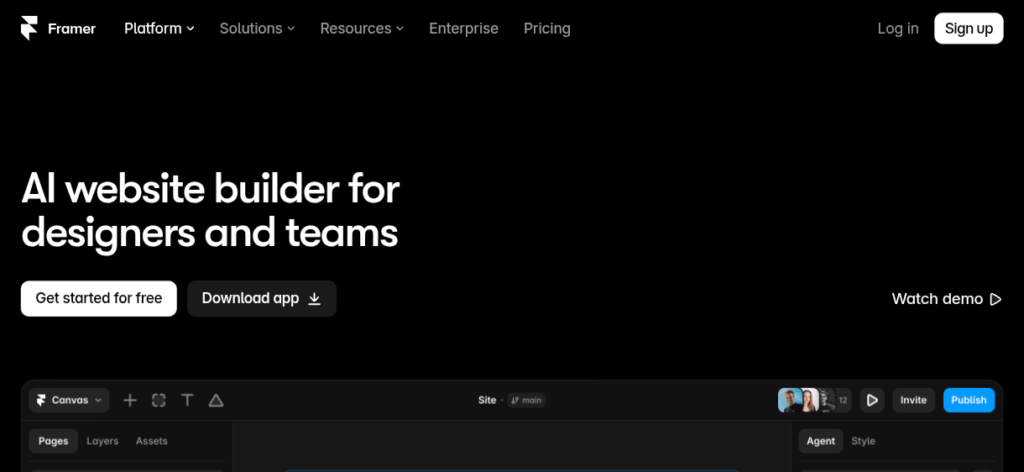
Framer is a strong choice if appearance is extremely important to you.
It is popular for modern landing pages, portfolios, startup websites, and creative websites.
Its AI features can help you generate website layouts and content, while the visual editor gives you considerable control over the final design.
Why choose Framer?
- Modern designs
- AI-assisted website creation
- Responsive layouts
- Animation capabilities
- Excellent for creative portfolios
Best for:
Designers, creators, startups, and people who want visually impressive websites.
3. WordPress.com – Best for Blogging
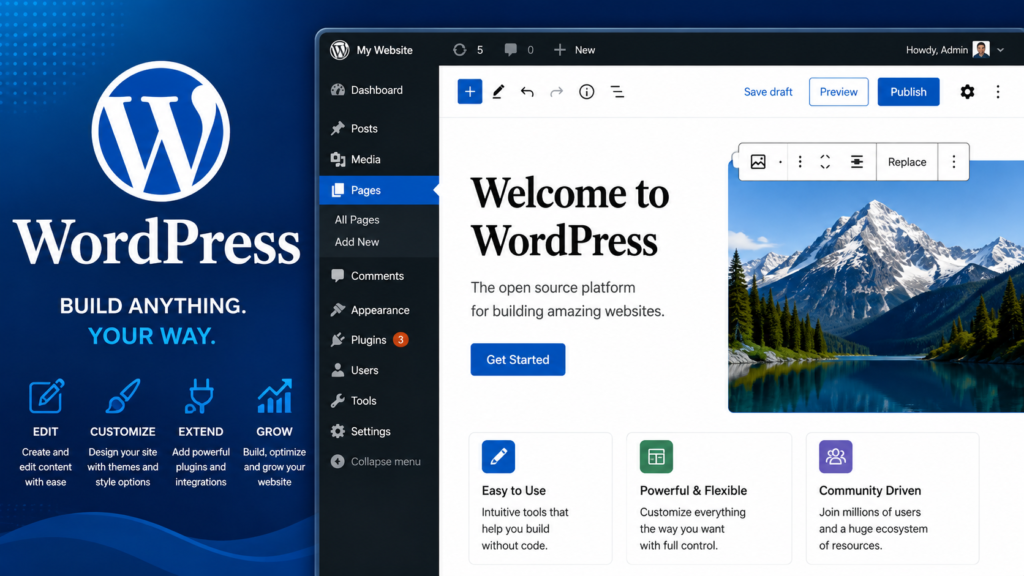
If your main goal is creating a blog, WordPress is worth considering.
WordPress has a massive ecosystem and is especially useful when you want to publish lots of articles over time.
AI features can help with tasks such as generating content ideas, editing text, and creating parts of a website.
Why choose WordPress?
- Excellent blogging ecosystem
- Huge plugin ecosystem on appropriate plans
- SEO possibilities
- Flexible content management
- Suitable for long-term websites
Best for:
Bloggers, publishers, educators, and content websites.
4. Hostinger AI Website Builder – Best All-in-One Option

Hostinger combines AI website creation with hosting and other website tools.
You can describe your website idea to its AI builder and then customize the generated site.
Hostinger currently offers a 14-day free trial for its Website Builder, but it does not offer a permanent free Website Builder plan.
Publishing after the trial requires a paid plan. Hostinger +1Its AI tools can also help with website text, images, logos, SEO, blog content, and other tasks.
Why choose Hostinger?
- AI website generation
- Hosting included with paid plans
- Domain options
- AI image tools
- Ecommerce features
- Beginner-friendly interface
Best for:
People who want hosting and website creation together.
5. Durable – Best for Small Businesses
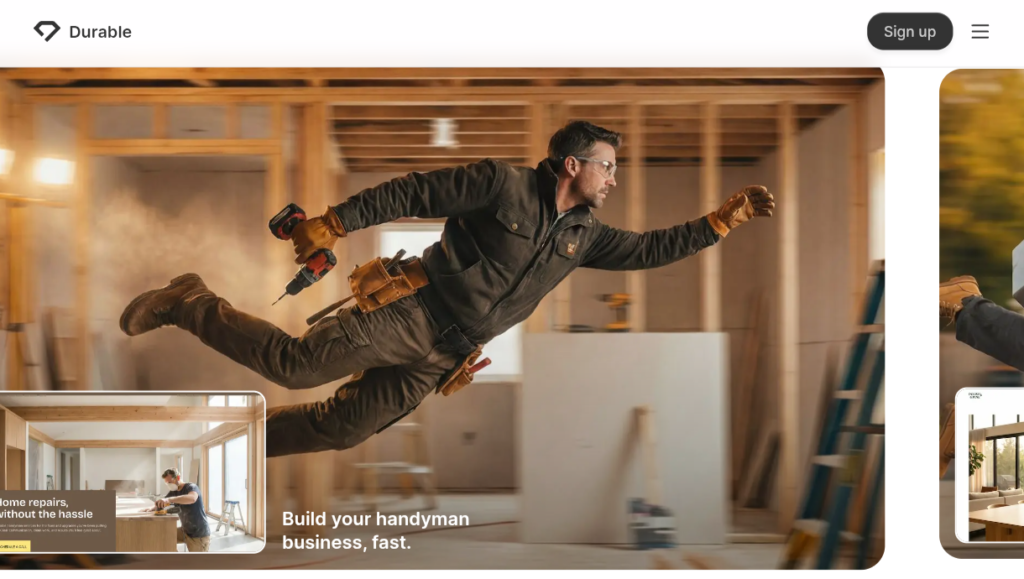
Durable focuses heavily on helping businesses get a website online quickly.
You can provide information about your business and use AI to create a starting website.
This can be particularly useful for:
- Freelancers
- Consultants
- Local businesses
The biggest advantage is speed. Instead of spending hours designing a business website from scratch, you can get a basic version quickly and then customize it.
Best for:
Small businesses that need a simple website quickly.
6. Readdy – Good for AI-Generated Landing Pages
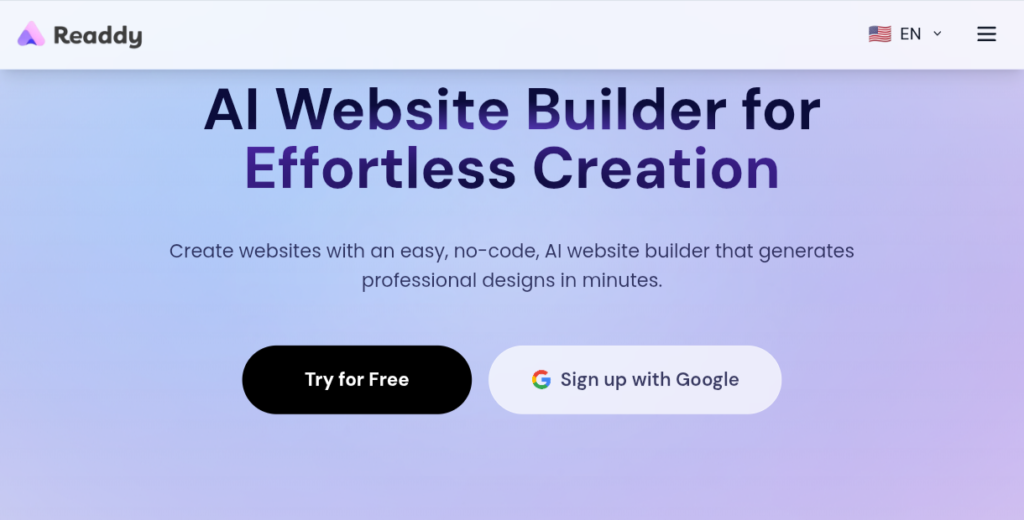
Readdy is an AI-focused website creation tool designed around generating websites from natural-language instructions.
It can be useful when you have a specific design idea and want AI to turn the description into a website starting point.
For example:
“Create a premium landing page for an AI productivity app with a dark background, pricing section, testimonials, features, and a signup button.”
The AI can then generate a design that you can refine.
Best for:
Landing pages, startups, and quick website prototypes.
7. Canva Websites – Best for Simple Websites
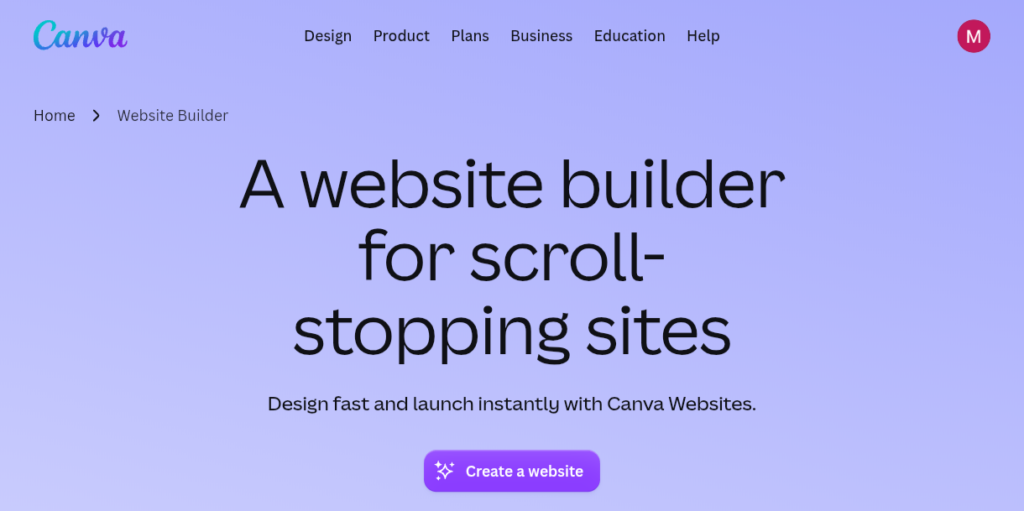
Many people know Canva as a graphic-design platform, but it can also be used to create simple websites.
It’s especially convenient if you’re already familiar with Canva.
You can create:
- Portfolio pages
- Event pages
- Personal websites
- Simple business pages
- Presentation-style websites
Advantages
- Very easy to use
- Drag-and-drop editing
- Lots of design elements
- Beginner friendly
- Useful for visual content
Limitation
Canva Websites aren’t necessarily the best choice for a large content-heavy website with complex functionality.
Best for:
Simple, attractive websites and portfolios.
8. Webflow – Best for Advanced Designers
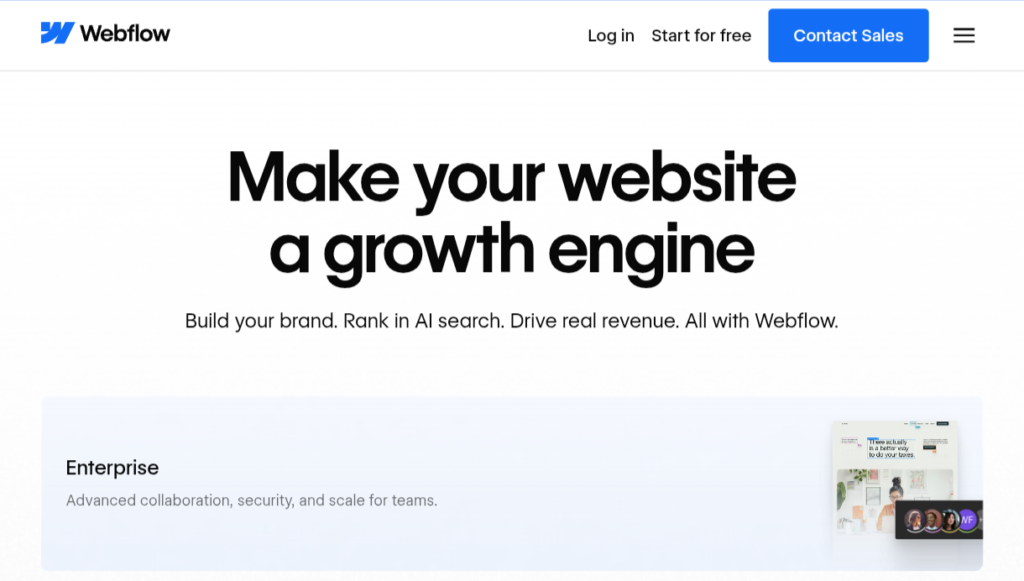
Webflow is more advanced than many beginner-focused website builders.
It provides much more control over website structure and design, making it attractive to professional designers and agencies.
AI features can assist with website creation and content, but Webflow still has a steeper learning curve than simpler builders.
Best for:
Designers, agencies, and users who want more control.
9. 10Web – Useful for WordPress Websites
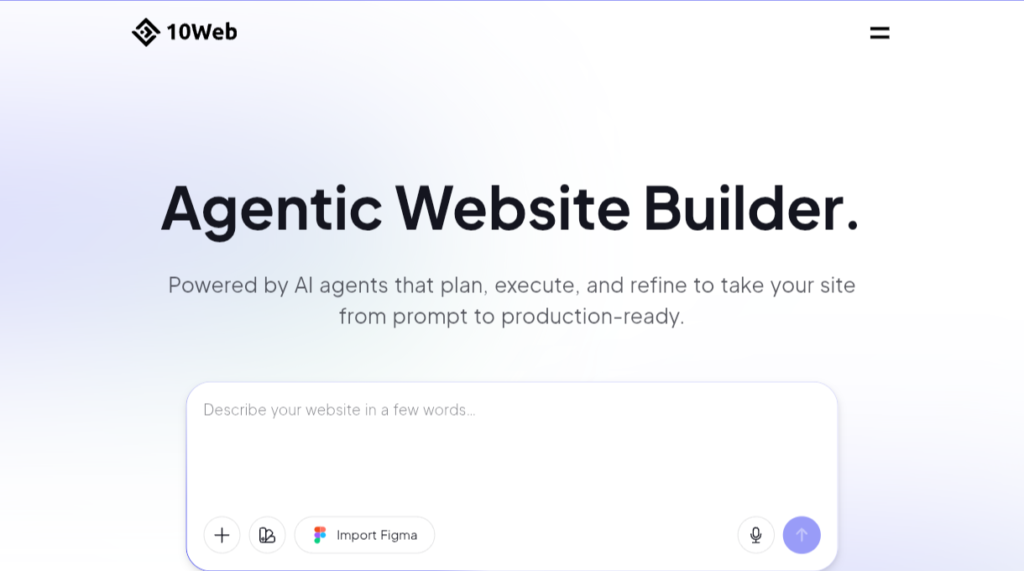
10Web focuses on AI-assisted WordPress website creation and management.
The idea is appealing if you want AI to help create a WordPress website while retaining access to the WordPress ecosystem.
It can be useful for people who want:
- WordPress websites
- Website optimization
- AI-generated designs
- Business websites
- Faster setup
Best for:
Users who want an AI-assisted WordPress workflow.
10. Gamma – Best for Simple Web Pages
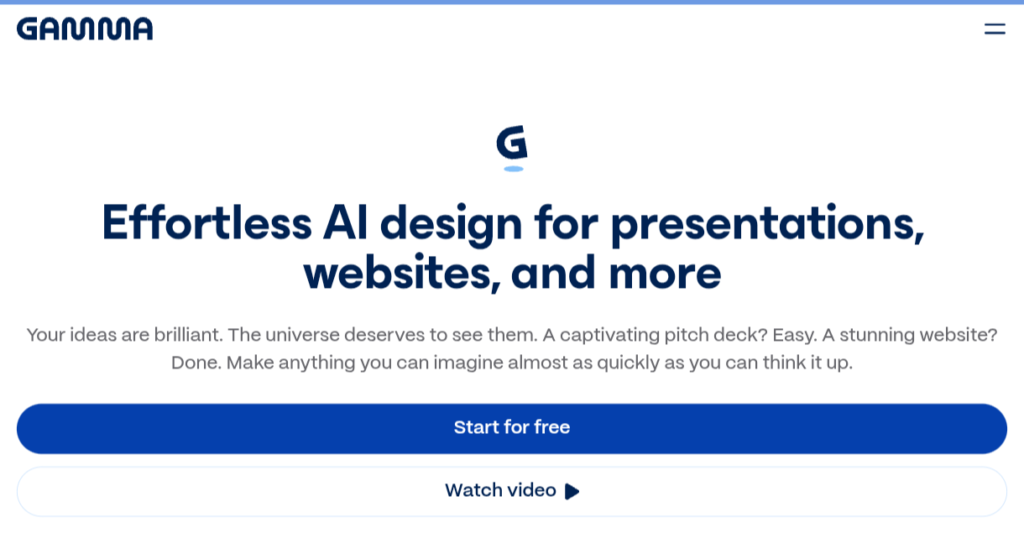
Gamma is primarily known for creating presentations and visual documents, but it can also be useful for creating simple web-style pages.
You can start with an idea and let AI help structure the content and design.
It’s useful for quickly presenting:
- Projects
- Ideas
- Portfolios
- Product concepts
- Simple landing pages
Best for:
Quick visual web pages and presentations.
Which AI Website Builder Is Actually Free?
This is where you need to be careful.
Many websites advertise themselves as “free AI website builders,” but there are several different meanings of free.
1. Completely free
You can create and publish without paying, but you may receive:
- A platform subdomain
- Limited storage
- Branding
- Limited AI generations
2. Free trial
You can test the platform without paying, but eventually you need a subscription.
Hostinger is an example: its current Website Builder offers a free trial, but the builder isn’t permanently free.
3. Free plan with limitations
You can continue using the service for free but may need to upgrade for a custom domain or advanced features.
Therefore, always check the current plan details before choosing a platform for a serious website.
Best AI Website Builder for Different Needs
| Your Goal | Recommended Tool |
| Beginner website | Wix |
| Beautiful landing page | Framer |
| Blog | WordPress |
| Business website | Wix / Hostinger |
| AI + hosting | Hostinger |
| Small local business | Durable |
| Portfolio | Framer / Canva |
| Advanced design | Webflow |
| WordPress + AI | 10Web |
| Simple visual page | Gamma |
Can AI Build a Website Without Coding?
Yes.
That’s one of the biggest advantages of AI website builders.
You don’t necessarily need to understand:
- HTML
- CSS
- JavaScript
- PHP
- Web servers
to create a basic website.
However, knowing some basic web concepts becomes valuable as your website grows.
AI-generated websites aren’t always perfect. You may still need to fix:
- Spacing
- Mobile layouts
- Fonts
- Images
- Navigation
- SEO
- Forms
- Accessibility
- Website speed
Even current reviews of AI website builders point out that AI-generated sites often require editing after generation.
How to Build a Website With AI
The process is usually simple.
Step 1: Choose your website type
Decide whether you’re building:
- Blog
- Portfolio
- Business website
- Online store
- Landing page
- Personal website
Step 2: Write a clear prompt
For example:
“Create a modern technology blog for an international audience. Include Home, Blog, About, Contact, categories for AI, technology, productivity and software, and a clean mobile-friendly design.”
Step 3: Let AI create the first version
Don’t expect the first version to be perfect.
Think of it as your starting point.
Step 4: Customize it
Change:
- Logo
- Colors
- Fonts
- Images
- Navigation
- Text
- Buttons
Step 5: Add important pages
For a serious website, consider:
- About
- Contact
- Privacy Policy
- Terms and Conditions
- Disclaimer where applicable
- Cookie information where applicable
Step 6: Optimize for mobile
A large percentage of visitors may access your website from smartphones.
Check every page on mobile before publishing.
Can AI Website Builders Help With SEO?
Some AI website builders include SEO features.
For example, Hostinger says its AI tools can assist with keywords, meta titles, descriptions, image alt text, and sitemap generation.
HostingerHowever, an AI-generated website doesn’t automatically rank well on Google.
SEO still depends on factors such as:
- Useful content
- Search intent
- Site structure
- Internal linking
- Page experience
- Technical SEO
- Reputation and links
- Originality
- Competition
Simply generating 100 pages with AI isn’t a shortcut to Google traffic.
Are AI-Generated Websites Good for AdSense?
An AI-generated website can potentially use AdSense, but using AI does not guarantee AdSense approval.
The important thing is the overall quality of the website.
Avoid creating hundreds of automatically generated pages that offer little value.
Instead:
- Write useful original content.
- Edit AI-generated material.
- Add your own experience.
- Use original screenshots when appropriate.
- Create clear navigation.
- Add important site information.
- Don’t copy competitors.
Final Verdict
AI website builders have made creating a website considerably easier for beginners.
If you want an easy general-purpose option, Wix is a strong choice. If design is your priority, Framer is worth considering. For blogging and long-term content publishing, WordPress remains a powerful option.
If you want an all-in-one service combining AI website creation and hosting, Hostinger is attractive, although its current Website Builder is not permanently free and requires a paid plan after the trial.
For simple visual pages, Canva and Gamma can be useful, while more advanced designers may prefer Webflow.
The most important thing is not choosing the tool with the most impressive AI demo. Choose the platform that gives you the right combination of design control, SEO capabilities, features, pricing, and room to grow.
Frequently Asked Questions
What is the best free AI website builder?
There isn’t one universal winner. Wix is a strong beginner option, while Framer is attractive for design-focused websites. WordPress is particularly useful for blogging.
Can I build a website completely free with AI?
Yes, some platforms offer free plans, but free plans usually have limitations such as platform branding, subdomains, storage limits, or restricted features.
Is Hostinger AI Website Builder free?
Hostinger currently offers a free trial, but its Website Builder isn’t permanently free. You’ll need a paid plan to continue using it after the trial.
Can AI build an ecommerce website?
Yes. Several AI website builders support ecommerce functionality. Hostinger, for example, advertises online-store features alongside its AI website builder.
Do I need coding knowledge?
No, not for most basic websites. AI and visual editors can handle much of the technical work. Coding knowledge becomes more useful when you need custom functionality.
Which AI website builder is best for a blog?
For a serious long-term blog, I’d choose WordPress because of its content-management capabilities and broader ecosystem.
Can an AI website rank on Google?
Yes, but AI generation alone doesn’t guarantee rankings. The website still needs useful, original content and solid technical and SEO fundamentals.
Very good information about how to make free ai web builders and most use full for beginners ,
Detail must use full for beginners and very easy to build websites
Best for the beginners