
AI is becoming one of the most useful technologies for small businesses. You don’t need a large team or a huge budget to use it. The right AI tools can help with marketing, customer support, content creation, research, accounting, design, meetings, and everyday business tasks.
For a small business owner, the goal isn’t to use dozens of AI tools. It’s to choose a few tools that save time, reduce repetitive work, and help generate more business.
Here are some of the best AI tools worth considering in 2026.
1. ChatGPT — Best All-Round Business Assistant
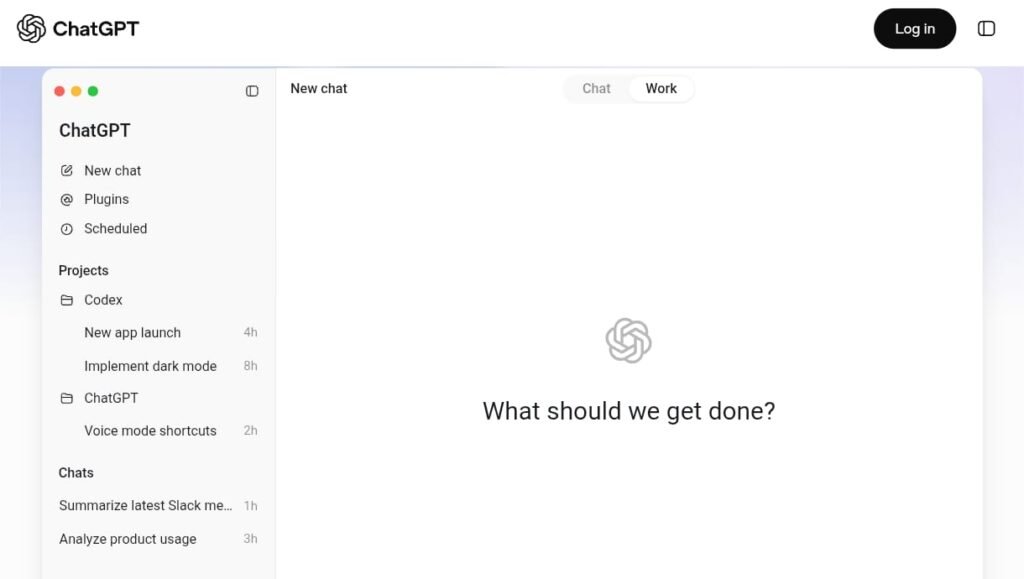
ChatGPT can act as a general-purpose assistant for many small-business tasks.You can use it to:
- Write emails
- Create social-media captions
- Brainstorm product ideas
- Write product descriptions
- Create marketing campaigns
- Analyze documents
- Research topics
- Draft business plans
- Create customer-service responses
- Generate website content
For example, a clothing-store owner could ask:
“Create 10 Instagram captions for a new men’s summer collection with a friendly call to action.”
Instead of starting from a blank page, you get ideas that you can edit and adapt.
Best for: Almost every type of small business.
2. Canva AI — Best for Marketing Design
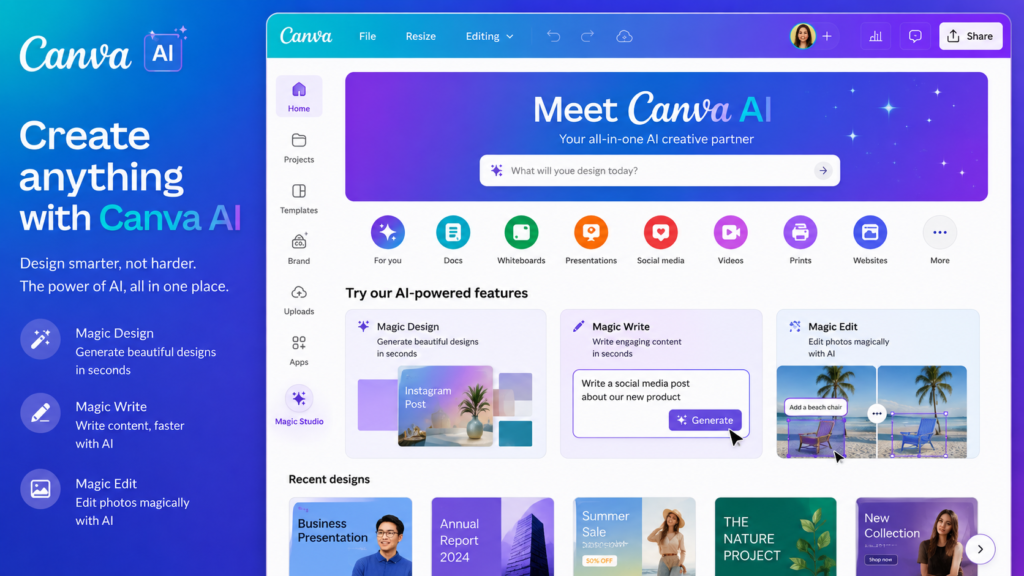
Small businesses constantly need visual content.
Canva can help create:
- Instagram posts
- Facebook graphics
- Advertisements
- Posters
- Product graphics
- Business presentations
- YouTube thumbnails
Its AI features can help turn a simple idea into a design that you can customize.
For example:
“Create a modern promotional post for a 20% weekend sale at a clothing store.”
You can then change the text, images, colors, logo, and offer.
Best for: Marketing, social media, and visual content.
3. Google Gemini — Best for Google Users
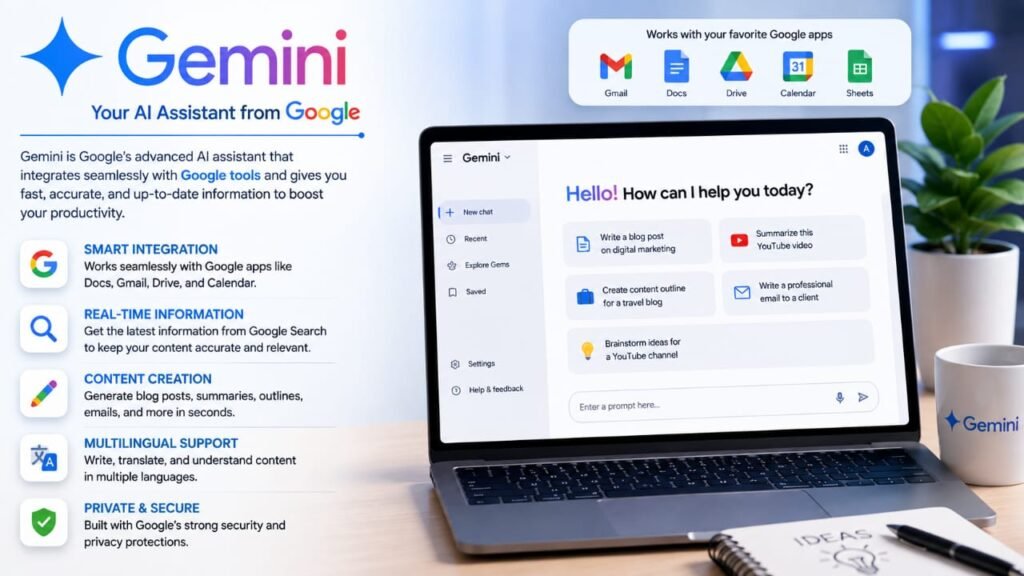
Gemini can be useful for businesses already using Google’s ecosystem.
It can help with:
- Brainstorming
- Writing
- Research
- Data analysis
- Marketing ideas
- Summarizing information
- Planning
If your business relies heavily on Google’s productivity tools, Gemini can be a useful addition to your workflow.
Best for: Businesses using Google services.
4. Perplexity — Best for Business Research
Before launching a product or campaign, you may need to research the market.
Perplexity can help you explore questions such as:
- What are current industry trends?
- Who are the major competitors?
- What products are popular?
- What are customers discussing?
- What information is available about a market?
It can also provide sources that you can investigate.
However, don’t treat AI-generated research as automatically correct. Verify important business information using primary sources.
Best for: Market research and competitor research.
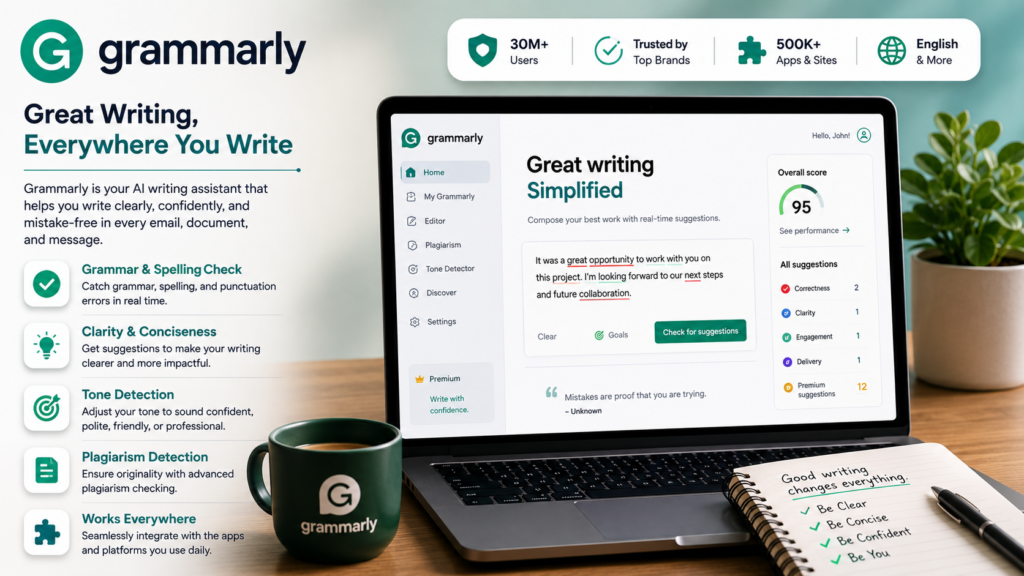
5. Grammarly — Best for Business Writing
Professional communication matters, even for a very small business.
Grammarly can help improve:
- Emails
- Website copy
- Product descriptions
- Social-media posts
- Reports
- Customer messages
It can help identify grammar problems and improve clarity and tone.
Best for: Emails, business writing, and professional communication.
6. Notion AI — Best for Organization
Small businesses often have information scattered across notebooks, documents, messages, and spreadsheets.
Notion can provide a centralized workspace for:
- Projects
- Tasks
- Meeting notes
- Business plans
- Content calendars
- Product information
- Team documentation
Its AI features can help summarize and organize information.
For example, after a meeting you could turn your notes into:
- Key decisions
- Action items
- Deadlines
- Follow-up tasks
Best for: Business organization and project management.
7. HubSpot AI — Best for Marketing and CRM
Customer relationships are extremely important for small businesses.
HubSpot provides tools for managing customer relationships, marketing, sales, and customer service, with AI features integrated into its platform.
It can be useful for businesses that want to organize:
- Leads
- Customers
- Sales pipelines
- Marketing campaigns
- Customer communication
Best for: Small businesses that need CRM and marketing tools.
8. Zapier AI — Best for Automation
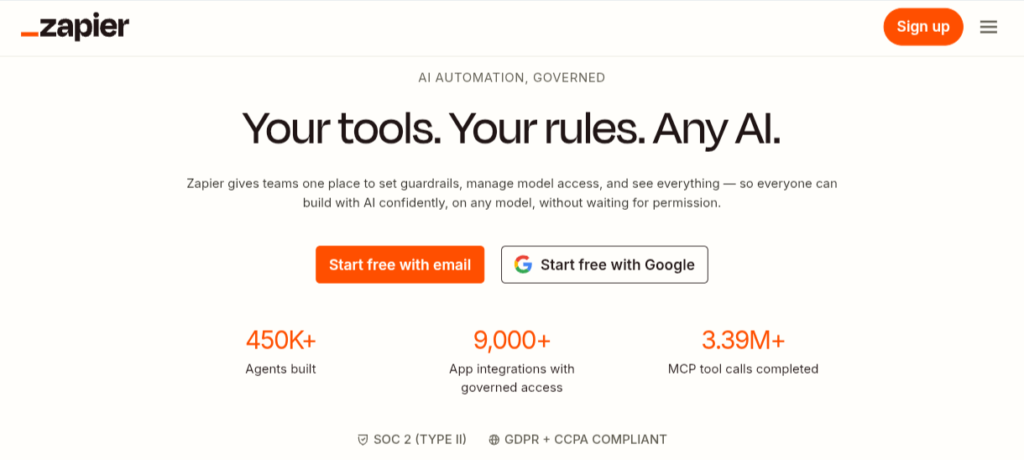
One of the biggest advantages of AI and automation is reducing repetitive work.
Zapier can connect different applications and automate workflows.
For example:
New website form → Add customer to CRM → Send confirmation email → Notify your team
You don’t necessarily have to perform every step manually.
AI-assisted automation can help you build workflows more efficiently.
Best for: Automating repetitive business processes.
9. QuickBooks — Best for Small-Business Accounting
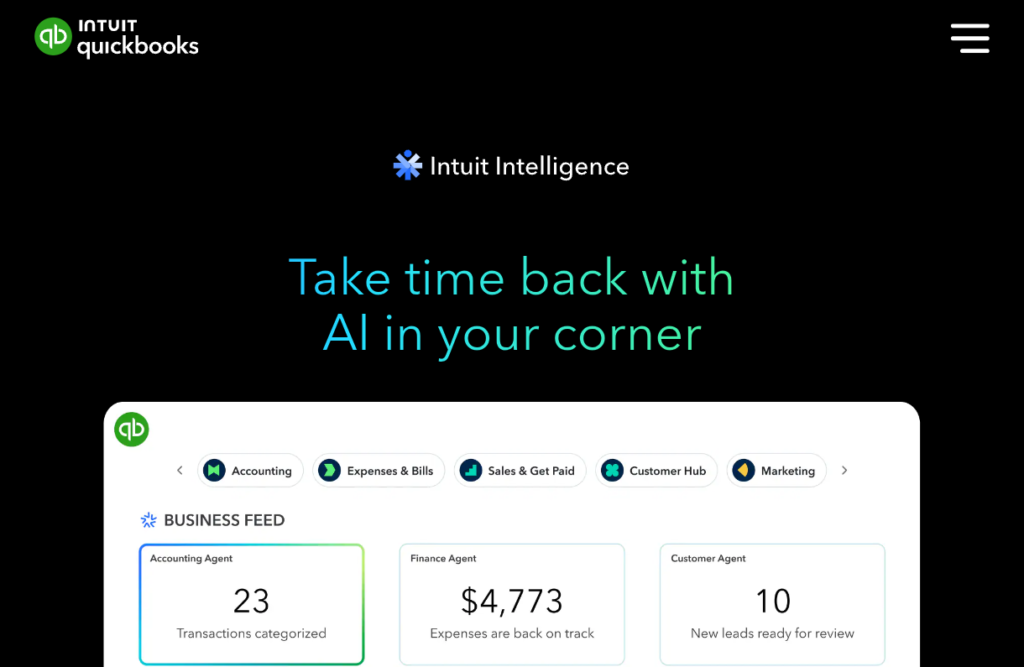
Accounting can be time-consuming, particularly for business owners who don’t have dedicated finance staff.
QuickBooks offers accounting and financial-management tools with AI-powered features.
Depending on the plan and region, businesses can use accounting software for tasks such as:
- Tracking income
- Tracking expenses
- Invoicing
- Financial reporting
- Organizing transactions
Remember that AI accounting features shouldn’t replace professional financial or tax advice when you need it.
Best for: Business finances and accounting workflows.
10. Otter.ai — Best for Meetings
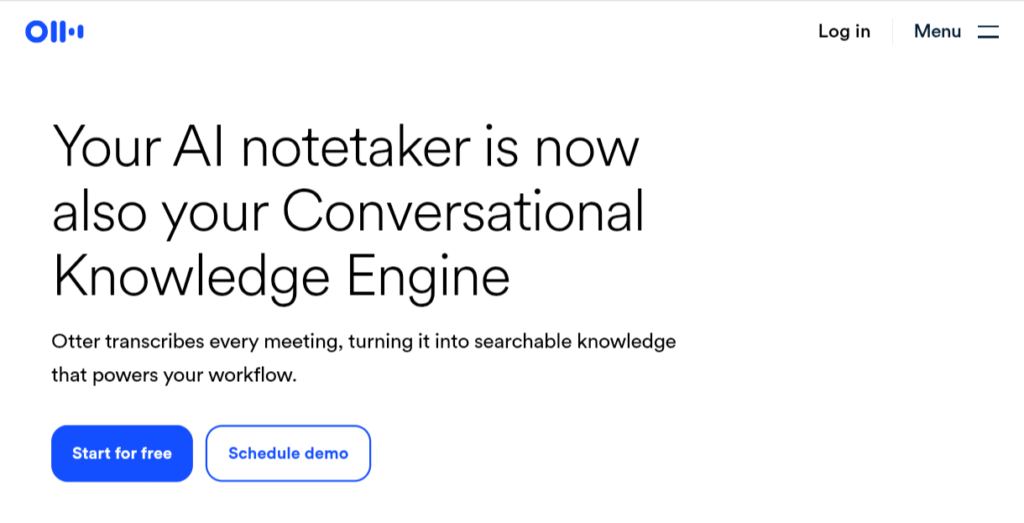
If you regularly have business meetings, interviews, or customer conversations, transcription tools can save time.
Otter.ai can help turn spoken conversations into text and make it easier to review what was discussed.
Instead of manually writing everything down, you can focus on the conversation and review the notes afterward.
Best for: Meetings, interviews, and business discussions.
Quick Comparison
| AI Tool | Best For |
| ChatGPT | General business tasks |
| Canva AI | Marketing & design |
| Gemini | Google ecosystem |
| Perplexity | Research |
| Grammarly | Writing |
| Notion AI | Organization |
| HubSpot AI | CRM & marketing |
| Zapier | Automation |
| QuickBooks | Accounting |
| Otter.ai | Meetings |
Which AI Tools Should a Small Business Start With?
You don’t need to subscribe to everything on this list.
A simple starting setup could be:
For marketing
ChatGPT + Canva
Use ChatGPT for ideas, captions and copy, and Canva for graphics.
For customer management
HubSpot
Use it to organize leads and customer relationships.
For automation
Zapier
Use it when you’re repeatedly moving information between different applications.
For accounting
QuickBooks
Use dedicated accounting software rather than relying on a general AI chatbot for financial records.
For meetings
Otter.ai
Useful if you have frequent meetings or interviews.
How AI Can Save a Small Business Time
Imagine you run an online store.
Without AI, you might manually:
- Write product descriptions.
- Create social-media captions.
- Design promotional graphics.
- Respond to common customer questions.
- Summarize meetings.
- Research competitors.
- Organize customer information.
With the right tools, many of these tasks can be accelerated.
For example:
ChatGPT → product description
Canva → promotional graphic
HubSpot → customer management
Zapier → automation
Otter.ai → meeting notes
The business owner still makes the final decisions, but less time is spent on repetitive work.
Can AI Replace Employees in a Small Business?
AI can automate or accelerate certain tasks, but it shouldn’t be viewed as a complete replacement for employees.
Human workers still provide important things such as:
- Judgment
- Creativity
- Customer relationships
- Strategy
- Communication
- Accountability
- Industry knowledge
The most useful approach is usually to let AI handle repetitive tasks while people focus on decisions and higher-value work.
How to Use AI Safely in Your Business
Before putting AI into your business workflow, consider privacy and accuracy.
Don’t blindly paste sensitive information into an AI service.
Be careful with:
- Customer personal information
- Passwords
- Banking details
- Confidential contracts
- Private business data
- Proprietary information
Also review AI-generated content before sending it to customers.
A mistake in a social-media caption may be harmless. A mistake in an invoice, contract, financial report, or customer communication can be much more serious.
Final Verdict
AI tools can give small businesses capabilities that previously required larger teams or specialized software.
ChatGPT is a strong all-purpose assistant, while Canva AI can help with marketing and design. Perplexity is useful for research, HubSpot for customer management, Zapier for automation, and QuickBooks for accounting workflows.
The best strategy isn’t to use every AI tool available.
Start with two or three tools that solve your biggest problems, measure how much time they save, and expand your AI toolkit only when there is a clear benefit.
AI works best when it helps your business work smarter, serve customers better, and spend more time on activities that actually generate value.