

Laptop prices have become more difficult to predict, especially around the ₹40,000–₹50,000 segment. Some models that were previously available around ₹40,000 are now closer to ₹50,000, while a few older-generation models continue to offer excellent value.
If you’re looking for a laptop under ₹50,000 on Amazon India, don’t choose based only on the processor name. RAM, SSD, display, upgradeability, battery life, and the actual processor generation all matter.
Here are some of the best options worth considering.
🏆 Best picks under ₹50,000
| Laptop | Processor | RAM/SSD | Best for |
|---|---|---|---|
| Acer Aspire Lite | Ryzen 5 5625U | 16GB/512GB | ⭐ Best value |
| ASUS Vivobook Go 14 | Ryzen 5 7520U | 16GB/512GB | Portability |
| Lenovo IdeaPad Slim 3 | Ryzen 5 7520U | 16GB/512GB | Students |
| Acer Aspire Lite | Core i5-1334U | 16GB/512GB | Intel option |
| HP/other i5 models | Core i5 | 16GB/512GB | General use |
1. Acer Aspire Lite Ryzen 5 5625U — Best Value
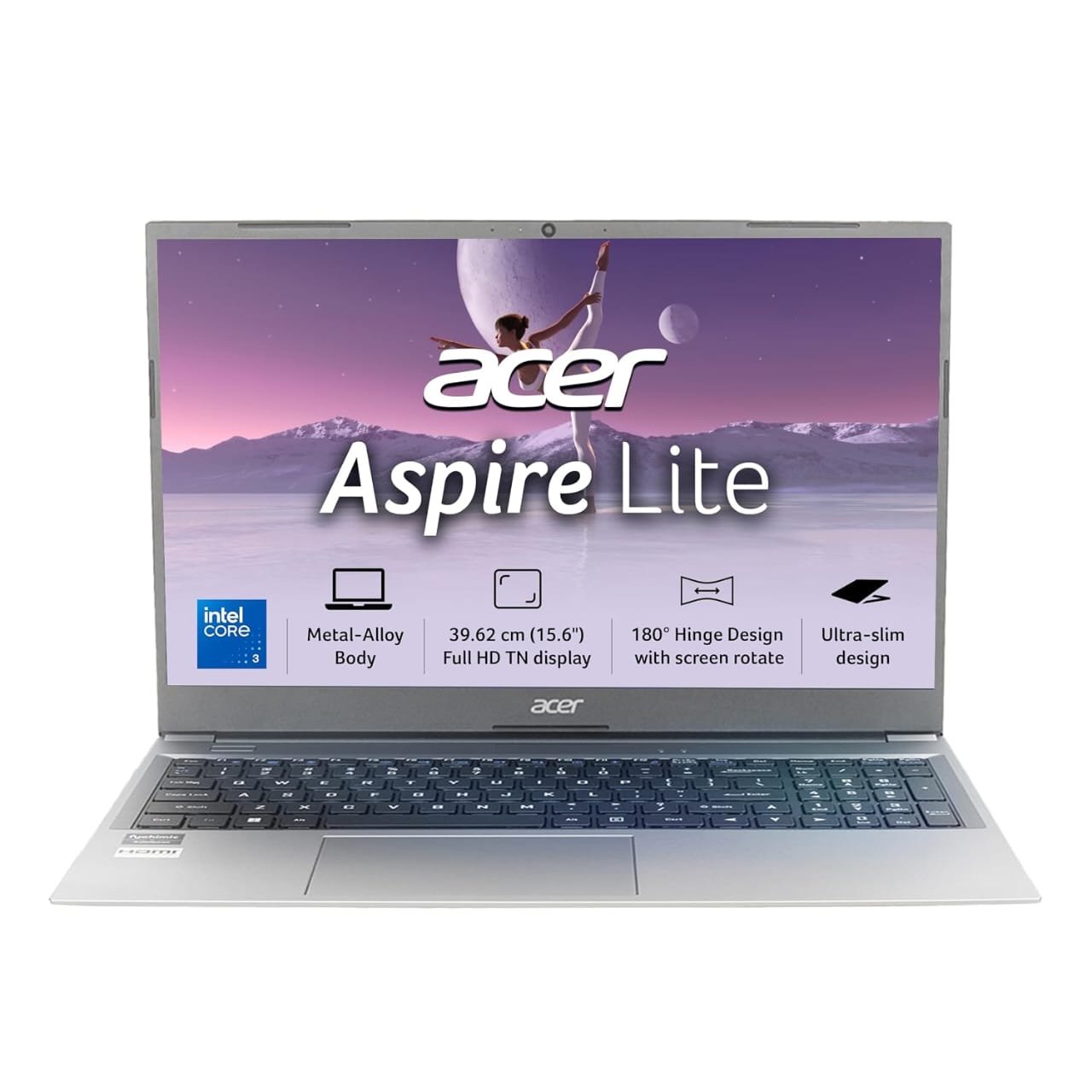
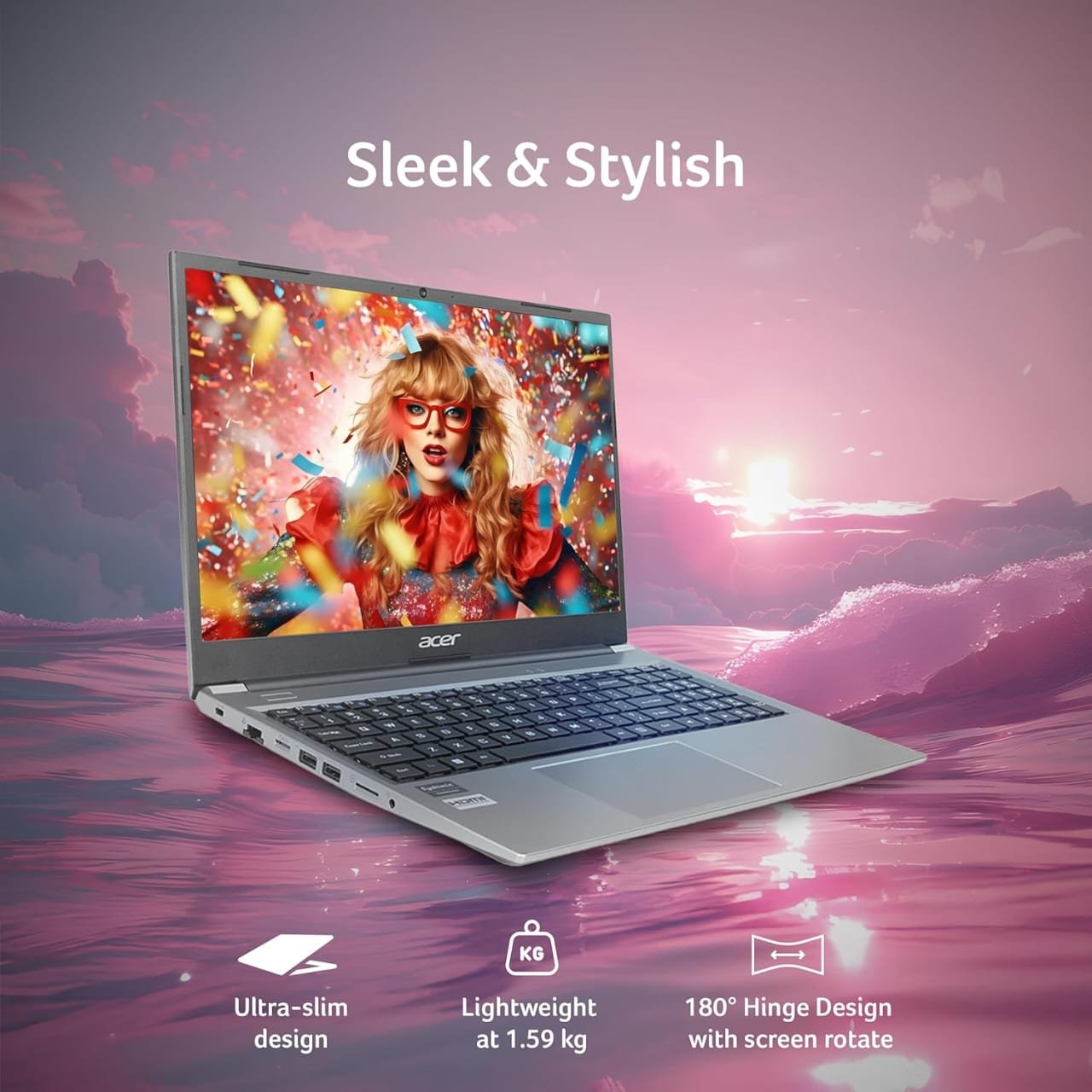


If you want the best performance for the money, this is one of the most interesting options.
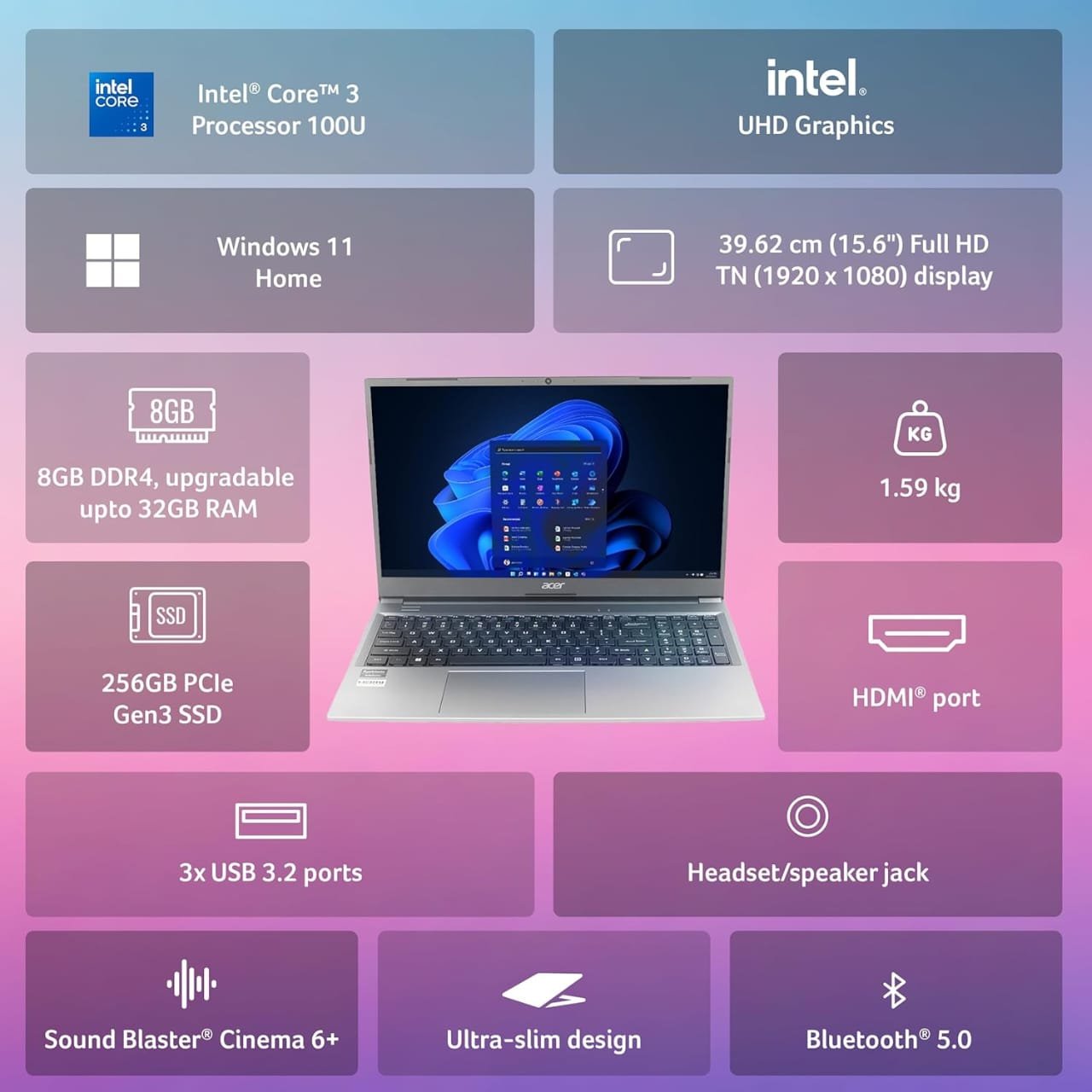
The Amazon listing shows:
- AMD Ryzen 5 5625U
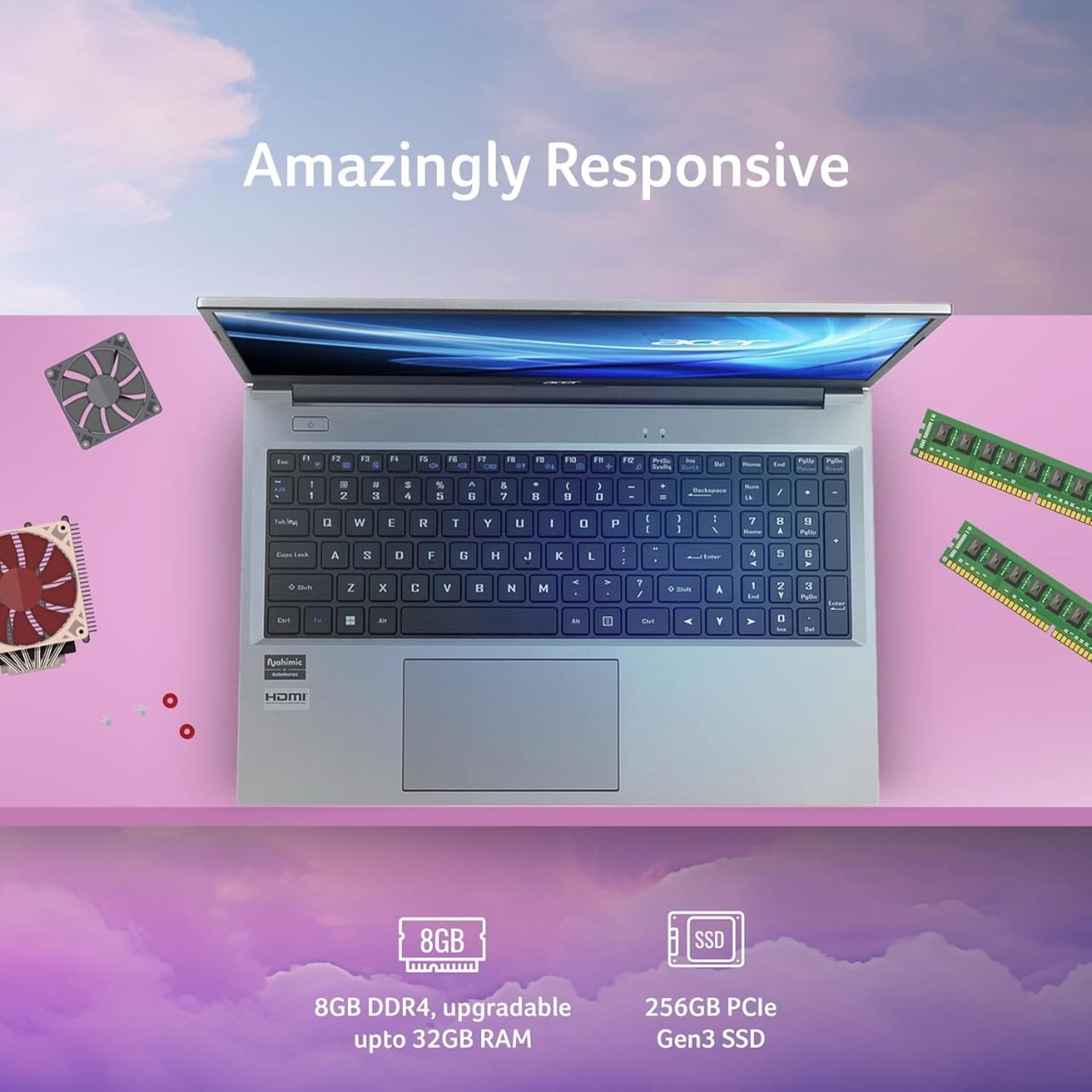
- 16GB RAM
- 512GB SSD
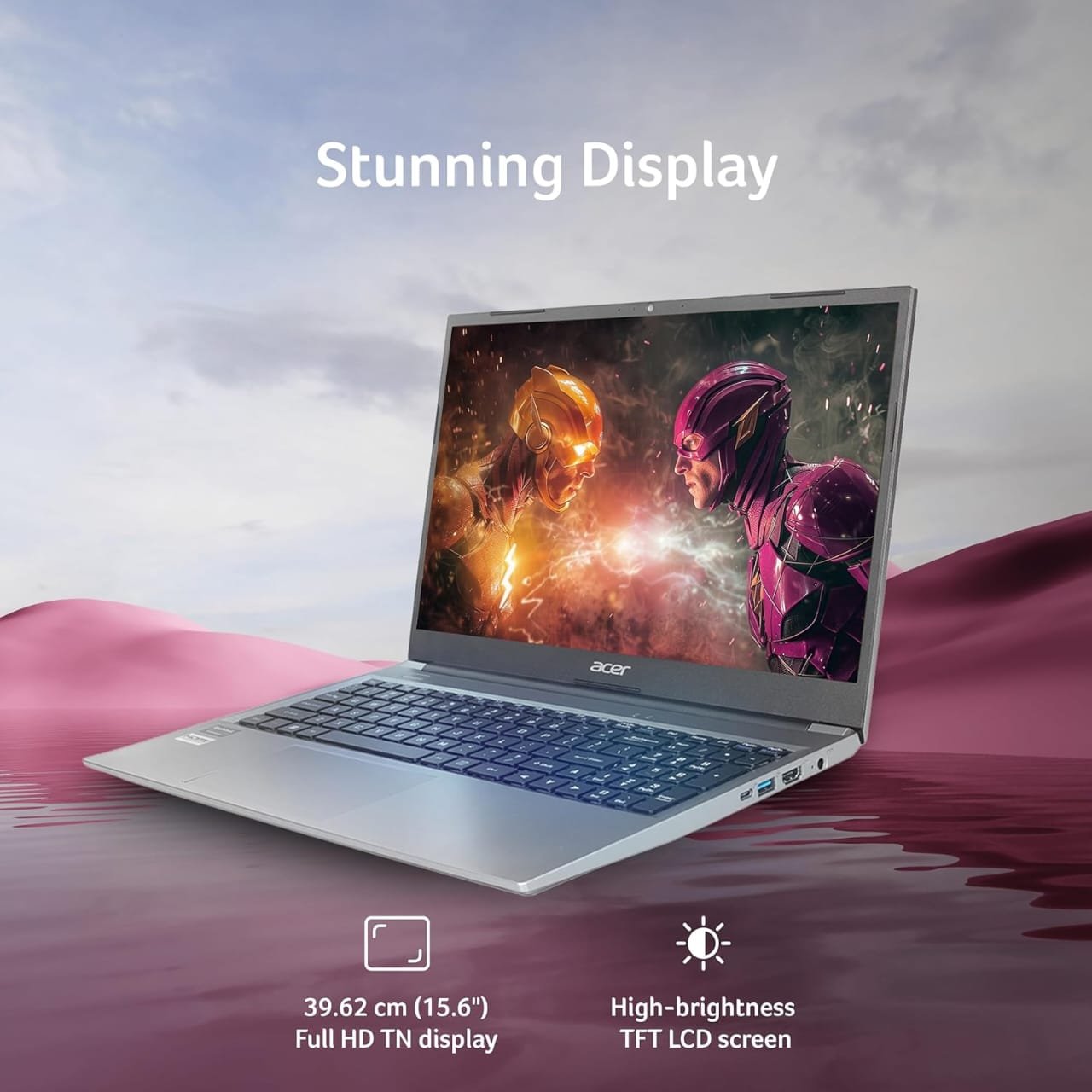
- 15.6-inch Full HD display
- Windows 11
- Integrated graphics
- Around 1.59kg
- Metal body
The biggest advantage is that you’re getting 16GB RAM and a Ryzen 5 processor at a surprisingly low price. The listing I found was around ₹34,490, although Amazon prices can change.
Good for:
- College students
- BCA students
- Programming
- MS Office
- Browsing
- Photoshop/light editing
- Multitasking
- General productivity
Verdict
Excellent value if the price is still around ₹35,000.
2. ASUS Vivobook Go 14 Ryzen 5 7520U
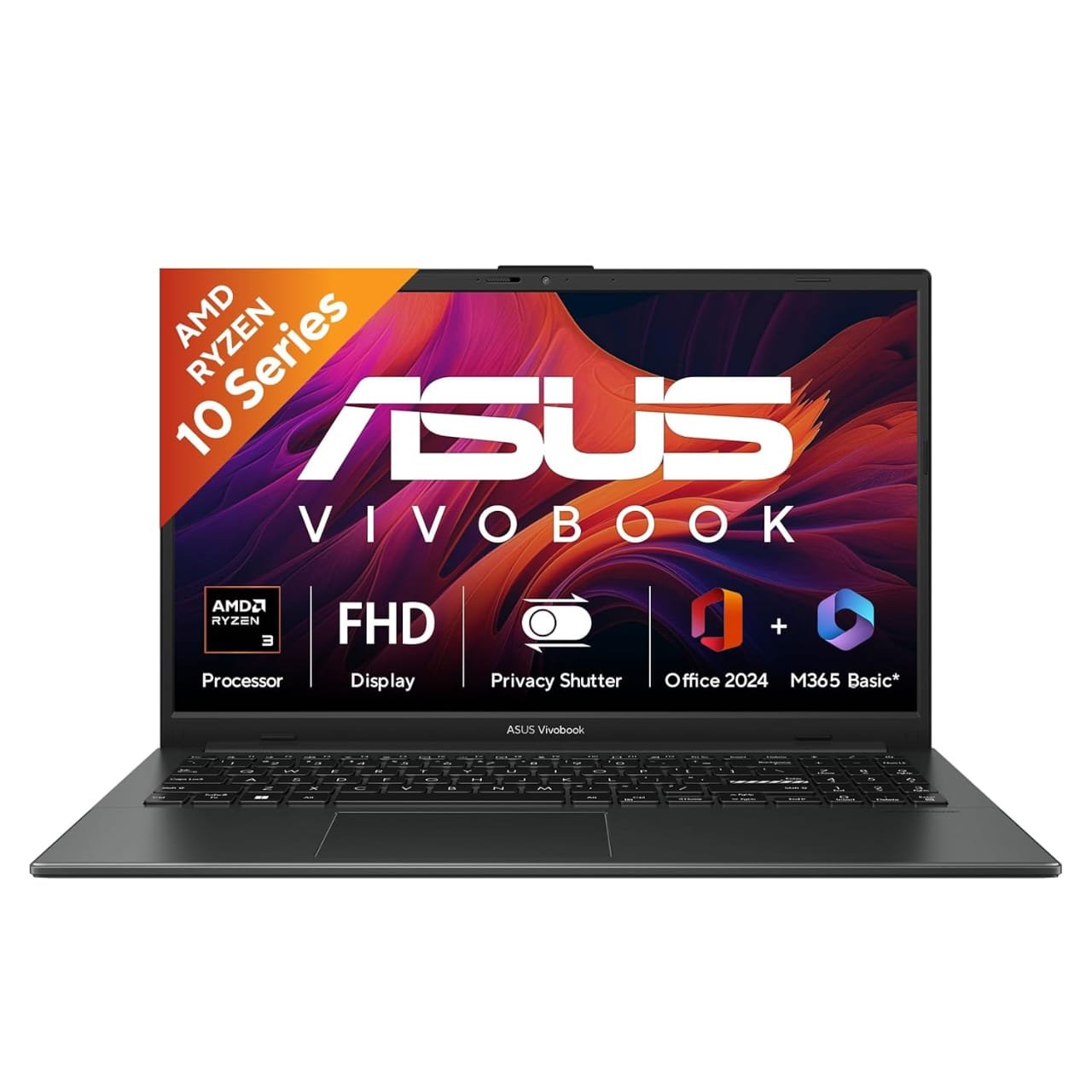
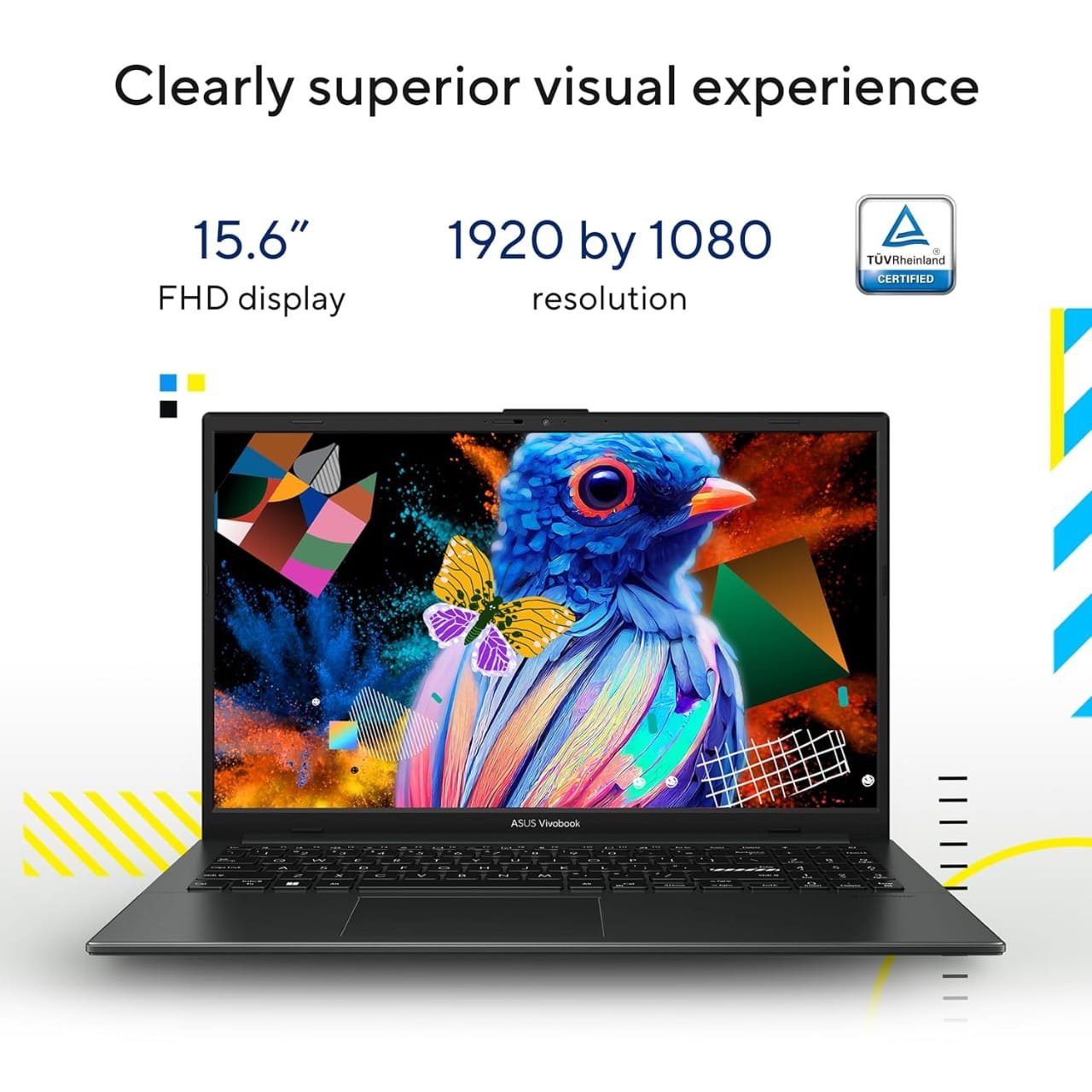
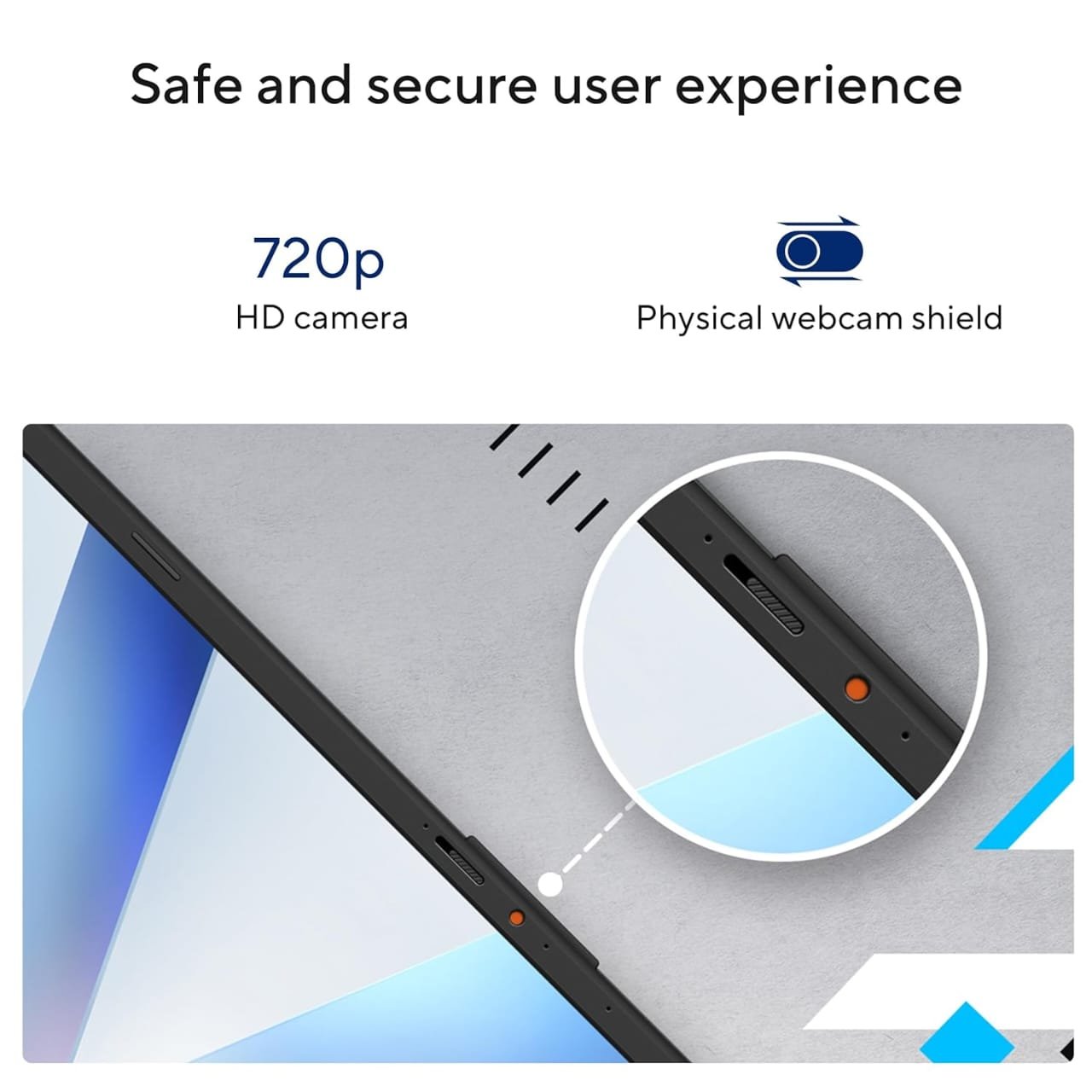
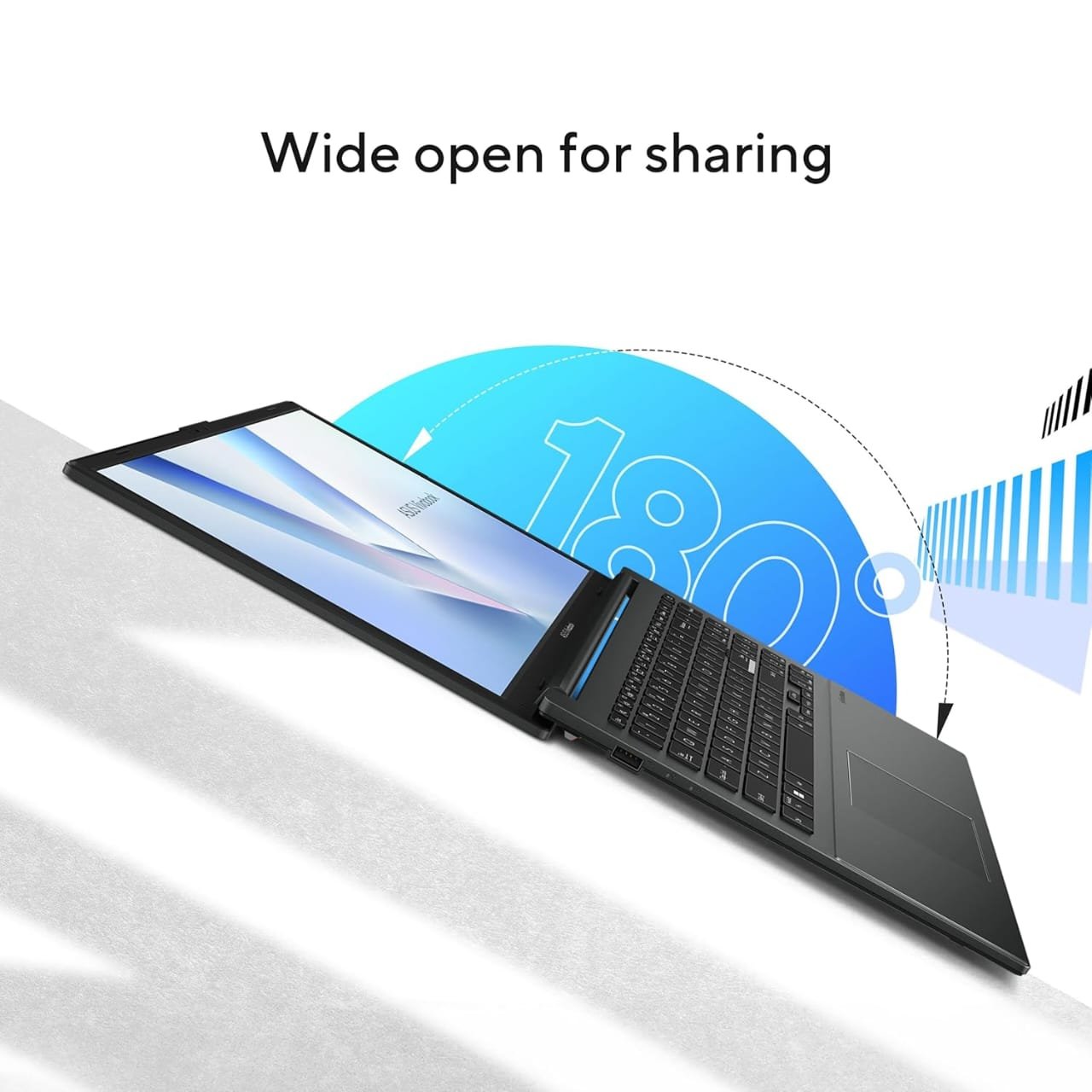
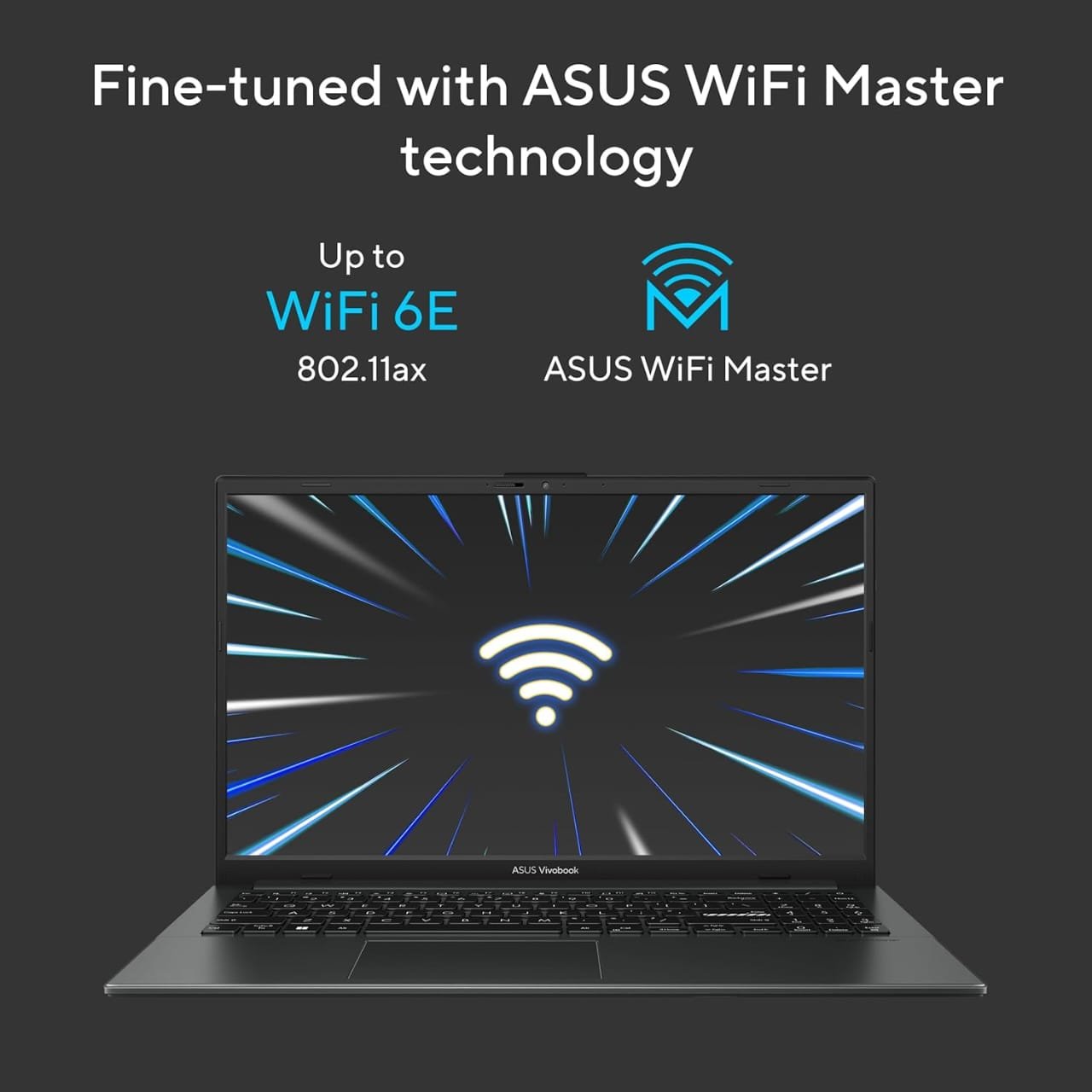
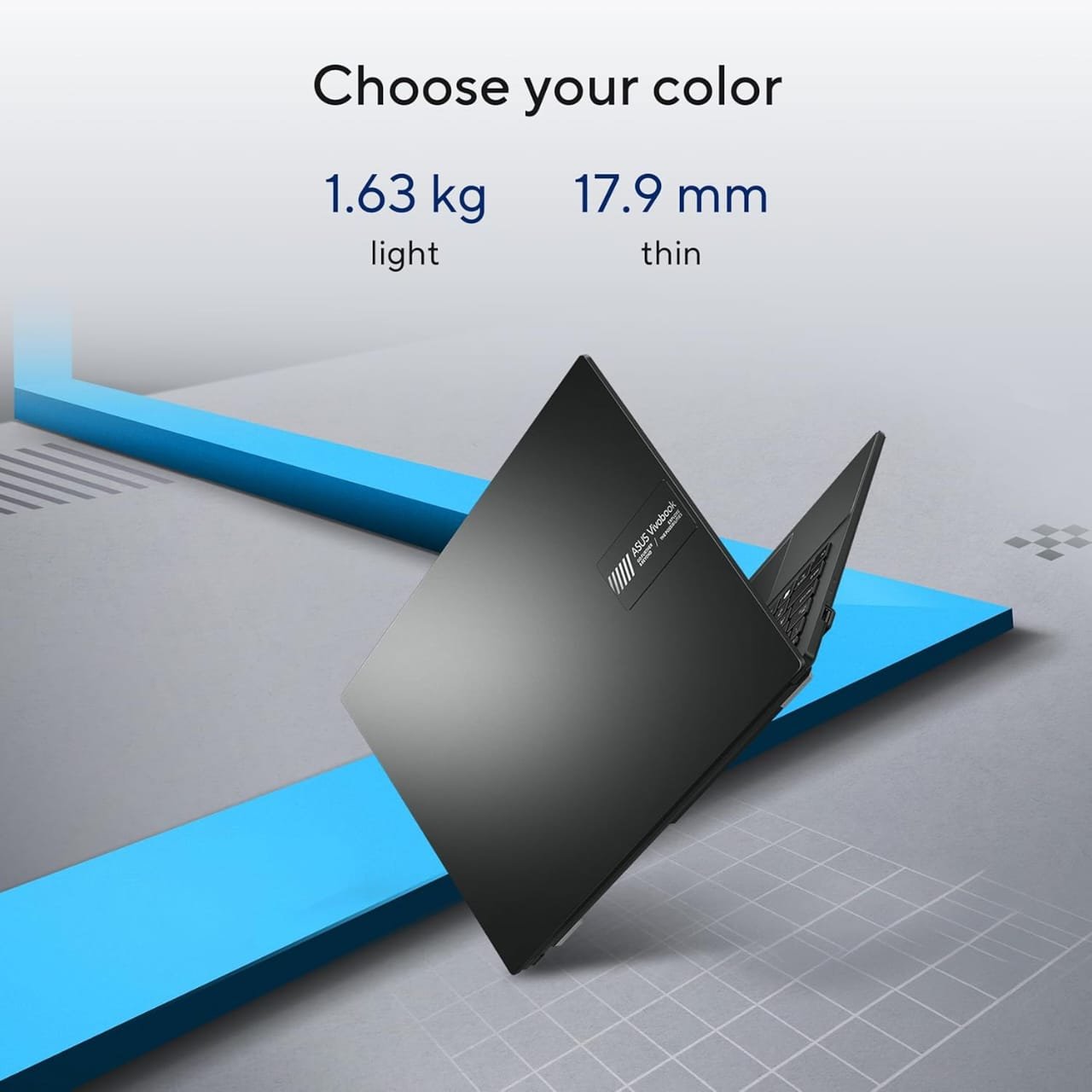
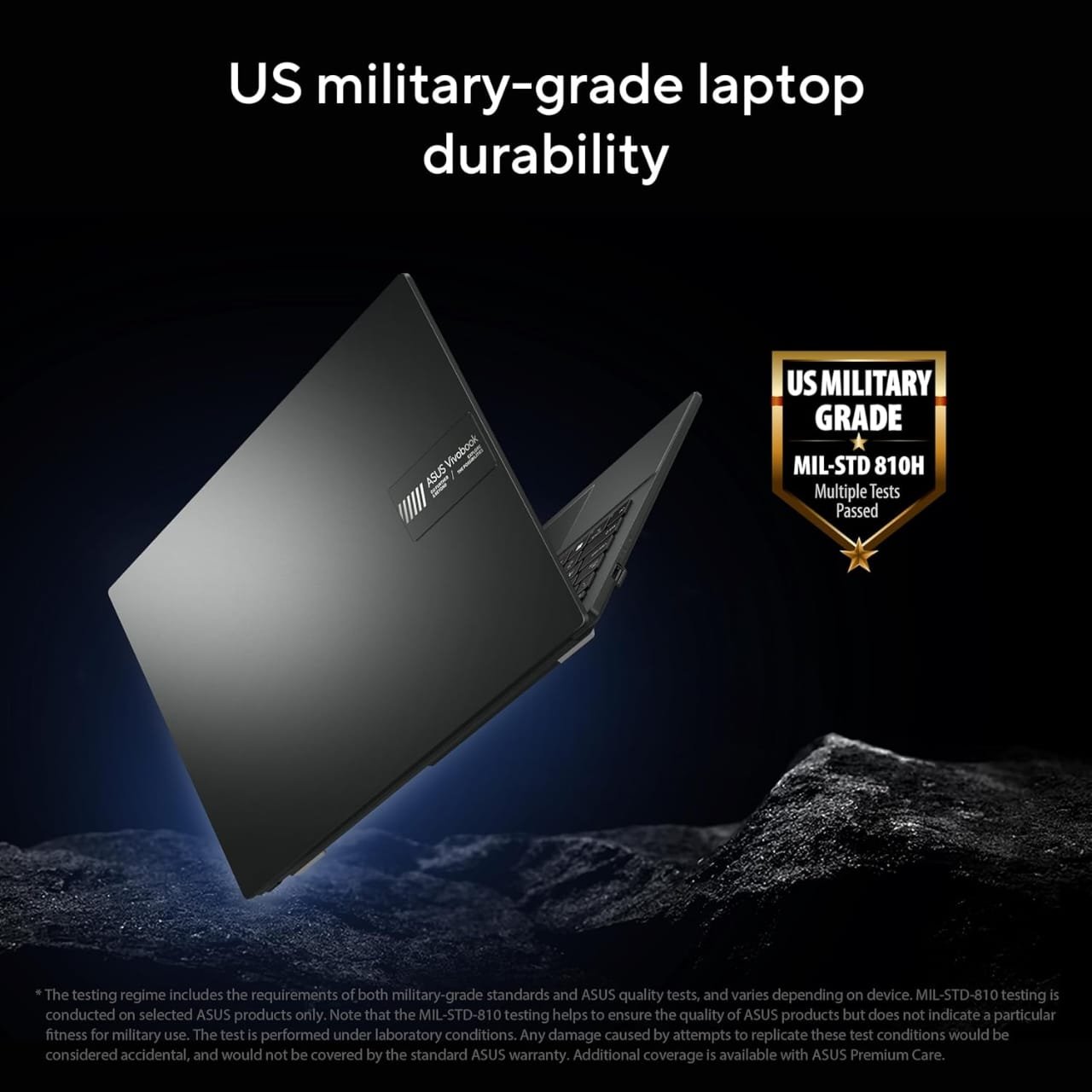
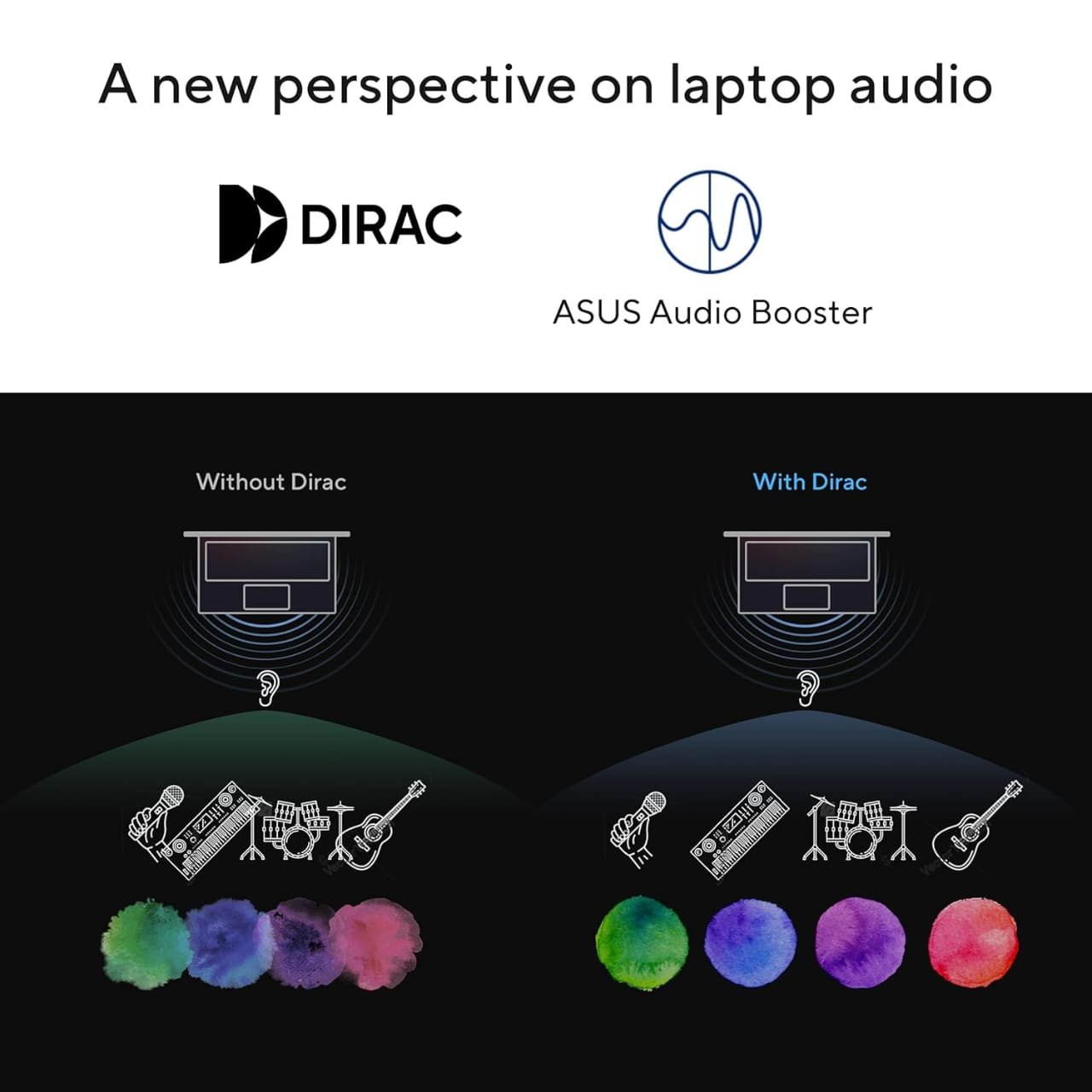


The ASUS Vivobook Go 14 is a good choice if you want something compact and lightweight.
The Amazon listing shows:
- Ryzen 5 7520U
- 16GB LPDDR5 RAM
- 512GB NVMe SSD
- 14-inch Full HD display
- Windows 11
- Office Home 2024
- Integrated Radeon graphics
- 1.38kg weight
The indexed Amazon price was ₹41,990.
Good for:
- Students
- Coding
- College work
- Browsing
- Office work
- Online classes
- Travel
Advantage
At only around 1.38kg, it’s much easier to carry to college every day.
Disadvantage
The Ryzen 5 7520U is a 4-core/8-thread processor, so don’t assume that every Ryzen 5 is faster than every Ryzen 5. The older Ryzen 5 5625U has more CPU cores and can be the better performance choice.
3. Lenovo IdeaPad Slim 3 Ryzen 5 7520U
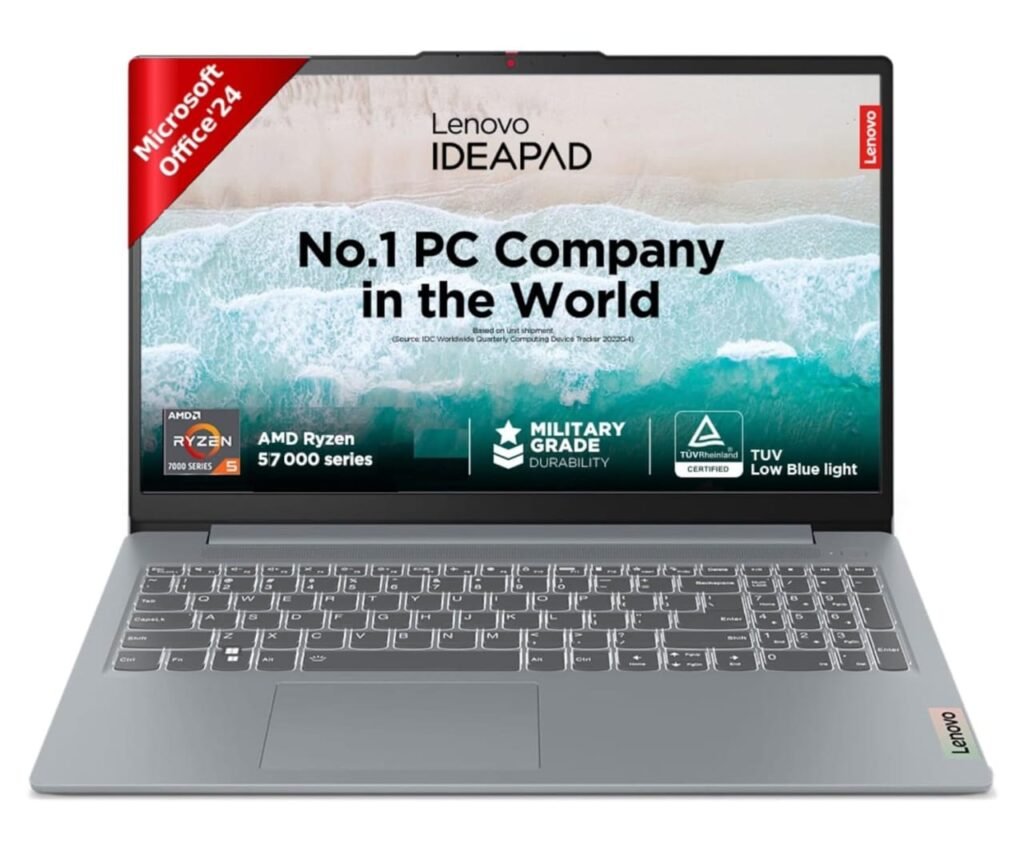
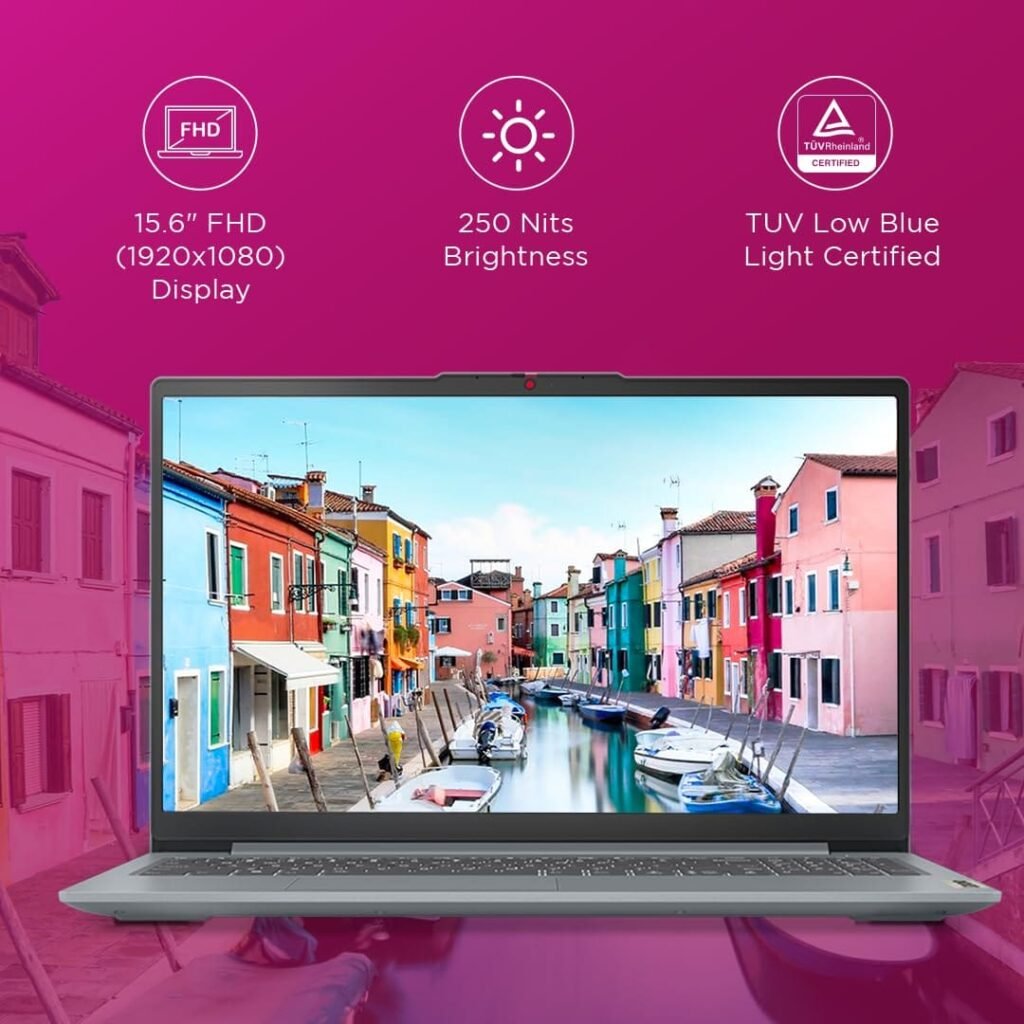
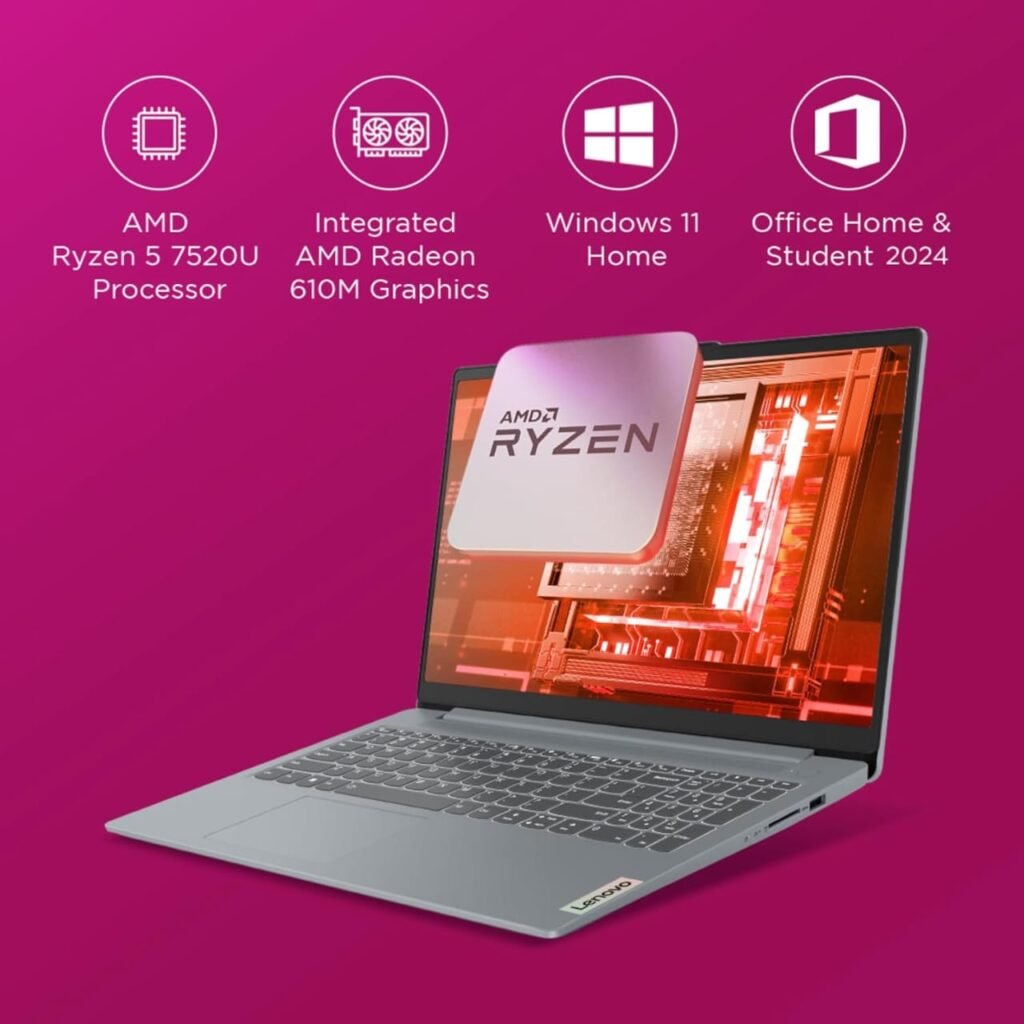
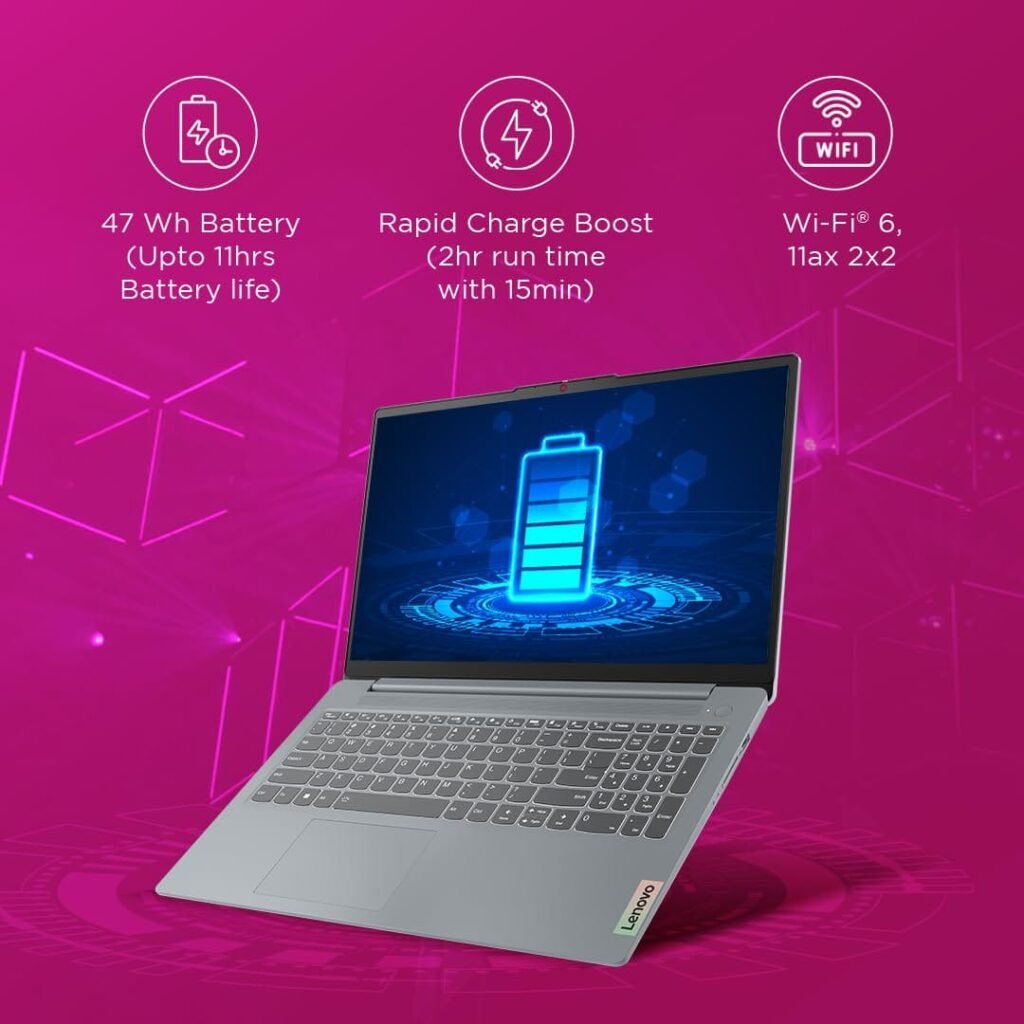
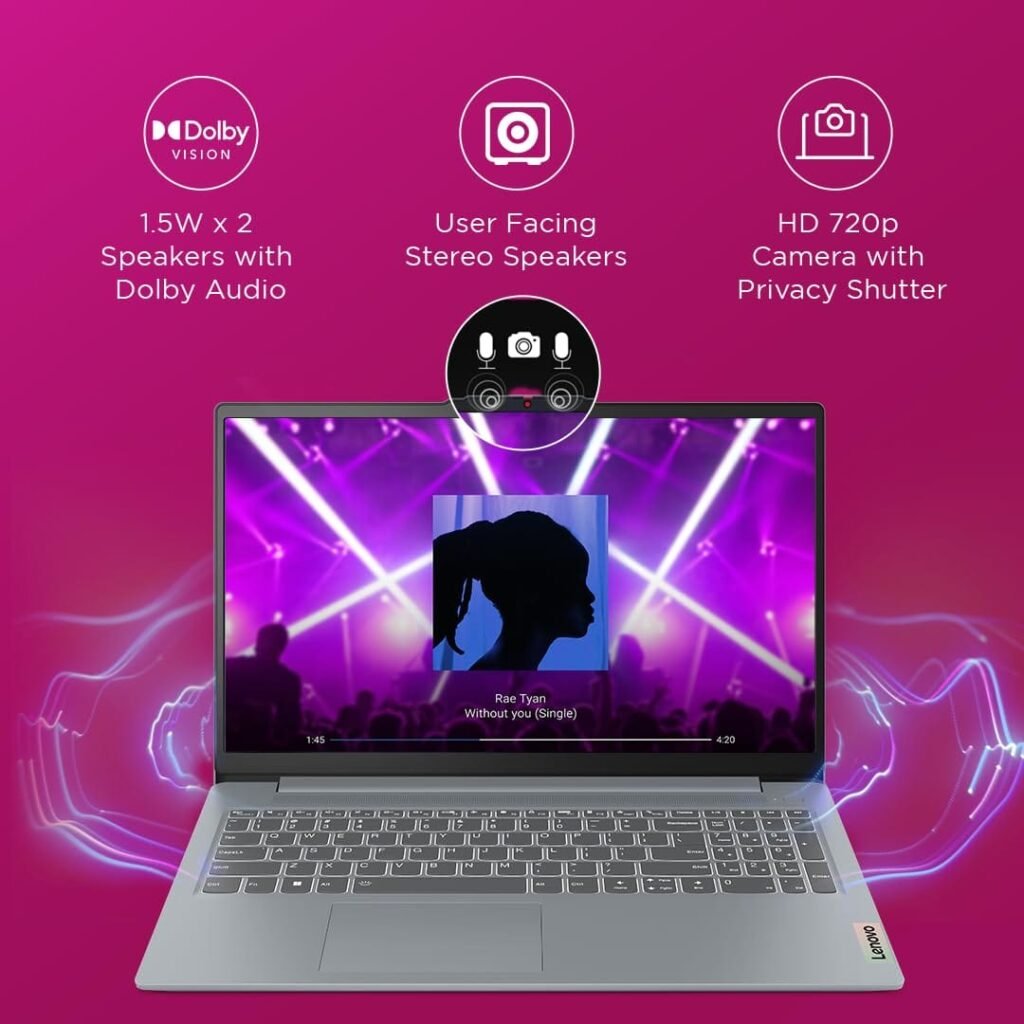
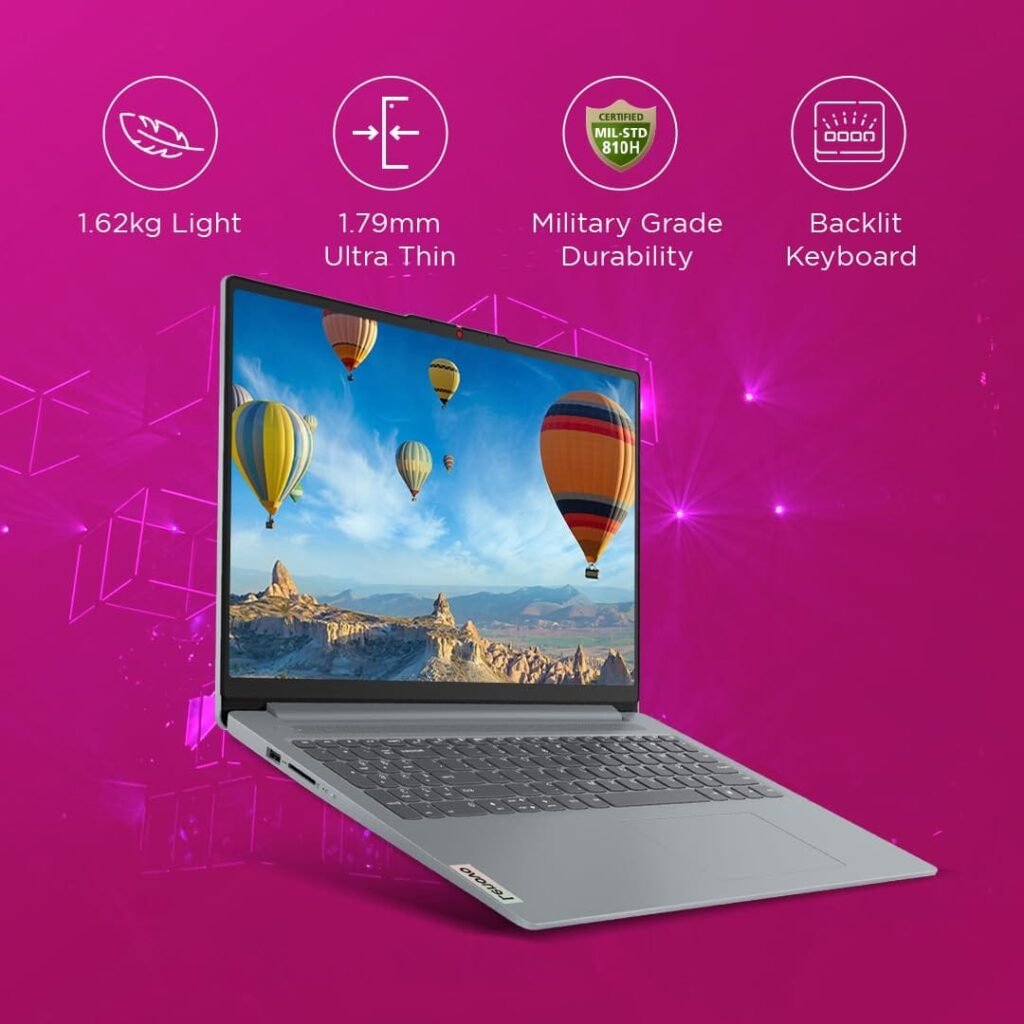
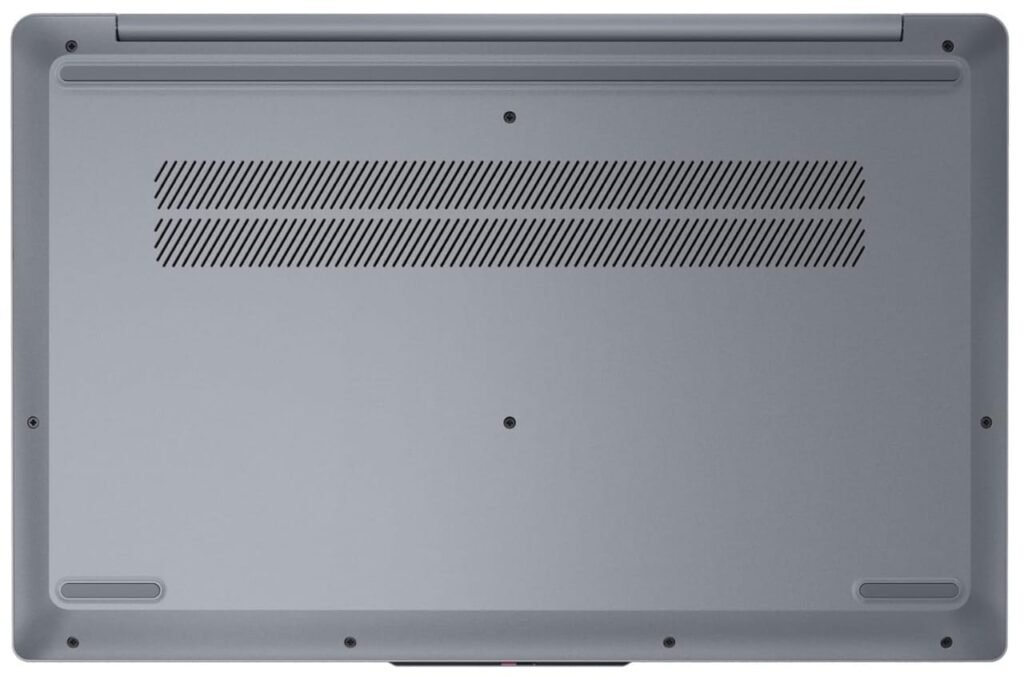
Lenovo’s IdeaPad Slim series is another option worth checking.
An Amazon listing for the IdeaPad Slim 3 shows:
- Ryzen 5 7520U
- 16GB RAM
- 512GB SSD
- 15.6-inch Full HD display
- Windows 11
- Office
- Backlit keyboard
- Around 1.62kg
The indexed Amazon price was around ₹42,999.
Best for:
Students and everyday productivity.
It is a sensible choice if you prefer Lenovo’s design, keyboard and overall laptop experience.
4. Acer Aspire Lite Core i5-1334U
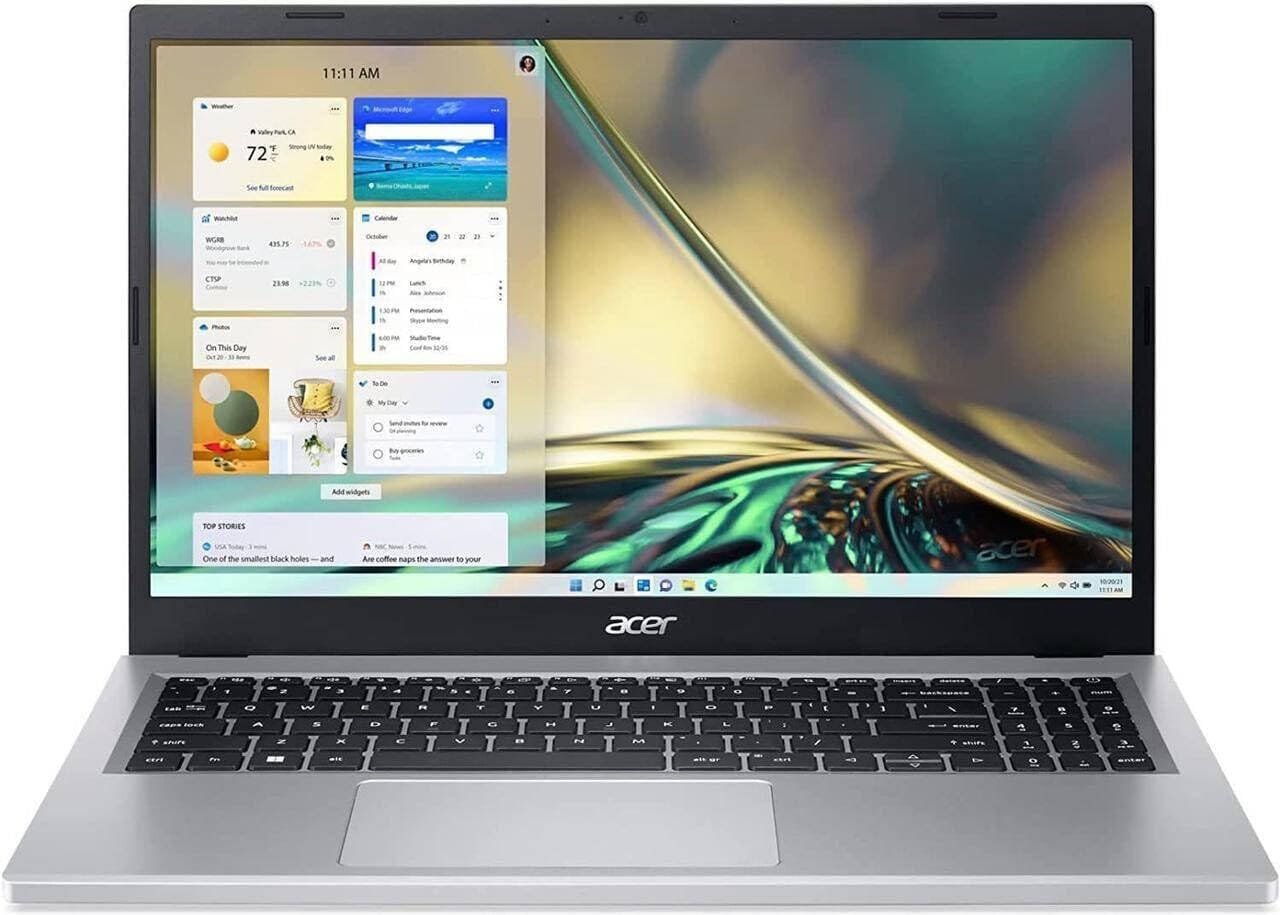
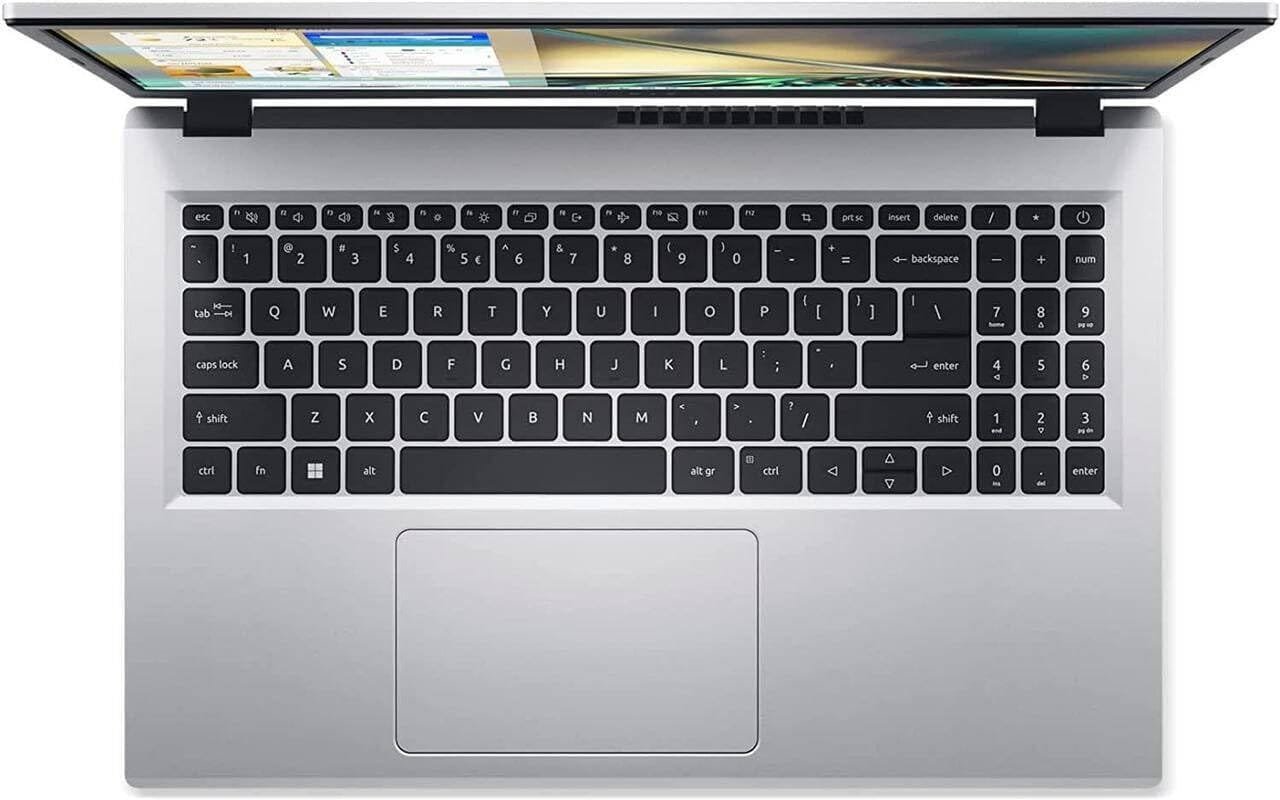
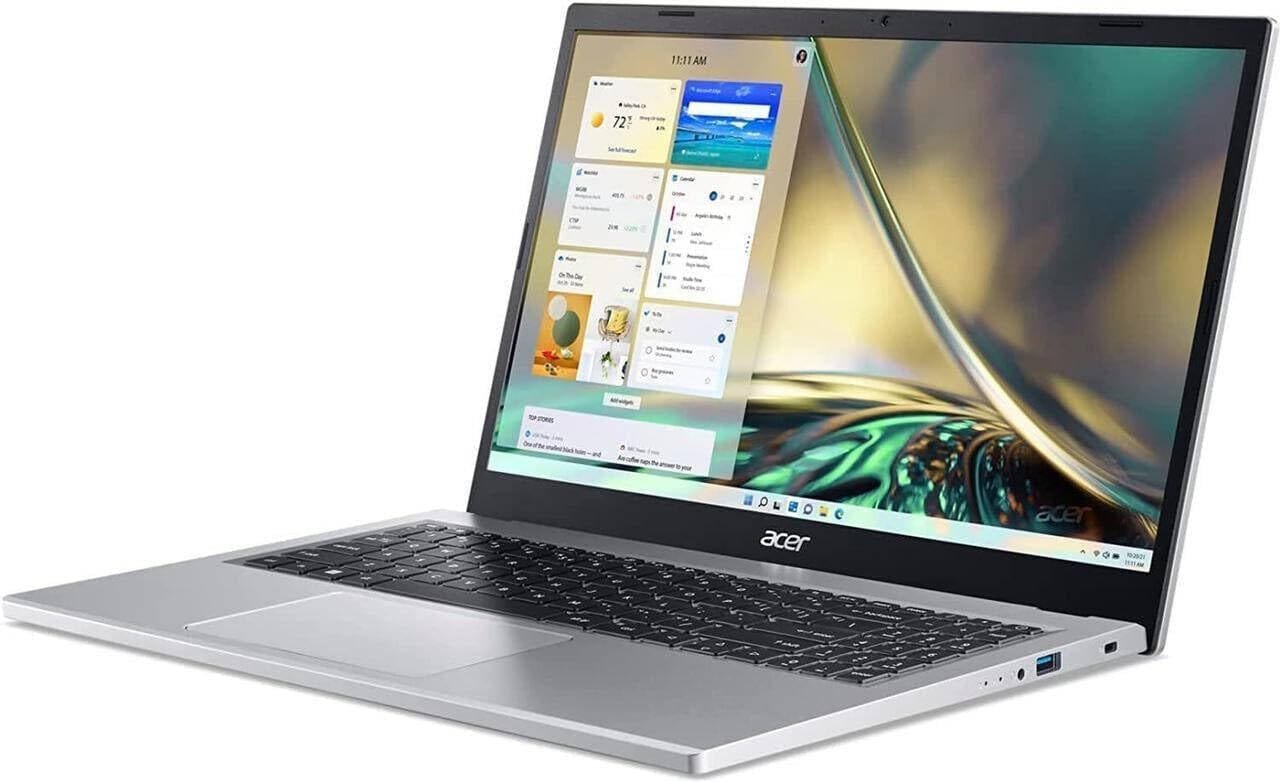
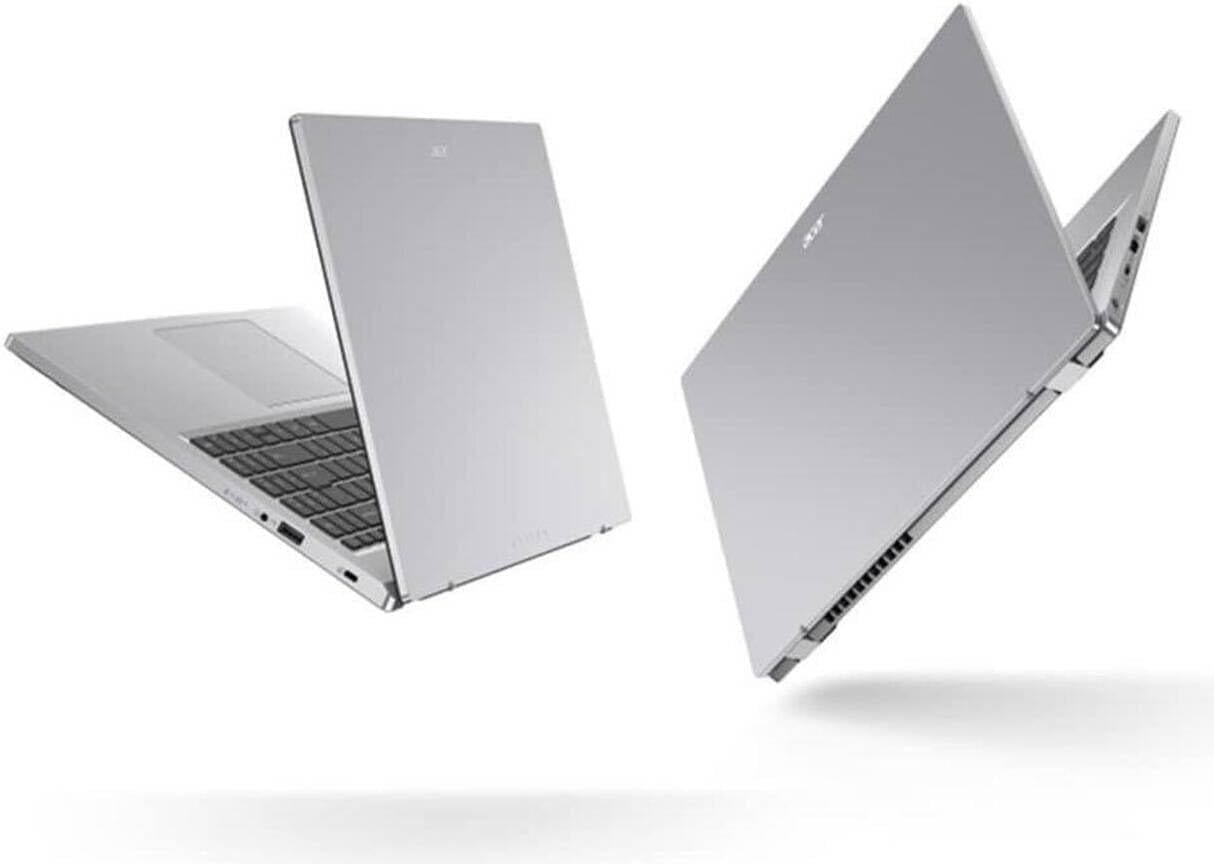
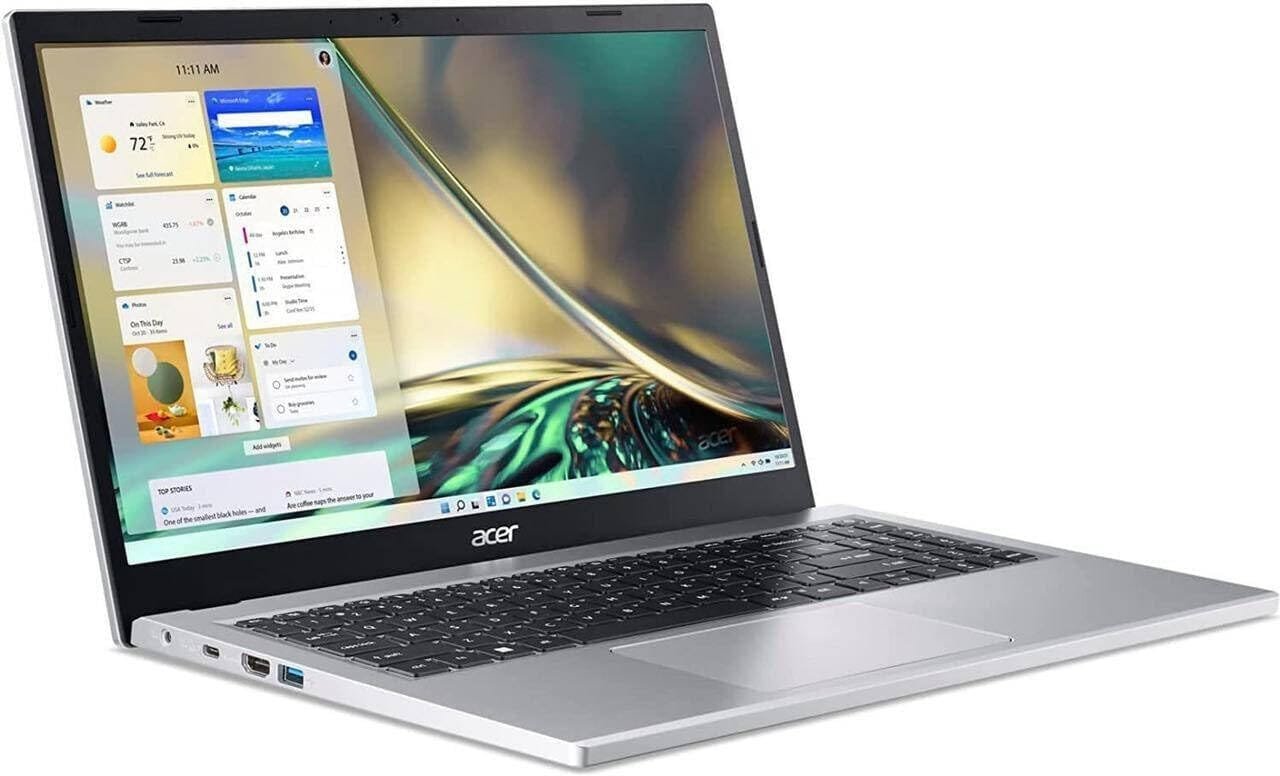
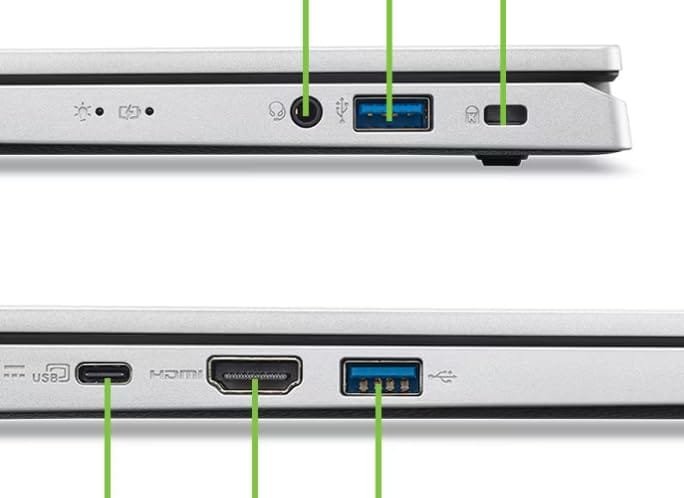
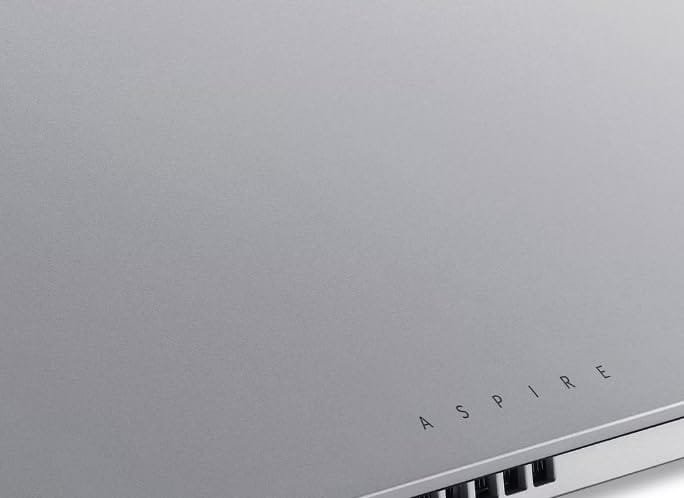
If you specifically want Intel, the Acer Aspire Lite with the 13th Gen Core i5-1334U is worth looking at.
The Amazon listing shows:
- Intel Core i5-1334U
- 16GB RAM
- 512GB SSD
- 15.6-inch Full HD display
- Windows 11
- MS Office
- Metal body
- Around 1.59kg
The indexed Amazon price was ₹49,990, putting it right at the ₹50,000 limit.
Best for:
- Programming
- Office work
- Students
- Multitasking
- General productivity
Verdict
If your maximum budget is genuinely ₹50,000 and you specifically want Intel, this is one of the options I’d watch.
5. Lenovo IdeaPad Slim 3 Intel Core i5
Lenovo’s IdeaPad Slim 3 with a 12th Gen Intel Core i5 is another model that has appeared on Amazon.
However, pricing can fluctuate significantly. The current product results I found can show this configuration well above ₹50,000, so don’t buy it simply because an older article says it is a ₹45,000 laptop.
Always check the current Amazon price before ordering.
What Changed After the Price Hike?
The biggest mistake people make when buying laptops after a price increase is looking at old YouTube videos or articles.
A laptop that was ₹42,000 several months ago may now be ₹48,000–₹52,000.
For example, Amazon’s current listings show the Acer Aspire Lite i5-1334U around ₹49,990, while older listings for similar hardware can be found at very different prices.
Therefore, your buying strategy should be:
Don’t ask “Which laptop was best under ₹50K?”
Instead ask:
“Which laptop gives the best specifications at today’s ₹50K price?”
Ryzen 5 vs Core i5 Under ₹50,000
This is one of the most important decisions.
Ryzen 5 5625U
The Ryzen 5 5625U has:
- 6 cores
- 12 threads
- Good multitasking performance
- Strong integrated graphics for its class
- Good efficiency
For many productivity workloads, it’s an excellent budget processor.
Ryzen 5 7520U
The Ryzen 5 7520U has:
- 4 cores
- 8 threads
- LPDDR5 memory support
- Good efficiency
- Designed for thin and light laptops
Don’t automatically assume 7520U > 5625U simply because the model number is higher.
The generation and CPU architecture matter.
Intel Core i5-1334U
This is a modern 13th Gen Intel U-series processor designed for thin and light laptops.
It is a good option for:
- Programming
- Office work
- Browsing
- Multitasking
- College work
Which Laptop Is Best for BCA Students?
If you’re a BCA student, you don’t need an expensive gaming laptop for normal coursework.
Look for:
Minimum
- Core i3/Ryzen 3 or better
- 8GB RAM
- 512GB SSD
Recommended
- Core i5/Ryzen 5
- 16GB RAM
- 512GB SSD
- Full HD IPS display
For programming, databases, web development and normal college work, 16GB RAM is particularly useful.
You can run:
- VS Code
- Chrome
- MySQL
- Android Studio
- Git
- Office
- Browser tabs
with considerably less frustration than on an 8GB machine.
Best Laptop Under ₹50,000 for Programming
For programming, prioritize:
- Processor
- RAM
- SSD
- Keyboard
- Display
You don’t necessarily need a dedicated graphics card.
A laptop with a good Ryzen 5/Core i5 and 16GB RAM can handle:
- C
- C++
- Java
- Python
- JavaScript
- HTML/CSS
- SQL
- VS Code
- Git
- Basic Android development
For heavier Android Studio projects or virtual machines, however, you should consider a more powerful laptop.
Best Laptop Under ₹50,000 for Video Editing
This is more complicated.
If you’re doing basic:
- CapCut
- Canva
- 1080p editing
- YouTube videos
- Reels
a good integrated-graphics laptop can work.
But if you’re planning:
- 4K editing
- DaVinci Resolve
- Premiere Pro
- After Effects
- Heavy effects
- 3D rendering
I’d recommend increasing the budget and looking for a laptop with a dedicated GPU.
At ₹50,000, don’t buy a weak gaming laptop simply because it says “gaming.”
What About Gaming?
Most laptops under ₹50,000 are not ideal gaming laptops.
Integrated graphics can handle lighter games, but modern AAA games require much more GPU power.
If gaming is your main priority, consider increasing the budget to around ₹55,000–₹70,000 when a suitable RTX-equipped deal appears.
A dedicated GPU can make a much bigger difference than moving from one similar U-series processor to another.
8GB vs 16GB RAM
This is easy.
8GB
Good for:
- Browsing
- Office
- Basic study
- Streaming
16GB
Better for:
- Programming
- Multitasking
- Editing
- Multiple browser tabs
- Android Studio
- Photoshop
- Long-term use
My recommendation in 2026: choose 16GB whenever possible.
Especially if the laptop has non-upgradable RAM, don’t save a small amount of money by choosing 8GB.
512GB SSD Is the Sweet Spot
I recommend at least 512GB SSD for a ₹50,000 laptop.
A 256GB SSD can fill up quickly after installing:
- Windows
- Applications
- Games
- Development tools
- Videos
- Documents
512GB gives you much more breathing room.
An SSD also makes Windows boot and applications load much faster than an old mechanical hard drive.
Don’t Buy Based on “i5” Alone
This is extremely important.
An old Core i5 isn’t automatically better than a newer Core i3 or Ryzen 5.
For example:
Core i5-1235U ≠ Core i5-1334U ≠ Core i5-12450H
They have different architectures, core configurations, power limits and performance characteristics.
Similarly:
Ryzen 5 5625U ≠ Ryzen 5 7520U
So always check the full processor model.
My Ranking Under ₹50,000
Based on the Amazon listings I found:
🥇 Best value
Acer Aspire Lite Ryzen 5 5625U + 16GB + 512GB
If you can actually get it around ₹35K, this is extremely attractive.
🥈 Best lightweight option
ASUS Vivobook Go 14 Ryzen 5 7520U + 16GB + 512GB
Around ₹41,990 in the indexed Amazon listing.
🥉 Best Lenovo option
Lenovo IdeaPad Slim 3 Ryzen 5 7520U + 16GB + 512GB
Around ₹42,999 in the indexed listing.
⭐ Best Intel option
Acer Aspire Lite Core i5-1334U + 16GB + 512GB
Around ₹49,990 in the indexed Amazon listing.
Final Verdict
If your budget is strictly ₹50,000, don’t rush to buy the first laptop that says Core i5 or Ryzen 5.
My choices would be:
For maximum value: Acer Aspire Lite Ryzen 5 5625U
For portability: ASUS Vivobook Go 14
For students: Lenovo IdeaPad Slim 3
For Intel: Acer Aspire Lite i5-1334U
And if you can wait for a sale, that’s even better. Laptop pricing on Amazon changes frequently, so a model currently above ₹50,000 can sometimes fall below your budget during a deal.
One important point: the prices above are based on the Amazon listings I could verify, but Amazon prices, coupons and stock can change. Check the final checkout price before purchasing.