
Creating a professional logo used to require design skills or hiring a graphic designer. Today, AI logo makers can generate logo concepts in minutes based on your business name, industry, preferred style, colors, and other requirements.
Here are some of the best AI logo makers to try in 2026.
🏆 Top AI Logo Makers
| AI Logo Maker | Best For |
|---|---|
| Looka | ⭐ Overall branding |
| Canva | ⭐ Beginners & free designs |
| Adobe Express | AI-generated logos |
| Logo.com | Small businesses |
| Wix Logo Maker | Websites + logos |
| Brandmark | Automated branding |
| Tailor Brands | Complete business branding |
| Design.com | Large selection of concepts |
| LogoAI | Fast logo generation |
| BrandCrowd | Templates & customization |
Current 2026 comparisons commonly highlight Looka, Canva, Adobe Express, Wix, Brandmark, LogoAI and Tailor Brands among the major options.
1. Looka — Best Overall AI Logo Maker
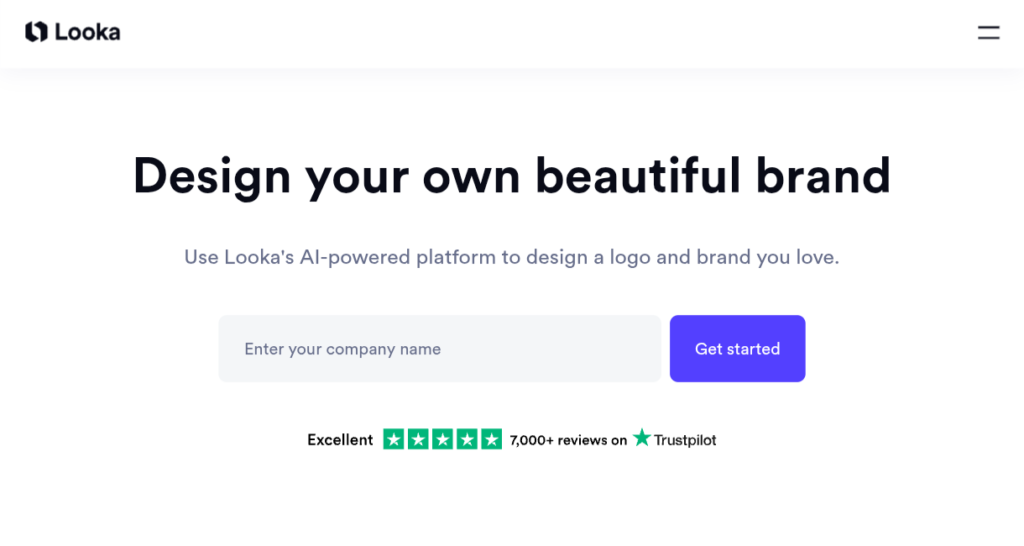
Looka Logo Maker is one of the strongest choices if you want more than just a logo.
You enter your:
- Business name
- Industry
- Preferred colors
- Logo styles
- Symbols
Looka then generates multiple concepts based on your preferences. You can customize colors, fonts and layouts afterward.
It can also provide different logo variations and vector formats such as SVG and EPS with its paid packages.
Best for: Startups, small businesses and complete brand identities.
2. Canva — Best for Beginners
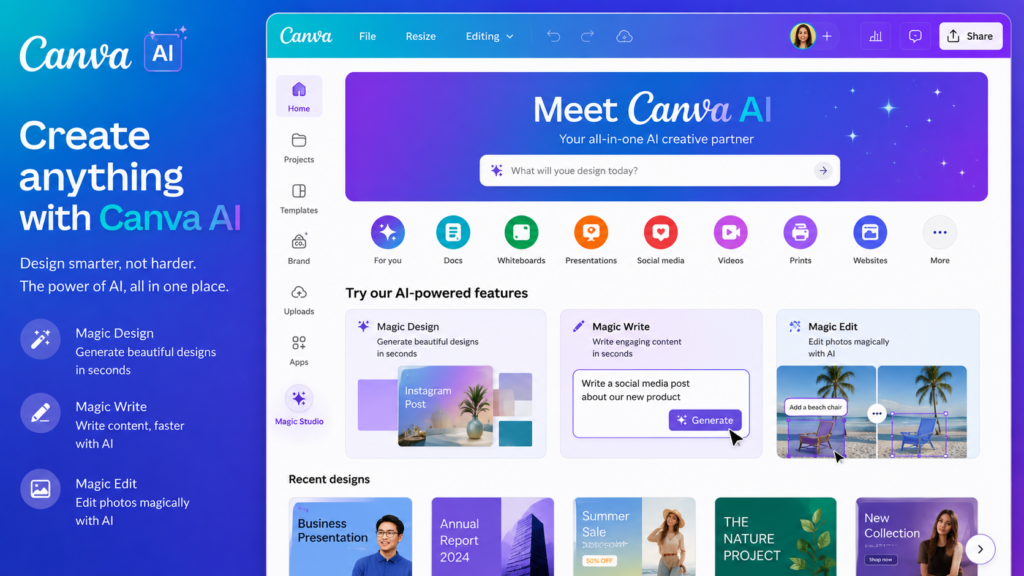
Canva is an excellent option if you want to create a logo and then continue editing it yourself.
You can combine AI-assisted design with Canva’s:
- Templates
- Fonts
- Icons
- Shapes
- Colors
- Brand assets
This makes Canva particularly useful for beginners who don’t want to depend entirely on an automatic logo generator.
Best for: Students, bloggers, creators and small businesses.
3. Adobe Express — Best AI Logo Generator
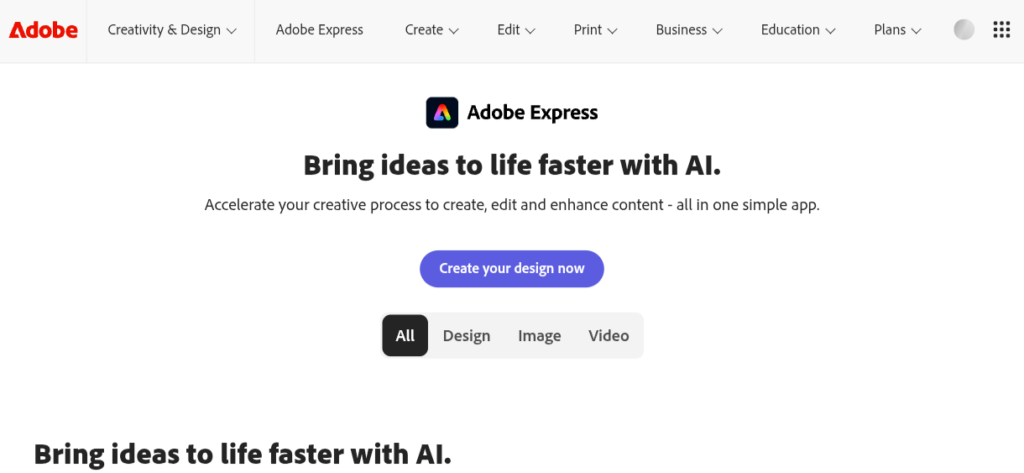
Adobe Express lets you describe the logo you want using a text prompt.
For example:
“Modern minimalist logo for a technology blog, blue and orange, clean geometric icon.”
Adobe says you can generate a logo, refine it in the editor and download it as a PNG with a transparent background.
Best for: People who want prompt-based AI generation plus editing.
4. Logo.com — Best for Small Businesses
LOGO.com focuses on logos and broader brand identity.
It can be useful if you want your logo to be accompanied by other business materials.
Its current comparison with Looka highlights features such as AI-generated icons, templates, brand guidelines and website-related branding tools.
Best for: Small businesses wanting a wider branding package.
5. Wix Logo Maker — Best for Website Owners
Wix is worth considering if you’re already creating your website with Wix.
The advantage is that your logo and website can be developed as part of the same branding workflow.
Best for: Businesses building their website and logo together.
6. Brandmark — Best for Automated Branding
Brandmark focuses on generating logos and related brand assets.
It’s useful when you want AI to suggest a complete visual direction rather than manually designing every element.
Best for: Startups and businesses that want automated branding ideas.
7. Tailor Brands — Best for Complete Branding
Tailor Brands goes beyond logo creation and focuses on broader business branding.
Depending on the plan, it can help with things such as:
- Logo design
- Brand identity
- Business materials
- Website-related tools
- Social media branding
Best for: Entrepreneurs who want multiple business-branding tools in one place.
8. Design.com — Best for Lots of Logo Ideas
Design.com is useful when you want to explore many different logo concepts quickly.
It combines AI-assisted generation with a large collection of design options.
Best for: People who want lots of concepts to compare before choosing a direction.
9. LogoAI — Best for Quick Logo Creation
LogoAI focuses on quickly generating logo concepts based on your business information and preferred design style.
It can be useful if you don’t want to spend a lot of time learning graphic-design software.
Best for: Quick startup and small-business logos.
10. BrandCrowd — Best for Logo Templates
BrandCrowd is particularly useful if you prefer browsing existing design concepts and customizing one instead of relying entirely on text-to-image generation.
You can explore different styles and adapt them to your business.
Best for: Beginners who prefer templates and customization.
Which AI Logo Maker Should You Choose?
🏆 Best overall
Looka
Choose it if you want a logo plus a broader brand identity.
🆓 Best for beginners
Canva
Great if you want to manually edit and reuse your branding across social media.
🤖 Best prompt-based AI generation
Adobe Express
Describe your idea and generate a starting design.
💼 Best for small businesses
Logo.com
Useful if you want more than just a standalone logo.
🌐 Best for website owners
Wix Logo Maker
Especially convenient if your website is already on Wix.
Are AI Logo Makers Really Free?
This is where you should be careful.
“Free logo maker” can mean several different things.
A service may let you:
- Generate logo concepts for free
- Preview the logo for free
- Edit the logo for free
- Download a low-resolution version for free
while charging for:
- High-resolution files
- SVG/EPS files
- Commercial-use packages
- Brand kits
- Transparent versions
- Additional branding materials
For example, Looka allows you to create and explore designs for free, but its downloadable logo packages and brand-kit features are paid.
Adobe Express, meanwhile, says its AI logo generator can generate and download a PNG with a transparent background.
Always check the current license and download terms before using a logo commercially.
How to Make a Better AI Logo
Don’t simply type:
“Make me a logo.”
Give the AI more information.
Try:
“Create a clean modern logo for a technology blog called Learninf. Use a blue and orange color palette, a simple education and technology icon, bold typography, minimal design, white background, professional appearance, and no unnecessary details.”
This gives the generator much more direction.
7 Tips for a Professional Logo
1. Keep it simple
A complicated logo can become difficult to recognize.
2. Use 2–3 main colors
Too many colors can make the design look messy.
3. Check it in black and white
A good logo should still be recognizable without color.
4. Check it at small sizes
Your logo should work as:
- Website favicon
- Instagram profile picture
- YouTube channel icon
- Business card
- Mobile header
5. Don’t use too many fonts
One or two fonts are usually enough.
6. Download a vector version when possible
SVG/EPS files can be scaled without losing quality. Looka, for example, includes vector formats in its premium packages.
7. Check licensing
Before using an AI-generated logo for a business, understand what rights you’re actually receiving.
Final Verdict
AI logo makers are excellent for getting a professional starting point without hiring a designer immediately.
Looka is my choice if you want a complete brand identity.
Canva is excellent for beginners who want maximum editing flexibility.
Adobe Express is a strong option if you want to generate a logo directly from a text description.
For small businesses, Logo.com and Tailor Brands are worth considering when you need additional branding materials.
But remember: AI should generate the starting concept—not necessarily the final brand identity. Spend some time refining the typography, colors, icon and spacing so the final logo actually represents your business.
Making logo easily and thanks for the info,