
Creating a professional resume can be difficult, especially when you’re applying for jobs that use Applicant Tracking Systems (ATS). AI resume builders can help you write stronger bullet points, tailor your resume to a job description, improve formatting, and identify missing keywords.
In 2026, some of the most useful options include Teal, Rezi, Kickresume, Enhancv, Resume.io, and Canva. Recent comparisons have particularly highlighted Teal for job-search workflows, Rezi for ATS optimization, and Kickresume for design and AI-assisted writing.
Top AI Resume Builders
| Tool | Best For |
|---|---|
| Teal | ⭐ Job search + resume tailoring |
| Rezi | ⭐ ATS optimization |
| Kickresume | Design + AI writing |
| Enhancv | Creative resumes |
| Resume.io | Easy resume creation |
| Canva | Resume design |
| Novorésumé | Beginners |
| Resume Worded | Resume improvement |
| Jobscan | ATS keyword checking |
| Zety | Guided resume creation |
1. Teal — Best for Job Seekers
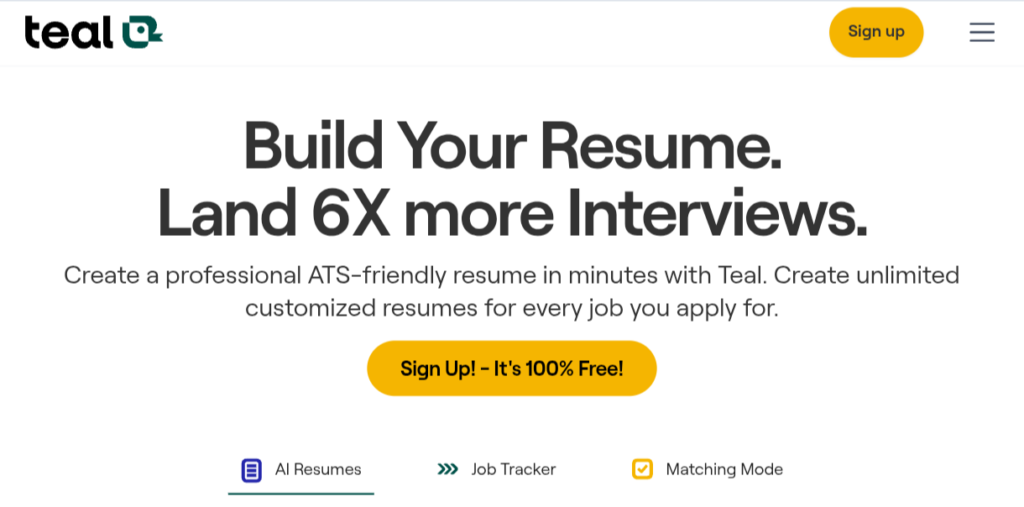
Teal is more than a resume builder. It combines resume creation with tools designed to organize and manage a job search.
You can use it to:
- Create multiple resume versions
- Tailor your resume to job descriptions
- Track applications
- Identify relevant keywords
- Create cover letters
- Organize your job search
A 2026 comparison from Official AI Ranking selected Teal as its top recommendation for active job seekers, particularly because of its free tier and job-description matching workflow.
Best for
People applying to many jobs and wanting one place to manage their applications.
2. Rezi — Best for ATS Optimization
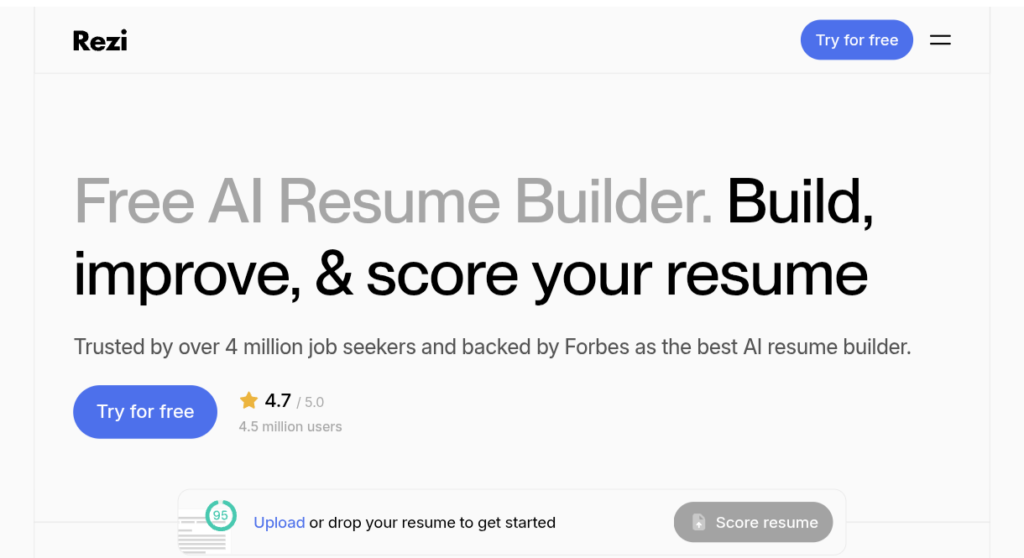
If your biggest concern is whether your resume will work well with an ATS, Rezi is one of the tools worth trying.
Rezi focuses heavily on:
- ATS-friendly formatting
- Job-specific keywords
- AI-generated bullet points
- Resume scoring
- Resume tailoring
- Professional templates
Rezi’s own 2026 comparison ranks it highly for ATS-friendly templates and AI features, while independent comparisons also identify it as a strong ATS-focused option.
Best for
Applicants who want to optimize their resume for specific job descriptions.
3. Kickresume — Best for Design + AI Writing
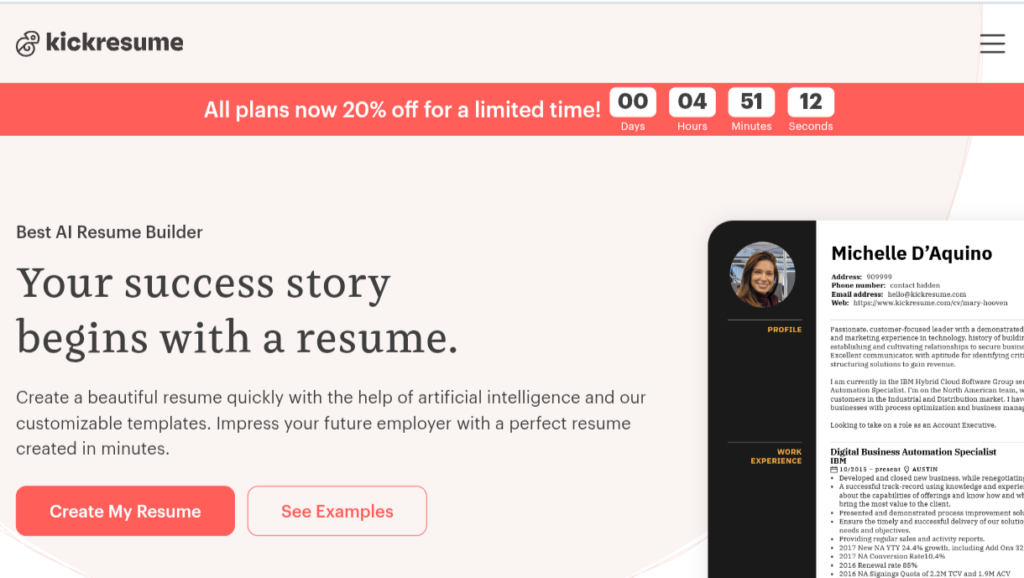
Kickresume is a good choice if you want your resume to look professional without spending hours formatting it.
It offers:
- AI-assisted writing
- Resume templates
- Cover-letter creation
- Job-specific customization
- Multiple resume styles
A June 2026 comparison tested Kickresume alongside several other popular AI resume builders and highlighted its templates and AI capabilities.
Best for
Students, graduates, professionals and applicants who care about both design and content.
4. Enhancv — Best for Creative Resumes
Enhancv takes a more design-focused approach to resume creation.
It can be useful when you’re applying for roles where presentation and personal branding matter.
You can create resumes with:
- Modern layouts
- Visual sections
- Career summaries
- Skills
- Achievements
- Professional experience
A 2026 comparison from Enhancv reported strong results for its own platform in job tailoring, AI writing and design, although that comparison is published by the company itself.
Best for
Creative professionals and applicants who want a visually distinctive resume.
Important: For ATS-heavy applications, choose a simple, single-column template rather than an overly decorative design.
5. Resume.io — Best for Simple Resume Creation
Resume.io focuses on making resume creation straightforward.
You can start with a template and fill in your:
- Personal summary
- Work experience
- Education
- Skills
- Certifications
- Projects
AI assistance can help improve parts of your resume.
Best for
Beginners who want a quick and simple resume-building experience.
One thing to check carefully is the current download and subscription terms before paying.
6. Canva — Best for Visual Resume Design
Canva is extremely popular for creating visual documents and resumes.
You can choose from many templates and customize:
- Fonts
- Colors
- Layouts
- Icons
- Sections
- Graphics
It’s particularly useful for portfolios and creative applications.
However, there is an important warning
Don’t automatically choose the most visually impressive Canva resume for every job.
If a company uses an ATS, a simple, text-based, single-column resume can be safer than a heavily designed template.
Best for
Creative roles, portfolios and situations where visual presentation matters.
7. Novorésumé — Best for Beginners
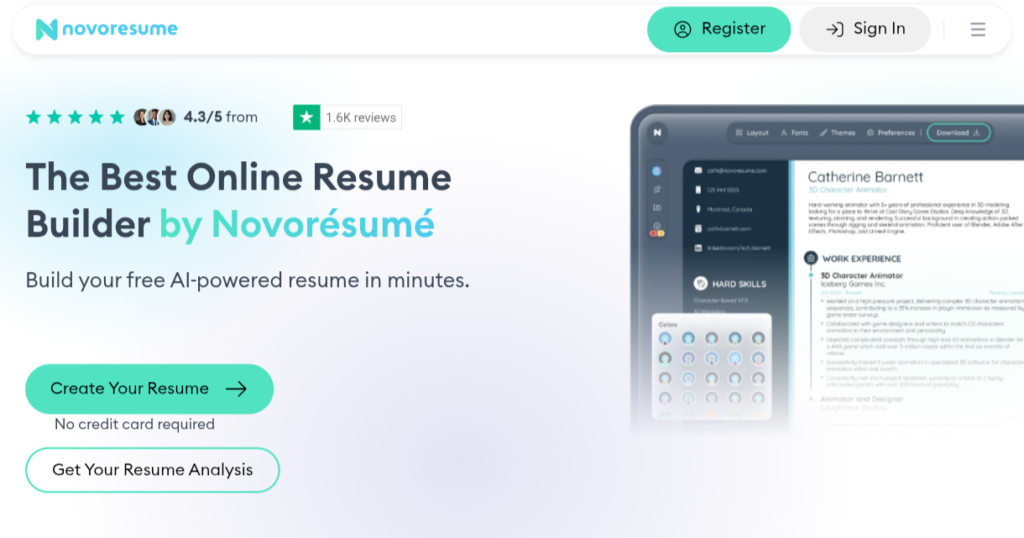
Novorésumé focuses on helping users create professional resumes without needing advanced design skills.
It offers clean templates and guided resume creation.
Best for
- Students
- Fresh graduates
- First-time job applicants
- Professionals updating an old resume
It’s a good choice if you’re starting from scratch and don’t know what sections to include.
8. Resume Worded — Best for Improving an Existing Resume
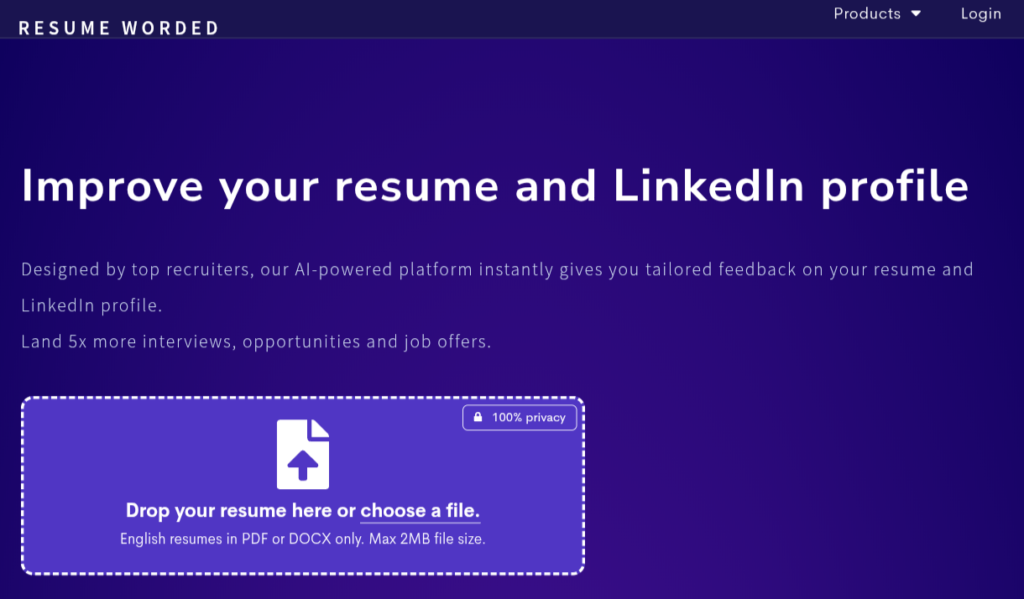
Sometimes you don’t need to create a completely new resume.
You already have one—you just want to know what’s wrong with it.
That’s where resume-review tools can be useful.
Resume Worded can help you identify potential weaknesses in areas such as:
- Bullet points
- Skills
- Impact
- Formatting
- LinkedIn profile
- Resume content
Best for
People who already have a resume and want to improve it.
9. Jobscan — Best for ATS Keyword Matching
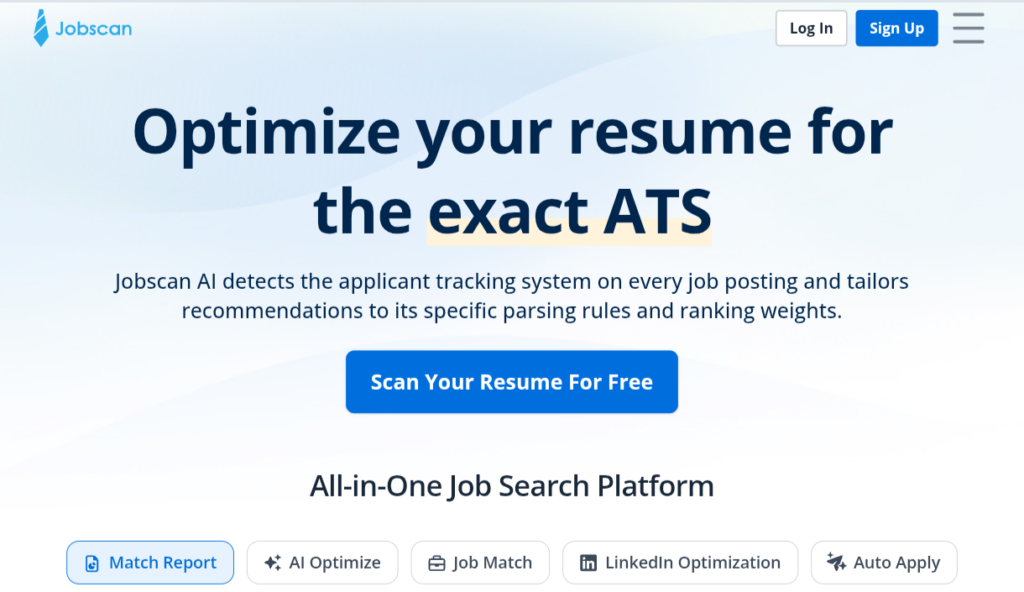
Jobscan takes a slightly different approach.
Instead of simply creating a resume, it can compare your resume against a specific job description.
This can help you identify:
- Missing keywords
- Relevant skills
- Job-specific terminology
- Potential ATS issues
Recent 2026 comparisons continue to list Jobscan as a useful ATS-scanning companion.
Best for
Tailoring an existing resume to individual job applications.
10. Zety — Best for Guided Resume Building
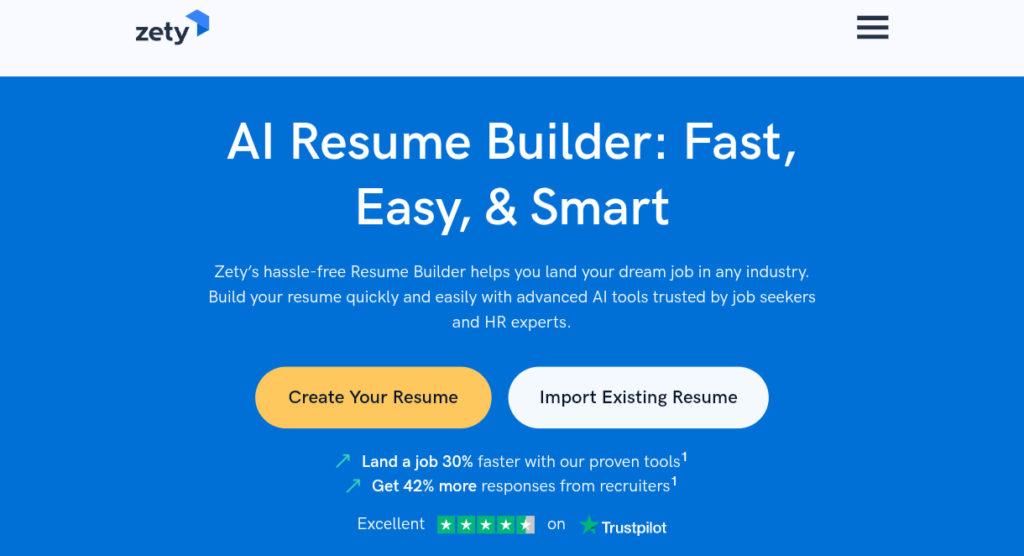
Zety provides a guided approach where you’re taken through different sections of your resume.
This can be useful if you don’t know what to write in:
- Professional summary
- Experience
- Skills
- Education
- Achievements
Best for
First-time resume writers who want step-by-step guidance.
AI Resume Builder Comparison
| Tool | ATS Focus | AI Writing | Templates | Best Use |
|---|---|---|---|---|
| Teal | ⭐⭐⭐⭐⭐ | ⭐⭐⭐⭐⭐ | ⭐⭐⭐⭐ | Job search |
| Rezi | ⭐⭐⭐⭐⭐ | ⭐⭐⭐⭐⭐ | ⭐⭐⭐⭐ | ATS |
| Kickresume | ⭐⭐⭐⭐ | ⭐⭐⭐⭐⭐ | ⭐⭐⭐⭐⭐ | Design + AI |
| Enhancv | ⭐⭐⭐⭐ | ⭐⭐⭐⭐ | ⭐⭐⭐⭐⭐ | Creative resumes |
| Resume.io | ⭐⭐⭐⭐ | ⭐⭐⭐⭐ | ⭐⭐⭐⭐⭐ | Beginners |
| Canva | ⭐⭐⭐ | ⭐⭐⭐ | ⭐⭐⭐⭐⭐ | Visual design |
| Novorésumé | ⭐⭐⭐⭐ | ⭐⭐⭐⭐ | ⭐⭐⭐⭐ | Students |
| Jobscan | ⭐⭐⭐⭐⭐ | ⭐⭐⭐ | — | ATS checking |
| Resume Worded | ⭐⭐⭐⭐⭐ | ⭐⭐⭐⭐ | — | Resume improvement |
| Zety | ⭐⭐⭐⭐ | ⭐⭐⭐⭐ | ⭐⭐⭐⭐⭐ | Guided creation |
Which AI Resume Builder Is Best for Students?
If you’re a student or recent graduate, you don’t necessarily need the most expensive resume platform.
I’d consider:
🥇 Teal
Good if you’re actively applying for multiple jobs.
🥈 Kickresume
Good if you want a professional-looking resume and AI assistance.
🥉 Novorésumé
Good if you’re creating your first resume.
Also consider Rezi
Especially if you’re applying for technical positions and want to focus heavily on ATS optimization.
Which Is Best for ATS?
If ATS compatibility is your main priority, I’d put:
1. Rezi
2. Teal
3. Jobscan
4. Kickresume
But remember: no tool can guarantee that your resume will “beat” an ATS.
ATS systems vary between employers, and keyword matching isn’t the only factor in getting an interview.
The safest general approach is to use:
- Standard section headings
- Simple formatting
- Clear job titles
- Relevant keywords
- No unnecessary graphics
- No excessive columns
- Accurate information
Recent ATS-focused comparisons specifically recommend simple structures such as single-column layouts without text boxes or decorative icon columns.
How to Use AI to Create a Better Resume
Don’t simply tell an AI:
“Make me a resume.”
Give it useful information.
For example:
“I’m a BCA graduate applying for a junior software developer position. I know Java, Python, SQL and HTML/CSS. Create concise achievement-focused resume bullet points based only on the experience I provide. Don’t invent qualifications or work experience.”
This is much better because you’re giving the AI context while explicitly preventing it from making up information.
Never Let AI Invent Your Experience
This is one of the most important rules.
AI may sometimes create impressive-sounding statements that aren’t actually true.
For example, if you worked on a college project, don’t allow AI to turn it into:
“Led a team of 10 developers and increased system efficiency by 40%.”
unless you actually did those things.
Instead, give the AI your real information and ask it to present it professionally without changing the facts.
Your resume should be accurate.
What Makes an ATS-Friendly Resume?
A simple resume can often be more effective than an overly complicated one.
Use:
- Clear headings
- Standard fonts
- Simple formatting
- Consistent dates
- Relevant keywords
- Short bullet points
- Reverse-chronological experience
- PDF when appropriate
Avoid:
- Excessive graphics
- Complex tables
- Text inside images
- Multiple decorative columns
- Unusual section names
- Fake achievements
- Keyword stuffing
The objective isn’t to trick the ATS.
The objective is to make your real qualifications easy for both software and recruiters to understand.
Can AI Write Your Entire Resume?
Technically, yes.
But I wouldn’t recommend simply generating the entire resume and submitting it without editing.
A better workflow is:
Your information → AI draft → Your corrections → ATS check → Final resume
This gives you the speed of AI while keeping the resume authentic.
Are AI Resume Builders Free?
Some offer free plans, while others restrict important features such as downloads, advanced AI features, or unlimited resume versions to paid plans.
Teal currently stands out in comparisons for offering a useful free tier, while other builders use different combinations of free access, trials and paid subscriptions.
Before paying, check:
- Whether PDF download is free
- Number of resumes allowed
- AI usage limits
- ATS scoring availability
- Cover-letter features
- Subscription renewal terms
- Export formats
Final Verdict
If you want one AI resume builder to start with, I’d choose based on your situation.
Best overall for an active job search: Teal
Best for ATS optimization: Rezi
Best for design + AI writing: Kickresume
Best for creative resumes: Enhancv
Best for simple resume creation: Resume.io
Best for visual design: Canva
Best for checking an existing resume: Resume Worded or Jobscan
The most important thing, however, isn’t the software.
A great resume builder cannot create experience you don’t have. Use AI to present your genuine skills, projects and achievements more clearly, tailor the resume to each job, and then review everything yourself before submitting.