
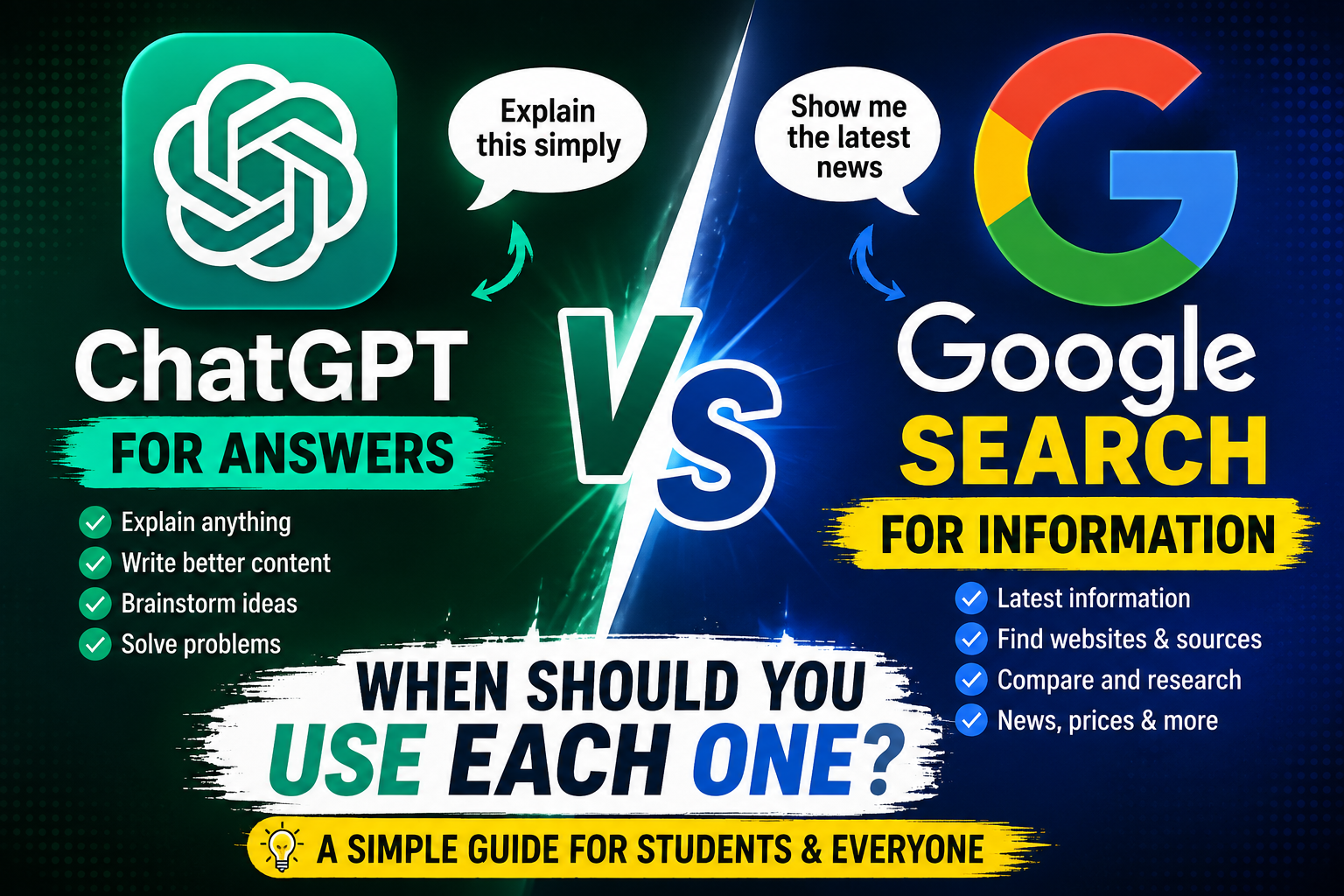
When you need an answer, there are two tools you probably use more than anything else: Google Search and AI assistants such as ChatGPT.
At first, they may seem like competitors. You type a question into Google and get results. You type the same question into ChatGPT and get an answer.
But they actually work very differently.
Google is primarily designed to help you find information, websites, products, news and sources. ChatGPT is designed to help you understand information, generate ideas, write, explain concepts and work through problems.
So which one should you use?
The answer depends on what you’re trying to accomplish.
Google Search vs ChatGPT at a Glance
| Task | Better Choice |
|---|---|
| Finding today’s news | |
| Finding an official website | |
| Shopping for a product | |
| Comparing several websites | |
| Understanding a difficult topic | ChatGPT |
| Brainstorming ideas | ChatGPT |
| Rewriting text | ChatGPT |
| Creating a study plan | ChatGPT |
| Explaining code | ChatGPT |
| Finding the original source | |
| Checking current information | Google + ChatGPT |
| Summarizing information you’ve provided | ChatGPT |
Neither tool is the winner for everything.
1. Use Google When You Need Current Information
One of the biggest advantages of search engines is that they help you find information that is changing frequently.
For example, suppose you want to know:
“What are today’s technology news headlines?”
A search engine is generally the better starting point because you can see recently published articles from news organizations and other websites.
The same applies to:
- Current prices
- Product availability
- Weather
- Sports results
- Government announcements
- Exam notifications
- Software updates
- Company announcements
- Current events
For these topics, freshness matters.
Example
If you’re looking for the latest information about a government scholarship, don’t rely on an old AI answer.
Search for the official government website and check the latest announcement.
My rule:
If the information can change tomorrow, search for it and check the date.
2. Use ChatGPT When You Need an Explanation
This is where an AI assistant can be extremely useful.
Imagine you’re studying databases and don’t understand the difference between a primary key and a foreign key.
Instead of searching through several pages, you can ask:
“Explain primary key and foreign key to me like I’m a beginner. Give me a simple real-world example.”
An AI assistant can adapt the explanation to your level.
You can then continue asking questions:
“Give me another example.”
“Explain it even more simply.”
“Give me five exam questions about this topic.”
That conversational approach can make learning easier.
3. Use Google When You Need the Original Source
AI can explain information, but sometimes you need to know where the information came from.
For example, if you’re researching:
- Government rules
- University regulations
- Official policies
- Product specifications
- Company announcements
- Legal information
it’s better to find the original source.
Search for the official website and read the information yourself.
A simple rule
AI can help you understand the information.
Google can help you find the source.
Ideally, use both.
4. Use ChatGPT for Brainstorming
Search engines aren’t necessarily the best tool when you don’t know exactly what you’re looking for.
Suppose you want to start a technology blog but don’t know what to write about.
You can ask ChatGPT:
“Give me 20 technology blog ideas for beginners. Avoid generic topics and suggest ideas that solve specific problems.”
You can then refine the ideas:
“Give me ideas specifically for college students.”
“Make them suitable for beginners.”
“Give me ideas that can be explained with screenshots.”
This makes AI particularly useful during the idea-generation stage.
5. Use Google When Shopping
Suppose you’re looking for a laptop under ₹50,000.
You probably shouldn’t ask an AI assistant for one answer and immediately buy it.
Instead, search multiple stores and compare:
- Current price
- Processor
- RAM
- Storage
- Display
- Battery
- Warranty
- Reviews
- Availability
Prices can change quickly, so current shopping information should be verified before purchasing.
AI can still help you understand the specifications.
For example:
“Explain the difference between Ryzen 5 7430U and Intel Core i5-1235U.”
That’s where AI becomes useful again.
6. Use ChatGPT for Writing and Rewriting
If you’ve written a paragraph but it doesn’t sound clear, AI can help.
For example:
“Rewrite this paragraph in simple English while keeping the original meaning.”
It can also help with:
- Blog outlines
- Emails
- Captions
- Summaries
- Ideas
- Grammar
- Explanations
- Study notes
However, you should review the result instead of blindly publishing everything AI generates.
7. Use Google for Finding Websites and Pages
If you know exactly where you want to go, search engines are usually convenient.
For example:
“Karnataka scholarship official website”
or:
“Kuvempu University official website”
The important part is checking that you’re actually opening the official website rather than an unrelated page.
This is particularly important for applications, payments and official documents.
8. Use ChatGPT for Step-by-Step Guidance
Let’s say you want to learn how to create a WordPress website.
Instead of searching dozens of separate questions, you can ask:
“Teach me how to create a WordPress website as a complete beginner. Give me one step at a time.”
Then you can ask follow-up questions whenever you get stuck.
For beginners, this can be much easier than jumping between multiple tutorials.
But for instructions involving current WordPress features, it’s still smart to check the official documentation because interfaces and features can change.
9. Use Both for Research
This is probably the most useful approach.
Instead of choosing Google OR ChatGPT, use:
Google → Find information
ChatGPT → Understand information
Google → Verify important claims
ChatGPT → Organize your notes
For example, suppose you’re researching artificial intelligence.
Step 1
Search for reliable sources.
Step 2
Read the information.
Step 3
Give the relevant information to ChatGPT and ask it to explain it simply.
Step 4
Check important facts against the original sources.
This combines the strengths of both tools.
10. Don’t Treat AI Answers as Automatically Correct
This is one of the biggest mistakes beginners make.
AI can produce an answer that sounds extremely confident while still being wrong or outdated.
For important information, verify it.
This is especially important for:
- Medical information
- Financial information
- Legal matters
- Government rules
- Exam notifications
- Prices
- Product specifications
- Current events
The more important the decision, the more carefully you should verify the information.
A Simple Decision Rule
When you’re unsure which tool to use, ask yourself one question:
“Do I need to FIND something or UNDERSTAND something?”
If you need to find something:
➡️ Google Search
If you need to understand, create or discuss something:
➡️ ChatGPT
If you need both:
➡️ Use Google + ChatGPT
Real-Life Examples
You want today’s cricket score
Google/Search → Better
You need current information.
You don’t understand a cricket rule
ChatGPT → Better
You need an explanation.
You want to buy a laptop
Google → Better for current prices
ChatGPT → Better for understanding specifications
You need ideas for a YouTube channel
ChatGPT → Better
You want the official YouTube website
Google → Better
You want to summarize your class notes
ChatGPT → Better
You want to verify a government announcement
Google → Better
You want to create a study timetable
ChatGPT → Better
What About AI Search Engines?
The difference between traditional search and AI is becoming less clear.
Modern search experiences increasingly provide AI-generated summaries, while AI assistants can also search for current information.
That means the tools are starting to overlap.
However, the basic principle remains useful:
Search when the source matters.
AI when the conversation and explanation matter.
And when accuracy is important, verify the answer using reliable sources.
My Recommended Workflow
If I were researching a topic for a blog, I wouldn’t use only one tool.
I’d use this workflow:
Step 1 — Search
Find reliable and relevant sources.
Step 2 — Read
Don’t just copy the search-result snippet.
Step 3 — Understand
Use AI to explain difficult concepts if necessary.
Step 4 — Verify
Check important claims against the original sources.
Step 5 — Create
Use your own understanding and experience to produce the final content.
This approach is much safer than simply asking AI to write an entire article and publishing the response unchanged.
Google vs ChatGPT: Final Verdict
So, which one is better?
Neither.
They are useful for different purposes.
Google is excellent when you need to discover websites, find current information, compare sources and locate original information.
ChatGPT is excellent when you need to explain concepts, brainstorm, write, summarize, organize information and work through a problem conversationally.
The smartest approach isn’t to choose one and completely ignore the other.
Use them together.
Search to find.
AI to understand.
Search to verify.
AI to organize and create.
Once you understand this difference, you can stop asking which tool is universally better and start using the right tool for the job.
Quick Cheat Sheet
🟢 Choose Google when:
- You need current information
- You need an official source
- You’re shopping
- You’re checking prices
- You’re looking for news
- You need a specific website
🔵 Choose ChatGPT when:
- You need an explanation
- You want brainstorming
- You need help writing
- You want a study plan
- You need a summary
- You want help understanding code
🟣 Use both when:
- You’re researching an important topic
- You need current information explained simply
- You’re writing an article
- You’re comparing products
- You need to verify AI-generated information