
Buying a laptop can be confusing, especially when you see specifications like Core i5, Ryzen 5, 16GB RAM, SSD, OLED, 120Hz and many other terms.
A common mistake is to look at only the processor or the price.
A better approach is to look at the whole laptop and consider what you actually need it for.
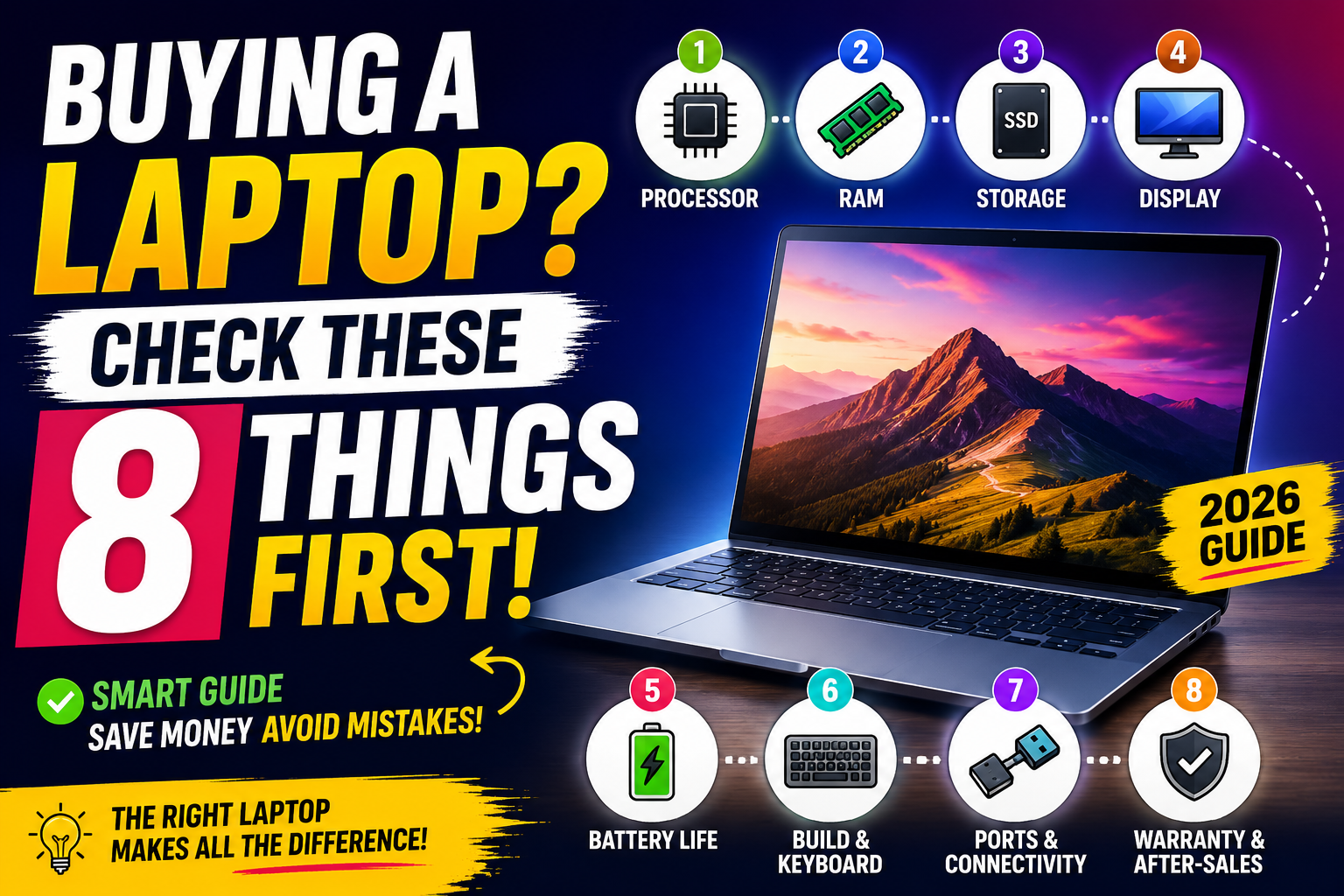
Whether you’re buying a laptop for college, work, programming, editing, or everyday use, here are 8 important things to check before spending your money.
1. Check the Processor
The processor, or CPU, is one of the most important components in a laptop.
You’ll commonly see processors from:
- Intel
- AMD
- Apple
- Qualcomm
For Windows laptops, you may encounter names such as:
- Intel Core i3
- Intel Core i5
- Intel Core i7
- AMD Ryzen 3
- AMD Ryzen 5
- AMD Ryzen 7
- Intel Core Ultra
But don’t assume that Core i7 is always faster than Core i5.
The generation and exact processor model matter.
For example, a newer-generation Core i5 can outperform an older Core i7 in some workloads.
What should you choose?
For basic tasks such as:
- Browsing
- Microsoft Office
- Online classes
- YouTube
- Basic programming
A modern entry-level processor can be enough.
For heavier multitasking, programming, editing and demanding applications, look toward a stronger Core i5/Core Ultra 5 or Ryzen 5-class processor or better, depending on the specific model.
Don’t buy based only on “i5” or “Ryzen 5.” Check the exact CPU model.
2. Don’t Ignore RAM
RAM affects how well your laptop handles multiple applications at the same time.
For example, you might have:
- Chrome with many tabs
- Word
- Spotify
- A programming application
running simultaneously.
How much RAM do you need?
| RAM | Suitable for |
|---|---|
| 4GB | Very basic use; generally avoid for a new laptop |
| 8GB | Basic everyday use |
| 16GB | ⭐ Best choice for most people |
| 32GB | Heavy workloads and professional use |
For a laptop you’re planning to keep for several years, 16GB is a much safer target if your budget allows it.
Also check whether the RAM is upgradeable.
Some thin laptops have memory soldered directly onto the motherboard, meaning you may not be able to upgrade it later.
3. Check the Storage
For a new laptop, an SSD is strongly preferable to an old mechanical hard drive.
An SSD can make everyday tasks feel much faster, including:
- Starting Windows
- Opening applications
- Loading files
- Booting the laptop
- Installing software
How much storage?
256GB: Suitable for light users, but can fill quickly.
512GB: ⭐ A good balance for most students and everyday users.
1TB: Better if you store lots of videos, games, projects or large files.
Don’t look only at the storage number.
Also check what type of SSD the laptop uses and whether additional storage can be installed later.
4. Look Carefully at the Display
You will stare at your laptop screen for hours, so the display deserves more attention than many buyers give it.
Check:
Resolution
Full HD (1920 × 1080) is a good starting point for most laptops.
Higher resolutions can provide sharper images but may also affect battery life and price.
Panel type
IPS panels are common and can provide good viewing angles.
OLED displays can offer excellent contrast and deep blacks, but they’re usually more expensive and have their own considerations.
Refresh rate
You may see:
- 60Hz
- 90Hz
- 120Hz
- 144Hz
A higher refresh rate can make scrolling and animations feel smoother.
For ordinary office and study work, 60Hz can still be perfectly usable.
Brightness
If you frequently work near windows or outdoors, a brighter display can make a noticeable difference.
Don’t buy a laptop solely because it says “120Hz.” Check the overall display quality.
5. Check Battery Life
Battery capacity is important, but the number printed on the specification sheet doesn’t tell the whole story.
Battery life depends on:
- Processor efficiency
- Display brightness
- Screen resolution
- Refresh rate
- Background applications
- Battery capacity
- Your workload
A laptop with a large battery isn’t automatically going to last longer than every laptop with a smaller battery.
If battery life is important to you, look for independent reviews and real-world battery tests rather than relying only on the manufacturer’s claim.
For students
If you’re carrying your laptop to college every day, battery life can be more important than having an extremely powerful processor.
6. Check the Keyboard, Trackpad and Build Quality
Specifications aren’t everything.
A laptop can have a powerful processor and still be unpleasant to use.
Before buying, check:
- Keyboard quality
- Key travel
- Trackpad size
- Webcam position
- Hinge quality
- Weight
- Build material
If possible, visit a physical store and actually type on the laptop.
This can reveal things that a specification sheet cannot.
Ask yourself:
Is the keyboard comfortable?
Does the trackpad feel responsive?
Can I carry this laptop comfortably every day?
These seemingly small details become important when you use a laptop for several hours every day.
7. Check Ports and Connectivity
Don’t forget the ports.
Depending on your needs, you may want:
- USB-A
- USB-C
- HDMI
- Headphone jack
- SD card slot
- Ethernet
- Thunderbolt or USB4
A thin laptop may have fewer physical ports than a larger model.
If you regularly connect:
- External monitors
- Pendrives
- Hard drives
- Cameras
- Projectors
- Accessories
make sure the laptop has the ports you need.
Also check its wireless connectivity, such as Wi-Fi and Bluetooth versions, especially if you’re buying a laptop you plan to use for several years.
8. Check the Warranty and After-Sales Service
This is one of the easiest things to forget when you’re excited about getting a new laptop.
Before buying, check:
- Warranty period
- Warranty type
- Manufacturer service centers
- Accidental damage coverage
- Battery warranty
- Return/replacement policy
- Availability of spare parts
A slightly cheaper laptop isn’t necessarily a better deal if getting it repaired becomes difficult.
Especially important when buying online
Check the seller, return policy and warranty information before placing the order.
Don’t assume that every laptop listing has identical after-sales support.
Bonus: Don’t Forget the Operating System
Check which operating system comes with the laptop.
For example:
- Windows
- macOS
- ChromeOS
- Linux
Also check whether Windows is officially licensed if the laptop is advertised with Windows.
Some inexpensive laptops may come with a different operating system or no operating system at all.
What Should Students Look For?
If you’re buying a laptop mainly for college work, you don’t necessarily need an expensive high-end machine.
A sensible configuration for many students would be approximately:
- 16GB RAM
- 512GB SSD
- Modern processor
- Full HD or better display
- Good battery life
- Comfortable keyboard
- USB-C
- Reliable warranty
The exact processor should depend on your course and workload.
For example, someone studying programming may want more processing power than someone who mainly uses Word, PowerPoint and a browser.
What About Gaming?
If you want to play modern games, the graphics processor becomes much more important.
Look for:
- Dedicated GPU
- Adequate cooling
- High-refresh-rate display
- Sufficient RAM
- Fast SSD
- Good power delivery
Don’t buy a gaming laptop based only on the CPU.
A powerful CPU paired with a weak GPU may not provide the gaming performance you’re expecting.
What About Video Editing?
For video editing, consider:
- Strong multi-core CPU
- 16GB or more RAM
- Fast SSD
- Good display
- Dedicated GPU when appropriate
- Good cooling
If you’re editing 4K footage or working with demanding professional software, you may need considerably more performance than someone doing basic 1080p editing.
The Biggest Laptop Buying Mistake
The biggest mistake isn’t necessarily choosing the “wrong” processor.
It’s buying a laptop based on one specification without considering the whole machine.
For example:
“This laptop has an i5, so it must be good.”
Not necessarily.
You should look at:
CPU + RAM + SSD + display + battery + build + ports + warranty + price.
A balanced laptop is usually a better purchase than a machine with one impressive specification and several compromises elsewhere.
A Simple Laptop Buying Checklist
Before you click Buy, check these eight things:
☑️ 1. Processor — Check the exact model and generation.
☑️ 2. RAM — 16GB is a good target for many buyers.
☑️ 3. Storage — Prefer SSD; 512GB is a useful starting point.
☑️ 4. Display — Check resolution, panel, brightness and refresh rate.
☑️ 5. Battery — Look for real-world reviews.
☑️ 6. Build & keyboard — Make sure it’s comfortable and portable.
☑️ 7. Ports — Make sure it supports your accessories.
☑️ 8. Warranty — Check service and return options.
Final Thoughts
Buying a laptop doesn’t have to be complicated.
You don’t need to understand every technical specification. Instead, identify what you actually need the laptop to do and then compare the important components.
For most people, a balanced laptop with sufficient RAM, an SSD, a good display, reliable battery life and strong after-sales support is a better choice than simply buying the laptop with the most impressive processor name.
And before buying any particular model, check current pricing, specifications, reviews and warranty information, because laptop configurations and prices can change.
The best laptop isn’t necessarily the most powerful one. It’s the one that fits your needs and budget without unnecessary compromises.